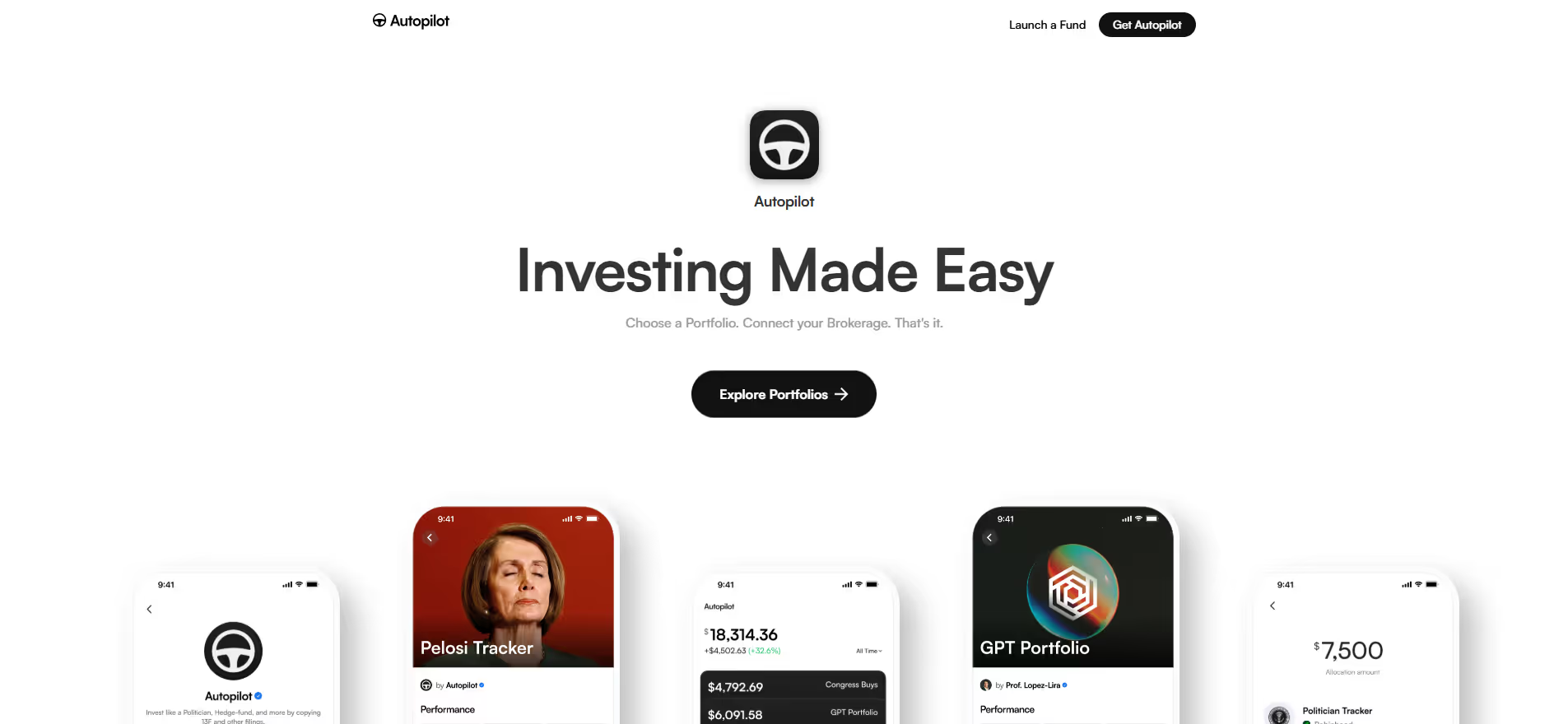
Autopilot
Key Applications
- Lead Nurturing: Automating personalized email and SMS sequences to guide leads through the sales funnel.
- Customer Onboarding: Creating automated communication flows for new users to improve product adoption and engagement.
- Lifecycle Marketing: Engaging customers at different stages of their journey with relevant content, offers, and support.
- Sales Follow-up: Triggering automated tasks or notifications for sales teams based on lead behavior and engagement.
Who It’s For
Marketing teams in small to medium-sized businesses, e-commerce companies, and SaaS providers who seek an intuitive, visual platform to automate and optimize their customer communication strategies and personalize experiences.
Pros & Cons
| Pros |
Cons |
| ✔️ Highly intuitive drag-and-drop visual journey builder simplifies complex automation. |
✖️ Advanced segmentation and reporting might require a steeper learning curve compared to some competitors. |
| ✔️ Comprehensive multi-channel engagement options including email, SMS, in-app, and direct mail. |
✖️ Pricing can scale rapidly with larger contact databases, potentially impacting budget for growing businesses. |
| ✔️ Strong integration ecosystem with popular CRMs (e.g., Salesforce, Pipedrive) and other business tools. |
✖️ Not a full-fledged CRM; best paired with dedicated CRM software for comprehensive customer relationship management. |
| Pros |
Cons |
| ✔ Very beginner-friendly |
✖ Limited features compared to Others |
| ✔ Clean interface |
✖ Less feature depth than others |
| ✔ Helpful community and resources |
✖ Can feel slower at scale |
How It Compares
- Versus ActiveCampaign: Autopilot offers a more visually oriented journey builder, often preferred for its simplicity in mapping complex paths, while ActiveCampaign provides deeper email deliverability features and advanced CRM functionalities.
- Versus HubSpot Marketing Hub: Autopilot focuses primarily on marketing automation and journey mapping, whereas HubSpot offers a broader all-in-one platform encompassing CRM, sales, and service, potentially at a higher entry cost for comparable features.
Bullet Point Features
- Visual Journey Builder (Drag-and-Drop), Email Marketing Automation, SMS Marketing and Messaging .
- In-App Messaging and Headsup ,Chat Direct Mail (Postcards) Automation Website Tracking and Behavioral .
- Segmentation CRM Integrations (Salesforce, Pipedrive, Zapier, etc.) Real-time Analytics and Reporting
Frequently Asked Questions
Find quick answers about this tool’s features, usage ,Compares, and support to get started with confidence.
What is Autopilot and what is it used for?

Autopilot is a visual marketing automation platform that helps businesses create, manage, and optimize customer journeys. It is designed to simplify marketing campaigns and improve engagement across multiple channels, including email, SMS, and in-app messaging.
How does Autopilot simplify marketing automation?

Autopilot provides drag-and-drop journey mapping, automated messaging, lead nurturing, and analytics tools. It allows marketers to design personalized customer experiences, automate repetitive tasks, and track campaign performance with ease.
What types of campaigns can be created with Autopilot?

Users can create email campaigns, SMS campaigns, multi-channel customer journeys, lead nurturing sequences, and onboarding workflows. The platform is suitable for businesses aiming to engage and convert leads effectively.
Is Autopilot suitable for beginners?

Yes, Autopilot is beginner-friendly. Its intuitive visual interface, pre-built templates, and guided setup make it easy for users with little marketing automation experience to create effective campaigns quickly.
Who should use Autopilot and what benefits can they expect?

Autopilot is ideal for marketing teams, small businesses, startups, and agencies. Users can expect streamlined marketing workflows, improved customer engagement, higher conversion rates, automated campaigns, and actionable insights, helping them grow their audience and drive business results.