
Bardeen.ai
Description
Key Applications
- Lead Generation: Automate the discovery and collection of contact information and company data from websites.
- Data Collection: Extract structured data from web pages, social media profiles, and documents with ease.
- Workflow Automation: Connect various web applications to automate sequences of tasks, such as saving meeting notes to Notion or updating CRM records.
- Research & Content Aggregation: Automatically gather information, articles, and insights from multiple sources for research or content creation.

Who It’s For
Pros & Cons
How It Compares
- Versus Zapier/Make: While Zapier and Make excel at server-side app-to-app integrations, Bardeen.ai specializes in browser-based automation and data extraction, offering more granular control over interactions within web pages. Bardeen's AI features also provide an edge in dynamic data processing.
- Versus Browser Extensions: Unlike simpler browser extensions that perform single functions, Bardeen.ai provides a comprehensive platform for creating multi-step, AI-enhanced workflows that can interact with numerous applications and websites simultaneously.
Bullet Point Features
- AI Playbooks: Pre-built and customizable AI-powered workflows for common tasks.
- Browser Automation: Automate clicks, data entry, form submissions, and data extraction directly within the browser.
- Deep Integrations: Connects with hundreds of popular web applications like Notion, Google Sheets, Slack, Salesforce, and more.
- No-Code Workflow Builder: Intuitive interface for creating custom automations without writing any code.
- Contextual AI: AI capabilities that understand context and can generate, summarize, or classify information on demand.
- Data Scraping: Advanced tools for extracting structured and unstructured data from web pages.
Frequently Asked Questions
Find quick answers about this tool’s features, usage ,Compares, and support to get started with confidence.

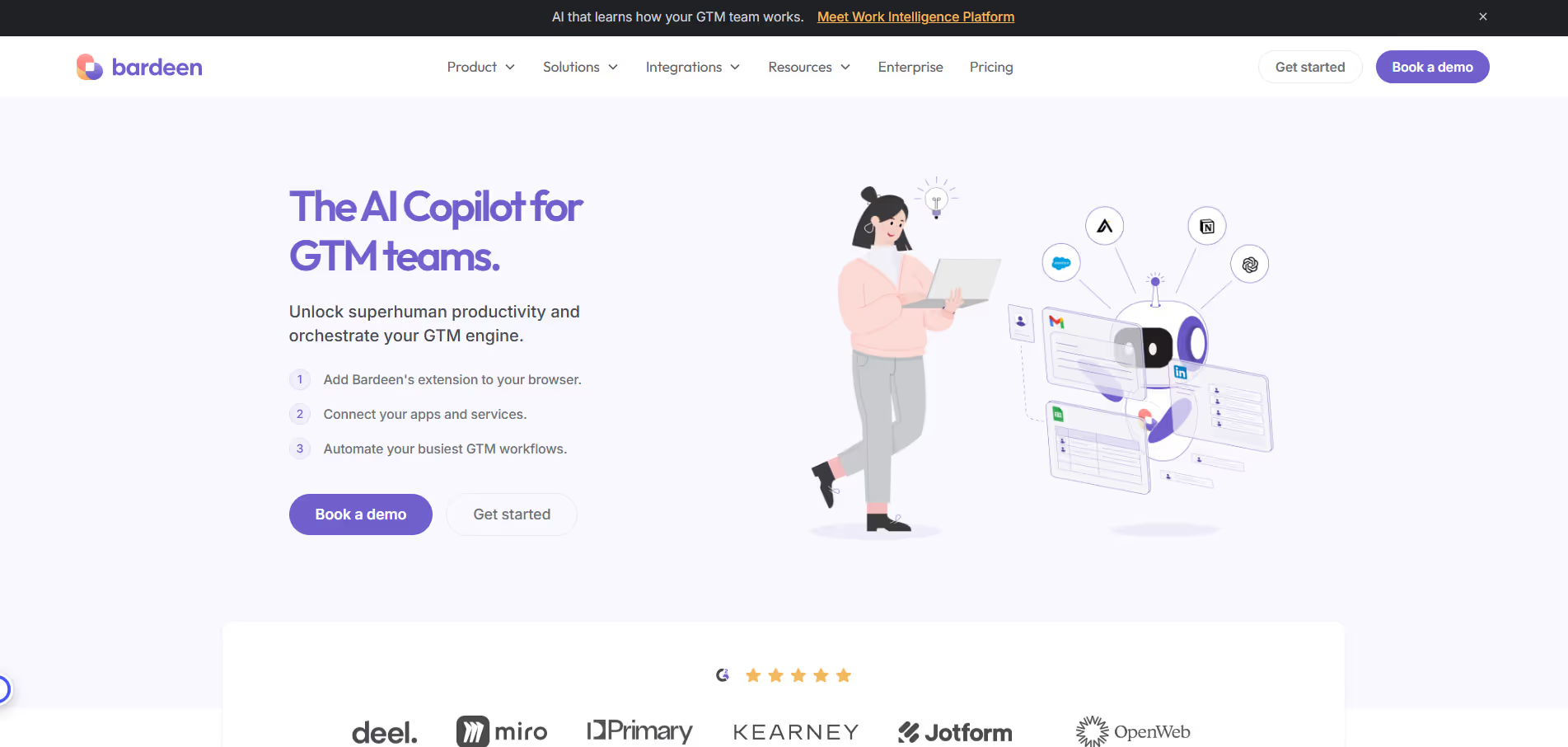
Bardeen.ai is a powerful AI‑driven automation platform designed to help users automate repetitive tasks and workflows across apps without writing any code. Instead of manually copying and pasting data, switching between tools, or triggering the same actions every day, Bardeen lets you build automated workflows — called “playbooks” — that run in the background to save you time and reduce manual work.
Bardeen.ai uses a visual interface and natural language prompts to help users define automation steps in plain English. You simply choose the apps you use (like Gmail, Slack, Notion, Google Sheets, Trello, or HubSpot), outline what you want to automate, and Bardeen handles the rest. This eliminates the need to configure complex integrations or write scripts, making workflow automation accessible to anyone on your team.
Bardeen.ai includes features such as pre‑built automation templates (playbooks), conditional logic, scheduling, multi‑app workflows, data extraction and syncing, and real‑time triggers. It can automatically perform actions like moving email attachments into cloud storage, logging tasks into your project tracker, filling spreadsheets with new CRM entries, or sending personalized messages — all coordinated across your tools without manual input.
Yes — Bardeen.ai integrates with a wide range of popular productivity, communication, and CRM apps, including but not limited to Notion, Google Workspace, Slack, Trello, GitHub, Airtable, ClickUp, HubSpot, and Jira. By connecting your existing systems, Bardeen lets you automate workflows that span multiple apps, making your tool ecosystem work more cohesively while reducing repetitive tasks.
Bardeen.ai is ideal for knowledge workers, operations teams, marketers, sales reps, and anyone who spends time on routine digital tasks that could be automated. Users can expect to reclaim hours of repetitive work each week, streamline cross‑app processes, reduce human error, and focus more energy on high‑impact activities like strategy, creativity, and collaboration — all without needing a developer or technical background.

Disclosure
Reviews from Our Users

.avif)
"Overall, I like the core features, but the mobile UI still feels a bit clunky. Hope they fix this in future updates."

"Their support team actually listens to feedback! I’ve seen new features added within weeks. That’s impressive.''

"Some advanced options take a bit of time to understand, but once you get the hang of it, it’s incredibly powerful."

"I’ve tried several similar tools, but this one stands out for its clean interface and automation features. Totally worth the subscription."



.svg)
.svg)