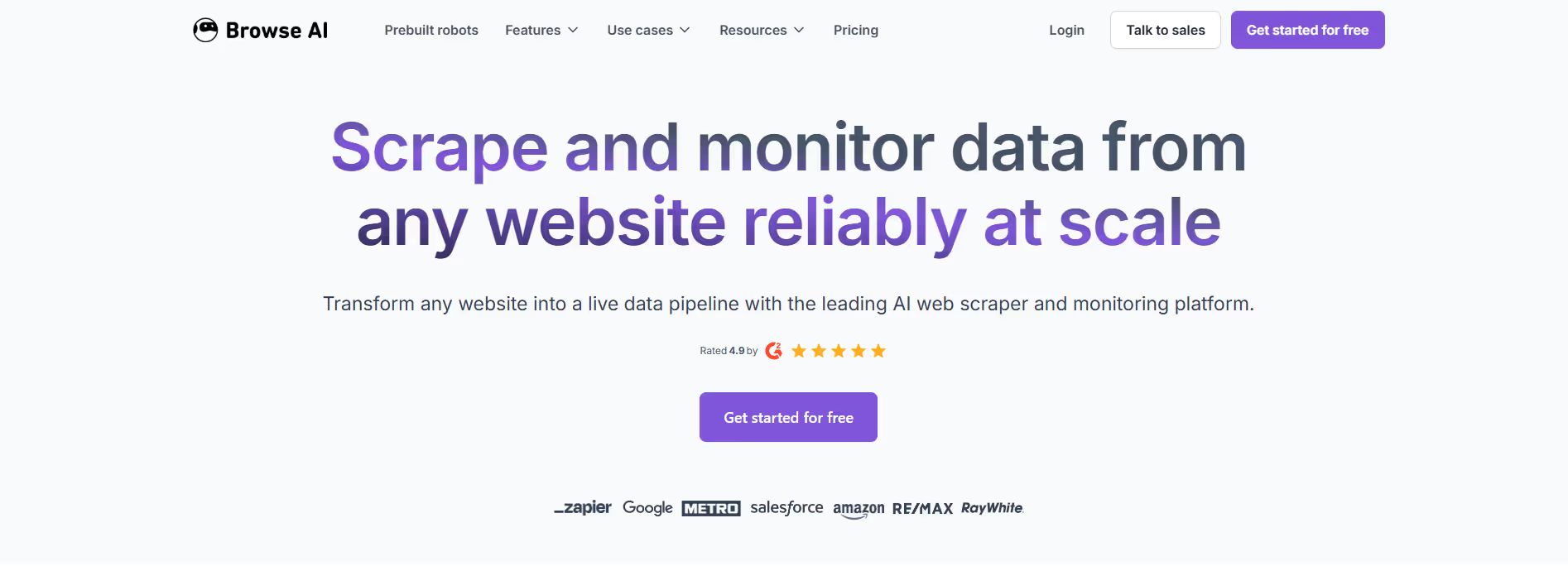
Browse AI
Key Applications
- Extract product pricing, reviews, or listings from eCommerce sites for competitor tracking or market research.
- Monitor webpages for changes (e.g. regulatory updates, price fluctuations, new content) and receive alerts.
- Build lead lists or data sets by scraping directories or listing sites without needing developers.
- Turn periodic web data into structured datasets for dashboards, BI tools, or machine learning pipelines.
Who It’s For
Browse AI is ideal for marketers, data analysts, growth teams, product managers, and businesses that need external data from websites but lack coding resources. It solves the pain of relying on manual copy-paste, brittle custom scrapers breaking when site layouts change, and the overhead of maintaining scraping infrastructure. With Browse AI, users can build, run, and maintain extraction and monitoring workflows with minimal technical burden.
Pros & Cons
| Pros |
Cons |
| ✔️ No coding required; quick setup for scraping & monitoring tasks. |
✖️ Free plan is limited (few websites, smaller credit quotas). :contentReference[oaicite:13]{index=13} |
| ✔️ Good dynamic site support & adaptive scraping when pages change. |
✖️ Pricing can escalate with large scale usage or many credits. :contentReference[oaicite:14]{index=14} |
| ✔️ Strong integrations & monitoring features for business workflows. |
✖️ Some sites flagged as “premium” require extra credit cost or special handling. :contentReference[oaicite:15]{index=15} |
| Pros |
Cons |
| ✔ Very beginner-friendly |
✖ Limited features compared to Others |
| ✔ Clean interface |
✖ Less feature depth than others |
| ✔ Helpful community and resources |
✖ Can feel slower at scale |
How It Compares
- Versus traditional custom scrapers (e.g. using Python, Selenium): Browse AI offers easier setup, human-like navigation and adaptive scraping that’s less fragile when websites change.
- Versus simpler “static” scraping tools: Supports dynamic content, infinite scroll, form fills, and monitoring — more full-featured for modern sites.
- Versus large enterprise data providers: More accessible and affordable for small-to-mid teams; enterprise plans are available for large-scale or managed services.
Bullet Point Features
- No-code browser-based robot recorder to select and extract data via clicks.
- Dynamic content handling: form submission, infinite scroll, drop-downs etc.
- Alerting / monitoring of page changes on schedule (hourly, daily, weekly) with customizable thresholds.
- Integrations: API/webhooks, Google Sheets, Airtable, other apps.
- Proxy management, bot-avoidance, CAPTCHA handling.
Frequently Asked Questions
Find quick answers about this tool’s features, usage ,Compares, and support to get started with confidence.
What is Browse AI and what does it do?

Browse AI is an AI‑powered web automation and data extraction platform that allows users to automate repetitive tasks and extract data from websites without writing any code. Instead of manually copying information from pages, users can train an AI agent to navigate websites, monitor for changes, extract structured data, and deliver it in formats like CSV, Excel, Google Sheets, or via API. This makes it ideal for sales intelligence, price monitoring, market research, business insights, and competitive tracking.
How does Browse AI extract data from websites?

Browse AI uses trained “robots” or “agents” that you create by showing them how to navigate and capture information on a target website. Once an agent is trained — usually through a simple point‑and‑click interface — it can revisit the site on a schedule, log in if needed, and pull updated data automatically. This capability removes the need for manual scripts or technical scraping tools, making web data collection accessible to non‑developers.
Can Browse AI handle complex tasks like login pages or dynamic content?

Yes — Browse AI is built to handle advanced scenarios including login authentication, pagination, multi‑step workflows, dynamic page rendering, and conditional navigation. Agents can simulate user actions such as filling out forms, clicking buttons, and waiting for page content to load before capturing data. Because it mimics real user behavior, it can extract information from sites that use JavaScript, AJAX, and other modern web technologies.
What are some typical use cases for Browse AI?

Businesses use Browse AI for a wide range of tasks: tracking competitor pricing and product changes, monitoring job postings, gathering customer review data, updating CRM records, automating lead generation, watching for regulatory or market changes, and generating alerts when key website information changes. By automating these workflows, teams can focus on analysis and decision‑making rather than manual data entry.
Who should use Browse AI and what benefits can they expect?

Browse AI is ideal for business analysts, market researchers, sales and marketing teams, product managers, and data professionals who want to gather real‑world web data without spending time on manual scraping or building scripts. Users can expect significant time savings, real‑time insights from scheduled monitoring, automated workflows tailored to their needs, and flexibility to export or integrate data directly into business systems via API or Google Sheets.