Close
Key Applications
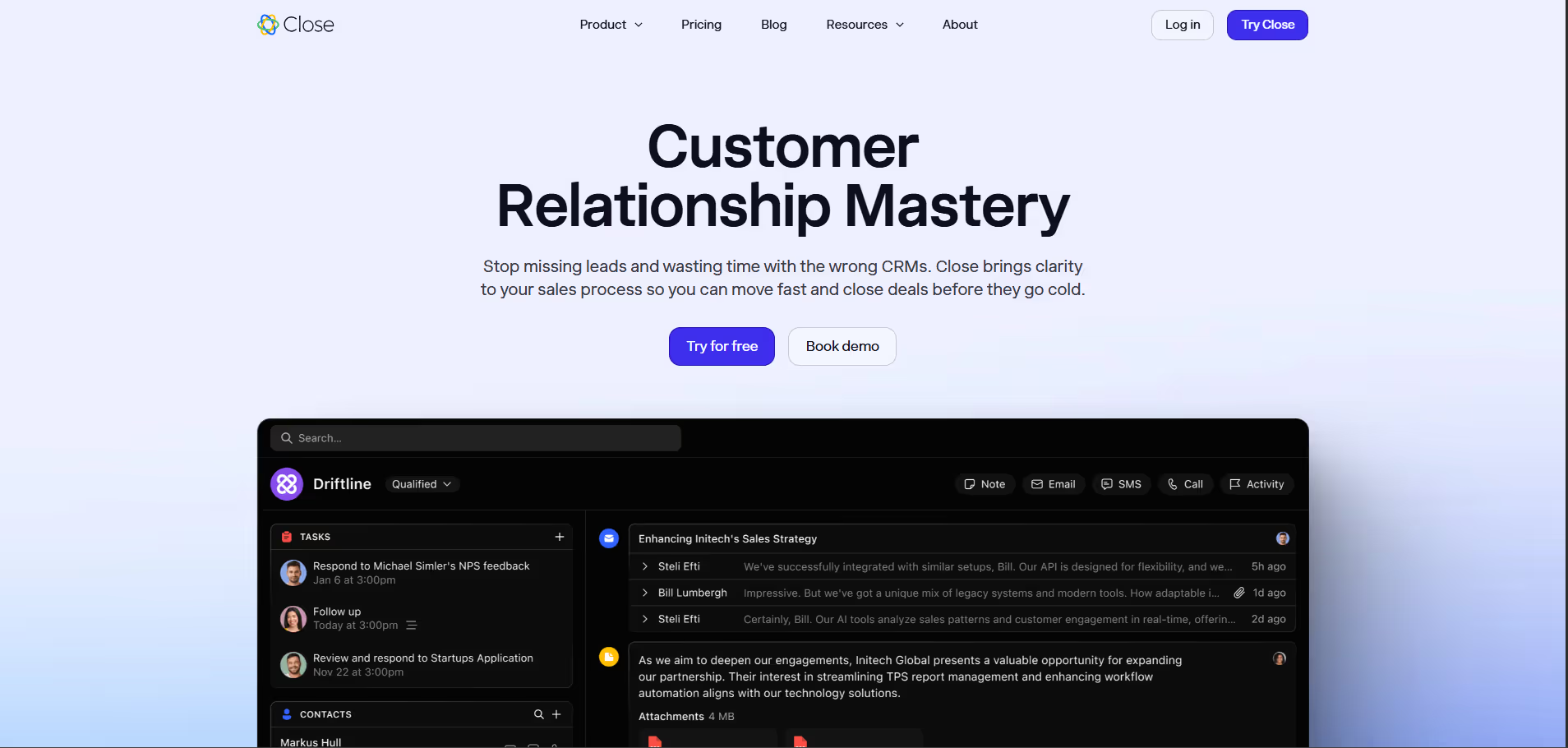
- Sales Automation: Automating lead follow-ups, task assignments, and drip campaigns to keep the sales process moving.
- Lead Management: Tracking leads from initial contact through conversion with a clear, visual sales pipeline.
- Integrated Communication: Managing all customer interactions—calls, emails, and SMS—directly within the CRM.
- Performance Analytics: Generating detailed reports on team activities, pipeline health, and revenue forecasting to inform strategy.
Who It’s For
Sales teams within small to medium-sized businesses (SMBs) seeking a highly integrated and communication-centric CRM solution to streamline their sales processes, automate outreach, and improve overall sales efficiency.
Pros & Cons
| Pros |
Cons |
| ✔️ Deep integration of calling, SMS, and email directly into the CRM. |
✖️ Higher price point compared to some entry-level CRM competitors. |
| ✔️ Intuitive visual sales pipeline simplifies deal tracking and management. |
✖️ Primarily focused on sales, with less emphasis on broader marketing or customer service modules. |
| ✔️ Robust sales automation features, including sequences and lead distribution. |
✖️ Customization options might be less extensive than highly configurable enterprise CRMs. |
| ✔️ Comprehensive reporting provides actionable insights into sales performance. |
✖️ While intuitive, fully leveraging advanced features requires dedicated setup time. |
| Pros |
Cons |
| ✔ Very beginner-friendly |
✖ Limited features compared to Others |
| ✔ Clean interface |
✖ Less feature depth than others |
| ✔ Helpful community and resources |
✖ Can feel slower at scale |
How It Compares
- Versus HubSpot CRM: Close provides a more deeply integrated suite of communication tools (built-in calling, SMS) specifically tailored for sales engagement, often presenting a more 'all-in-one' sales focus compared to HubSpot's broader marketing, sales, and service hub approach. Close typically appeals to sales-intensive SMBs, while HubSpot caters to a wider range of business functions and sizes.
- Versus Salesforce Sales Cloud: Close offers a simpler, more intuitive user interface and a faster implementation time, making it an excellent fit for SMBs who may find Salesforce's extensive customization options and enterprise-grade complexity overwhelming. While Salesforce provides unparalleled scalability and customization for large organizations, Close excels in delivering core sales CRM functionality with a pragmatic emphasis on daily sales team productivity.
Bullet Point Features
- Built-in Power Dialer and Predictive Dialer Email Sync, Templates, and Automation Sequences.
- SMS Messaging Integration Visual Sales Pipeline Management Lead Management and Scoring Advanced.
- Reporting and Analytics Task Management and Reminders Meeting Scheduler Integration Custom Fields and Activity Tracking
Frequently Asked Questions
Find quick answers about this tool’s features, usage ,Compares, and support to get started with confidence.
What is Close and what is it used for?

Close is a sales-focused CRM platform designed to help businesses manage leads, track deals, and streamline sales communication. It focuses on simplifying the sales process and improving productivity for sales teams.
How does Close simplify sales and CRM management?

Close provides built-in calling, email tracking, SMS integration, pipeline management, and automation tools. By centralizing all sales communication and follow-ups, it helps teams close deals faster and more efficiently.
What features does Close offer?

Close offers lead and contact management, sales pipelines, calling and emailing capabilities, workflow automation, reporting and analytics, and integration with other business tools. It is designed to improve the entire sales process from lead capture to deal closure.
Is Close suitable for beginners?

Yes, Close is beginner-friendly, especially for sales professionals. Its intuitive interface, guided onboarding, and built-in communication tools make it easy for users to start managing leads and pipelines without prior CRM experience.
Who should use Close and what benefits can they expect?

Close is ideal for sales teams, startups, SMBs, and business development professionals. Users can expect streamlined sales processes, improved lead management, faster deal closures, centralized communication, and actionable insights, helping them boost sales performance and productivity.