GroundCloud
All-in-one fleet & delivery management platform for safety, compliance, routing, and driver training.
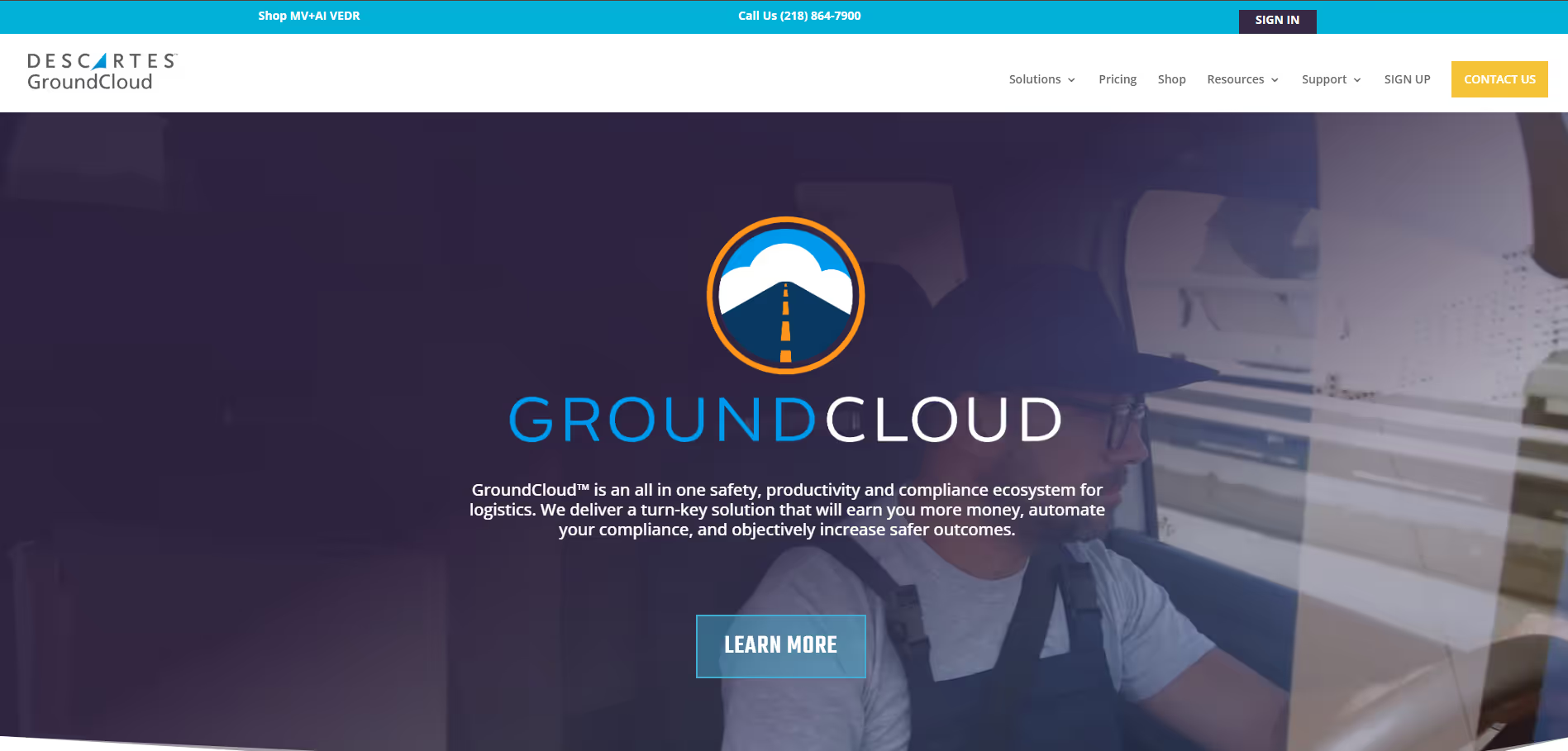
GroundCloud, now Descartes GroundCloud, is a platform for delivery contractors that combines route optimization, driver safety training, compliance tools and AI dash cameras (VEDR) in a web portal and driver app. Standard costs $30 a month per active route, month to month. We are an independent review site; the official sign-in page is at groundcloud.io.
An operations, safety and compliance platform built for delivery contractors, priced per route.
Community ratings
Third-party ratings shown verbatim; aggregate weighted by review volume.
Descartes GroundCloud: safety, compliance and route management software for final-mile delivery contractors.
GroundCloud runs a delivery contractor's daily operation from one portal and driver app: stop sequencing and route optimization, driver safety training, Train-the-Trainer certification, reporting, and optional AI video event data recorders (VEDR) that flag unsafe driving and trigger coaching. Descartes Systems Group bought GroundCloud in 2023. The site says it has no affiliation with FedEx or Amazon.
It puts routing, driver safety training and AI camera coaching in one subscription, priced per active route and month to month, so a contractor can start without a long contract.
VEDR needs camera hardware that you buy and install. Billing follows your busiest day in the month, so a month with one 20-route day is billed at 20.
GroundCloud pricing
| Plan | Price | What you get |
|---|---|---|
| Standard | $30/month per active route | Driver safety, stop sequencing, stop notes and location overrides, offline maps, reports and dashboards |
| VEDR | $30/month per active vehicle | AI dash cameras, extra cameras at no extra monthly cost, automated safety coaching, behavior detection. Devices bought separately. |
| Standard + VEDR bundle | $50/month | Everything in Standard and VEDR in one package |
From GroundCloud's pricing page, checked 3 October 2026. Billing is based on maximum daily drivers in the month, and all pricing is month to month with no contract. No free plan or free trial is listed.
Official GroundCloud sign-in and help
- Sign in (groundcloud.io): Dashboard login linked from groundcloud.com.
- Help center: Run by Descartes.
- Phone and email: 218-864-7900, servicedesk@descartes.com
A look inside
Frequently Asked Questions
GroundCloud alternatives
Other fleet and delivery tools from our reviews:
Tags
Explore related categories
Conversion Gems independently reviews every tool. We may earn a commission if you sign up through our links — it never affects our verdict or ranking.