
HubSpot
HubSpot is a comprehensive cloud-based platform offering a full suite of software for customer relationship management (CRM.
The gold standard all-in-one CRM for growing teams willing to invest in the ecosystem — but budget carefully once you outgrow the free tier.
Community ratings
Third-party ratings shown verbatim; aggregate weighted by review volume.
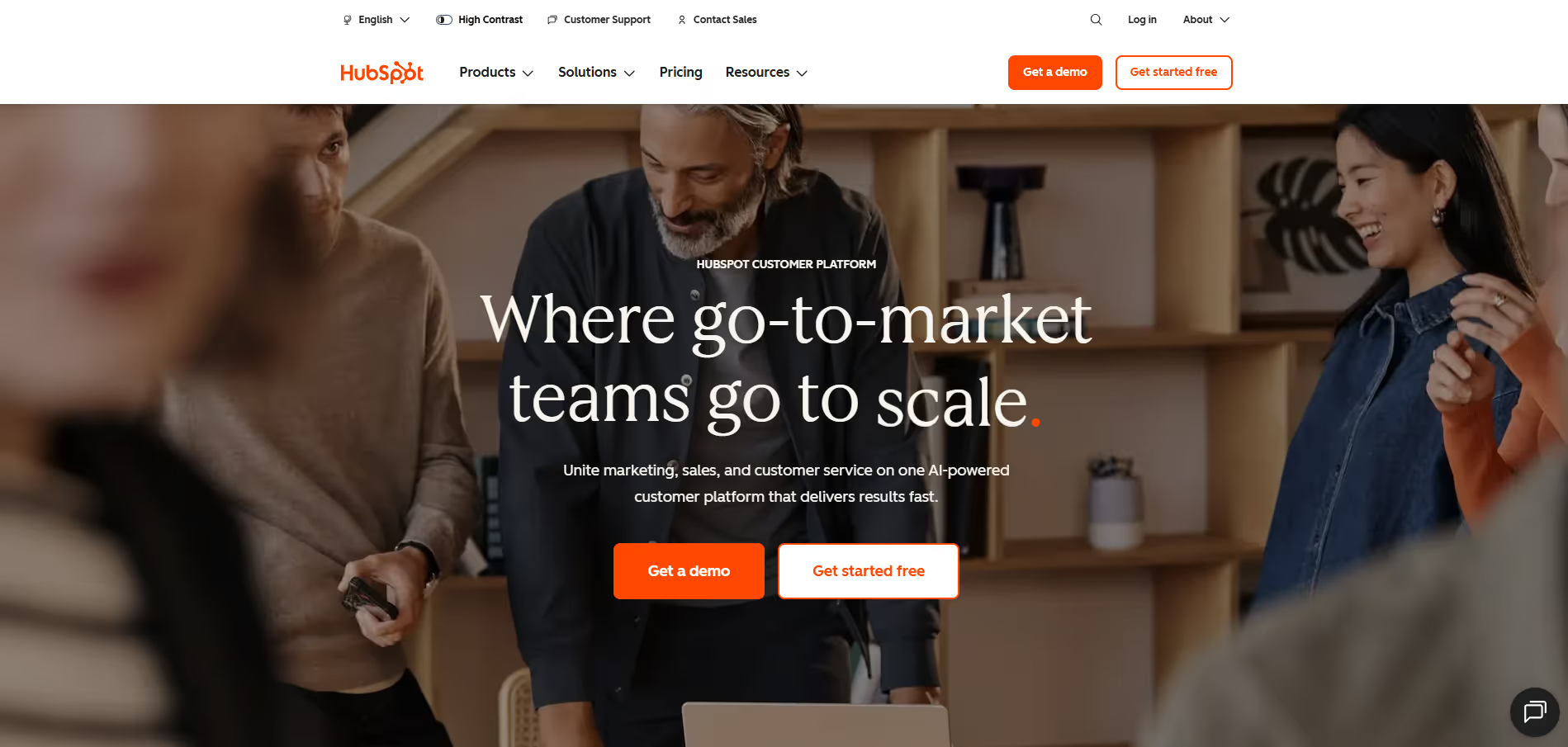
HubSpot — all-in-one CRM platform for marketing, sales, service, and CMS.
HubSpot is far more than a marketing automation tool — it's a full CRM suite with five distinct Hubs (Marketing, Sales, Service, CMS, Operations) that share a unified contact database. HubSpot covers more than marketing automation. Free tier is genuinely useful; paid tiers escalate quickly, especially with mandatory onboarding fees at Professional ($3,000) and Enterprise ($7,000) for Marketing Hub.
HubSpot's strength is its depth-and-breadth combination: robust free CRM that genuinely hooks teams, a tightly integrated paid stack, and one of the richest self-serve education ecosystems (HubSpot Academy) in the industry. Few platforms match it for out-of-the-box usability at scale.
Costs compound fast — per-seat fees, marketing contact tiers, and mandatory onboarding fees mean a mid-sized Professional rollout can easily hit $1,500–$2,500/mo before you have fully ramped up.
A look inside
Frequently Asked Questions
Alternatives
Salesforce CRM for enterprise-grade customisation, complex approval workflows, and large-scale reporting.
Brevo (formerly Sendinblue) or Mailchimp for teams that only need email marketing without the full CRM overhead.
Tags
Explore related categories
Conversion Gems independently reviews every tool. We may earn a commission if you sign up through our links — it never affects our verdict or ranking.