
Leadpages
Description
Key Applications
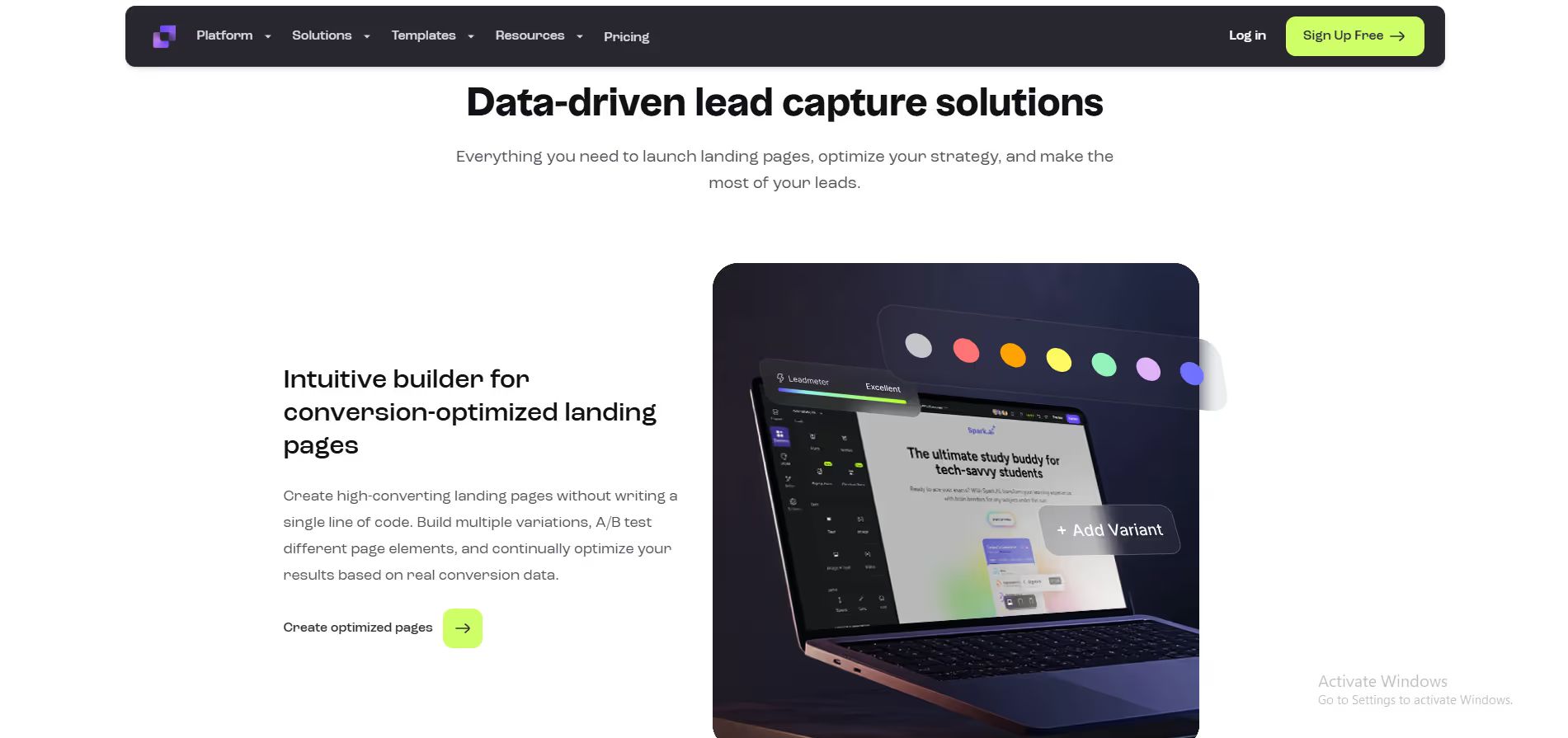
- Landing Page and Website Building: Enables rapid creation of mobile-responsive landing pages, websites, and pop-up forms using a drag-and-drop builder to generate leads and promote offers.
- Lead Capture and List Building: Focuses on converting website traffic into email subscribers through targeted opt-in forms, alert bars, and pop-ups triggered by user behavior.
- Integrated Checkout and Payment Processing: Allows users to sell products and services directly through their pages with built-in, Stripe-powered checkout functionality.
- Specific Workflow: A consultant creates a landing page for a free strategy call, uses a pop-up form on their blog to capture leads, and automatically schedules the meeting using integrated calendar sync.

Who It’s For
Pros & Cons
How It Compares
- Versus Unbounce: Leadpages wins on user-friendliness and a lower learning curve for beginners, whereas Unbounce offers more advanced AI and testing features for optimization experts.
- Versus Instapage: It differentiates through its affordability and focus on core page building for small businesses, while Instapage targets enterprises with advanced personalization and collaboration tools.
- Versus ClickFunnels: Its competitive advantage is a straightforward, dedicated focus on high-converting landing pages and lead capture, unlike ClickFunnels' complex, funnel-centric approach.
Bullet Point Features
- Drag-and-drop landing page and website builder
- Library of high-converting, mobile-responsive templates
- Lead capture pop-ups and alert bars
- Built-in checkout and payment processing
- Fast loading speeds and reliable hosting
Frequently Asked Questions
Find quick answers about this tool’s features, usage ,Compares, and support to get started with confidence.

Leadpages is a landing page and lead generation platform that helps businesses capture leads, grow email lists, and increase conversions without coding.
Entrepreneurs, marketers, coaches, and small businesses can benefit. It’s ideal for anyone who wants high-converting landing pages quickly and easily.
Leadpages provides conversion-optimized templates, A/B testing, pop-ups, and alert bars, all designed to turn visitors into leads or customers.
Yes. Leadpages integrates with email marketing platforms, CRMs, payment tools, and analytics software, making lead management seamless.
Unlike full website builders, Leadpages focuses purely on lead generation and conversions, offering faster setup, proven layouts, and marketing-first features.

Disclosure
Reviews from Our Users

.avif)
"Overall, I like the core features, but the mobile UI still feels a bit clunky. Hope they fix this in future updates."

"Their support team actually listens to feedback! I’ve seen new features added within weeks. That’s impressive.''

"Some advanced options take a bit of time to understand, but once you get the hang of it, it’s incredibly powerful."

"I’ve tried several similar tools, but this one stands out for its clean interface and automation features. Totally worth the subscription."



.svg)
.svg)