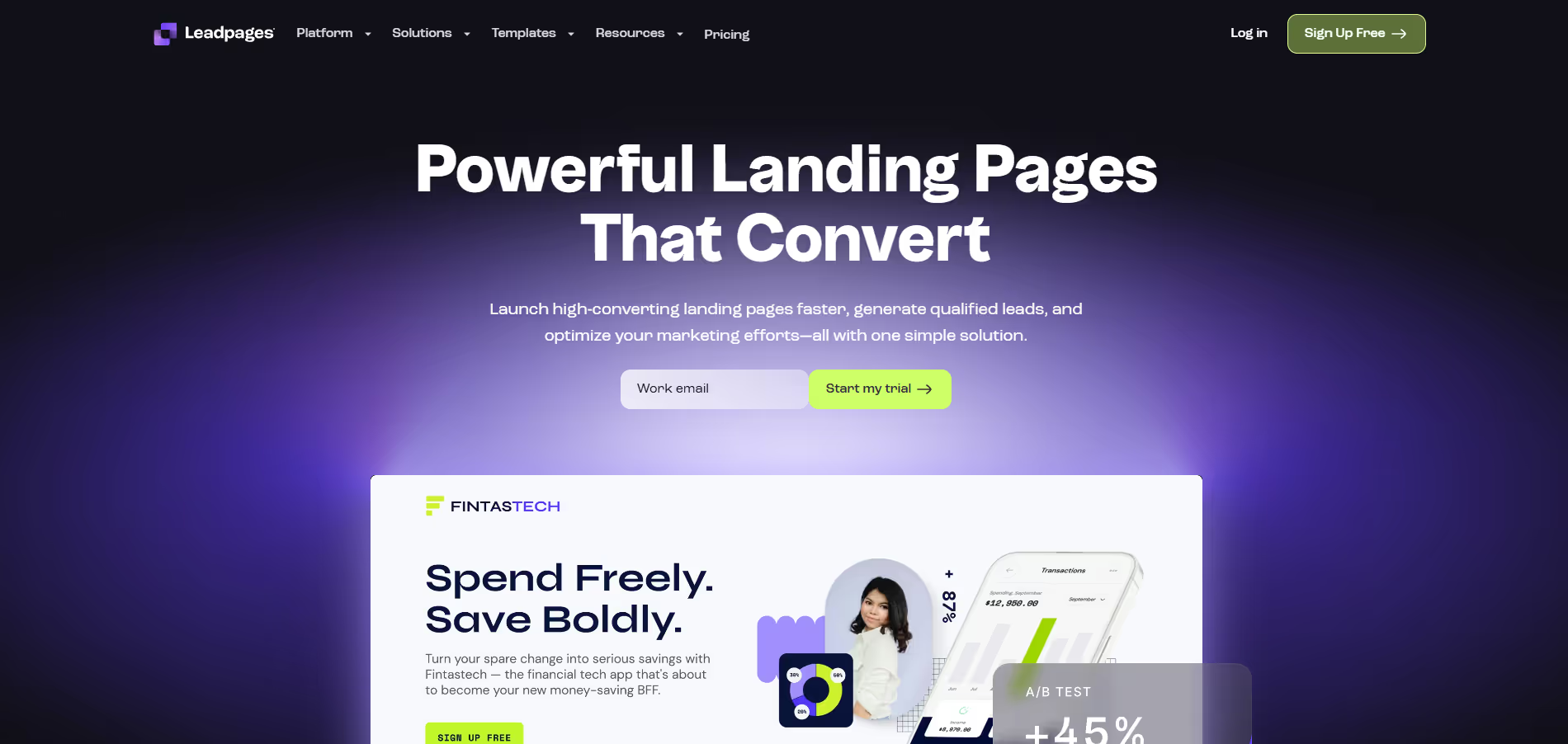
Leadpages
Key Applications
- Lead Generation: Create optimized landing pages for capturing email addresses and contact information.
- Sales Page Creation: Design effective sales pages for products, services, or online courses.
- Webinar Registration: Build dedicated pages for promoting and signing up attendees for webinars and online events.
- Content Upgrades/Lead Magnets: Deliver e-books, checklists, or other digital assets directly after lead capture.
- Promotional Campaigns: Launch targeted campaigns with custom landing pages for special offers or product launches.
Who It’s For
Leadpages is ideal for small to medium-sized businesses, digital marketers, solo entrepreneurs, coaches, consultants, and anyone needing to quickly create high-converting landing pages and lead generation assets without extensive technical expertise or design skills. It caters to users focused on streamlining their online marketing funnels and maximizing conversion rates.
Pros & Cons
| Pros |
Cons |
| ✔️ Highly intuitive drag-and-drop builder, easy for beginners. |
✖️ Less advanced design customization compared to some competitors. |
| ✔️ Extensive library of conversion-optimized templates for various industries. |
✖️ Pricing can become substantial for higher-tier features or multiple domains. |
| ✔️ Robust A/B testing functionality to optimize page performance. |
✖️ Not a full sales funnel builder; requires integrations for end-to-end solutions. |
| ✔️ Seamless integrations with popular marketing and CRM platforms. |
✖️ No free plan, only a free trial for evaluation. |
| Pros |
Cons |
| ✔ Very beginner-friendly |
✖ Limited features compared to Others |
| ✔ Clean interface |
✖ Less feature depth than others |
| ✔ Helpful community and resources |
✖ Can feel slower at scale |
How It Compares
- Versus Unbounce: Leadpages is often considered more beginner-friendly with a stronger emphasis on templates and ease of use for quick launches. Unbounce generally offers more advanced customization, dynamic text replacement, and A/B testing features, making it preferred by agencies or users needing granular control and extensive testing capabilities.
- Versus ClickFunnels: Leadpages focuses primarily on landing page and lead generation asset creation, integrating with other tools for broader funnel building. ClickFunnels is an all-in-one sales funnel builder, offering more robust features for entire sales processes, including order forms, upsells, and membership sites, but often comes with a steeper learning curve and higher price point.
- Versus WordPress Page Builders (e.g., Elementor, Divi): Leadpages is a standalone SaaS platform, providing hosting and a focused lead generation ecosystem. WordPress page builders offer greater flexibility within the WordPress environment, allowing full website creation, but require separate hosting, WordPress installation, and often additional plugins for lead generation features found natively in Leadpages.
Bullet Point Features
- Drag-and-Drop Landing ,Page Builder Conversion-Optimized Templates.
- A/B Split Testing Leadboxes (Pop-ups) Leadbards (Alert Bars) Lead Magnet Delivery Integrations .
- Built-in Conversion Guidance Mobile-Responsive Design Unlimited Landing Page Publishing.
Frequently Asked Questions
Find quick answers about this tool’s features, usage ,Compares, and support to get started with confidence.
What is Leadpages and what is it used for?

Leadpages is a landing page builder and lead generation platform that helps businesses create high-converting landing pages, pop-ups, and websites. It is designed to simplify lead capture and drive conversions for marketing campaigns.
How does Leadpages simplify landing page creation?

Leadpages offers a drag-and-drop editor, pre-built templates, pop-up forms, and integrations with marketing tools. Users can quickly design and launch landing pages without coding, enabling faster campaign execution.
What features does Leadpages offer?

Leadpages provides landing page and website creation, pop-ups, alert bars, A/B testing, analytics, lead capture forms, and integration with CRM and email marketing platforms. It helps businesses optimize campaigns and capture more leads.
Is Leadpages suitable for beginners?

Yes, Leadpages is beginner-friendly. Its intuitive interface, extensive template library, and simple setup make it easy for users with no technical experience to create professional landing pages quickly.
Who should use Leadpages and what benefits can they expect?

Leadpages is ideal for marketers, small business owners, agencies, and entrepreneurs. Users can expect enhanced lead generation, faster landing page creation, improved conversion rates, actionable insights, and seamless integration with marketing tools, helping them grow their audience and drive business results efficiently.