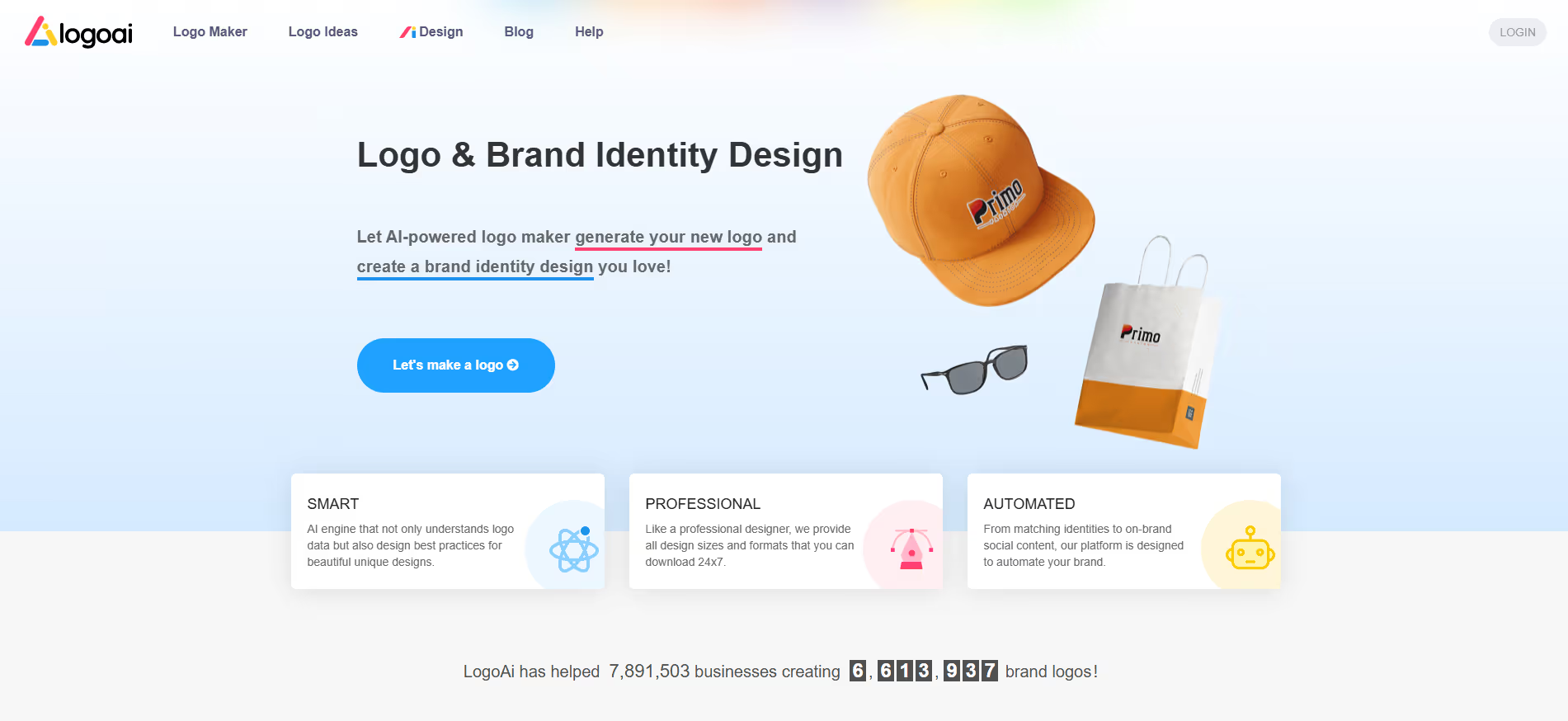
Logo AI
Key Applications
- AI-Powered Logo Generation: Uses artificial intelligence to generate custom logo concepts and mockups from a text-based description of a company's brand and style preferences.
- Brand Identity Kit Creation: Provides a suite of tools to build out a full brand identity, including business card mockups, social media kits, and favicon generation based on the created logo.
- High-Resolution Asset Delivery: Supplies the final logo design in multiple high-resolution file formats (PNG, SVG, PDF) suitable for both digital and print applications.
- Specific Workflow: An entrepreneur describes their coffee shop as "modern and minimalist with a leaf icon." Logo AI generates dozens of concepts, which the user refines before purchasing the full brand kit with print and web files.
Who It’s For
This platform is built for startups, small business owners, and solopreneurs who need a professional logo and basic brand assets quickly and affordably. It solves the problem of the high cost and time associated with hiring a freelance designer for initial brand identity. The primary buyer persona is a Small Business Owner or Startup Founder with a limited budget who is establishing their brand's visual identity from scratch.
Pros & Cons
| Pros |
Cons |
| ✔️ Designing is free — you pay only when you download |
✖️ Cannot export high-resolution or vector files in free mode |
| ✔️ Offers multiple plans for different needs (Basic, Pro, Brand) |
✖️ More advanced brand assets locked under expensive tiers |
| ✔️ Generates branding kits and animations in Brand plan |
✖️ Some customization options are limited compared to manual design |
| Pros |
Cons |
| ✔ Very beginner-friendly |
✖ Limited features compared to Others |
| ✔ Clean interface |
✖ Less feature depth than others |
| ✔ Helpful community and resources |
✖ Can feel slower at scale |
How It Compares
- Versus Looka (formerly Logojoy): Logo AI competes directly, with differentiation often coming down to the specific style of the AI's design output, user interface, and the specifics of the brand kit offerings.
- Versus Canva Logo Maker: It differentiates by focusing more deeply on the logo-to-brand-kit workflow and potentially offering more AI-driven customization, while Canva is a general-purpose design tool with a logo maker as one feature.
- Versus hiring a designer: Its competitive advantage is speed and cost, delivering a wide range of professional concepts and final assets for a fraction of the price and time of a custom design project.
Bullet Point Features
- AI logo generator from text prompts
- Full brand identity kit (business cards, social media)
- High-resolution file downloads (SVG, PNG, PDF)
- Commercial usage rights
- Font and color palette customization
Frequently Asked Questions
Find quick answers about this tool’s features, usage ,Compares, and support to get started with confidence.
What is Logo AI and what does it do?

Logo AI is an AI-powered logo design tool that allows users to create professional, customized logos quickly by generating designs based on user input and brand preferences.
Who should use Logo AI?

Entrepreneurs, small business owners, marketers, and designers can benefit. It’s ideal for anyone who wants a high-quality logo without hiring a professional designer.
How does Logo AI simplify logo creation?

Users provide business name, tagline, and style preferences, and Logo AI automatically generates multiple logo options, ready for download and use across platforms.
Can Logo AI customize logos for different styles and industries?

Yes. Logo AI allows users to select colors, fonts, icons, and themes, ensuring logos are tailored to their brand identity and industry standards.
Why choose Logo AI over traditional logo design methods?

Unlike manual design, Logo AI provides instant, professional-quality logos, saving time, reducing costs, and allowing even non-designers to create brand-ready visuals.