
n8n.io
Description
Key Applications
- Cross-platform workflow automation
- Data synchronization between apps
- Custom API integrations
- Business process automation
- ETL (Extract, Transform, Load) pipelines
- Notification and alert systems

Who It’s For
Pros & Cons
How It Compares
- Versus Zapier: More flexible vs easier to use
- Versus traditional coding: Visual development vs manual programming
- Versus other automation tools: Self-hostable vs cloud-only
- Versus enterprise platforms: Affordable vs expensive solutions
Bullet Point Features
- Visual workflow editor with 300+ node types
- Fair-code licensed (source-available)
- Self-hosting capability
- Custom JavaScript support
- Error handling and debugging tools
- Community and premium nodes
Frequently Asked Questions
Find quick answers about this tool’s features, usage ,Compares, and support to get started with confidence.

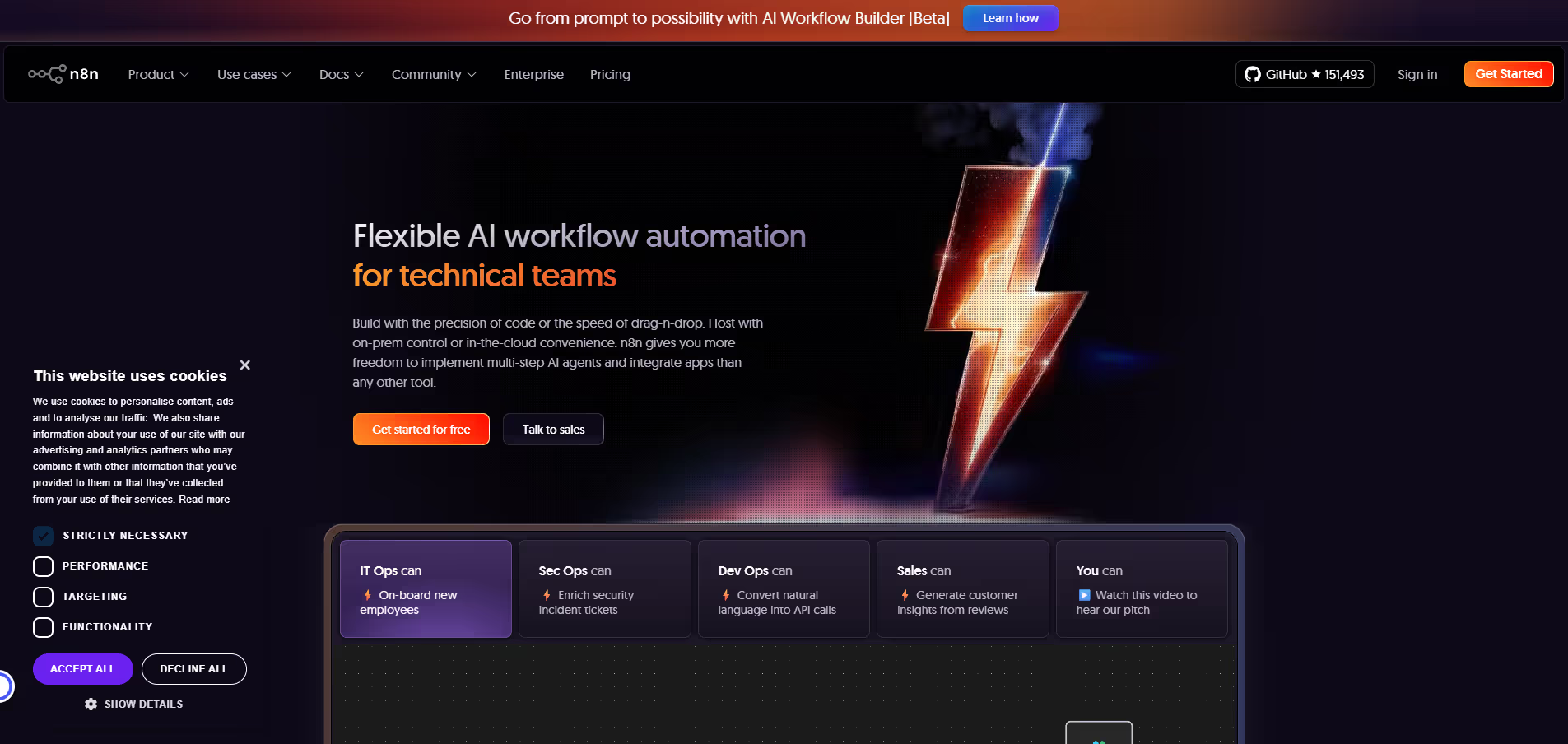
n8n.io is an open‑source workflow automation and integration platform that helps businesses and developers connect apps, automate processes, and orchestrate data flows without writing complex code. Instead of managing manual tasks or building custom integrations from scratch, users can visually design workflows that link multiple systems — like CRMs, databases, email, chat, and APIs — allowing data to move and trigger actions automatically across tools.
n8n.io uses a visual canvas where you can drag and drop nodes representing apps or actions and define how data passes between them. Each node can perform tasks like sending emails, transforming data, querying an API, or updating a database, and you can chain dozens of them together in a single workflow. This flexible, node‑based approach lets you automate simple chores or complex multi‑step processes while keeping full visibility and control.
n8n.io includes hundreds of built‑in integrations (nodes) for popular services such as Google Sheets, Slack, Notion, GitHub, Salesforce, HubSpot, Airtable, and databases, and it lets you call any API with custom HTTP requests. It supports conditional logic, loops, error handling, data transformation functions, triggers (like cron jobs or webhooks), and environment variables, enabling advanced automation scenarios that adapt to real‑world needs.
Yes — one of n8n.io’s core advantages is its flexibility: you can self‑host the platform on your own infrastructure for maximum control and privacy, or use n8n.cloud (its managed cloud edition) for easier setup and maintenance. Self‑hosting is ideal for teams with strict data governance needs, while the cloud option simplifies deployment and scaling without server management.
n8n.io is ideal for developers, operations teams, product managers, and technical business users who want to streamline repetitive tasks, unify data flows, and automate cross‑system processes. Users can expect reduced manual workload, faster integrations between disparate tools, clear visibility into process logic, and the ability to build and maintain robust workflows that evolve with business needs — all while retaining full control over how automation runs.

Disclosure
Reviews from Our Users

.avif)
"Overall, I like the core features, but the mobile UI still feels a bit clunky. Hope they fix this in future updates."

"Their support team actually listens to feedback! I’ve seen new features added within weeks. That’s impressive.''

"Some advanced options take a bit of time to understand, but once you get the hang of it, it’s incredibly powerful."

"I’ve tried several similar tools, but this one stands out for its clean interface and automation features. Totally worth the subscription."



.svg)
.svg)