
Pabbly
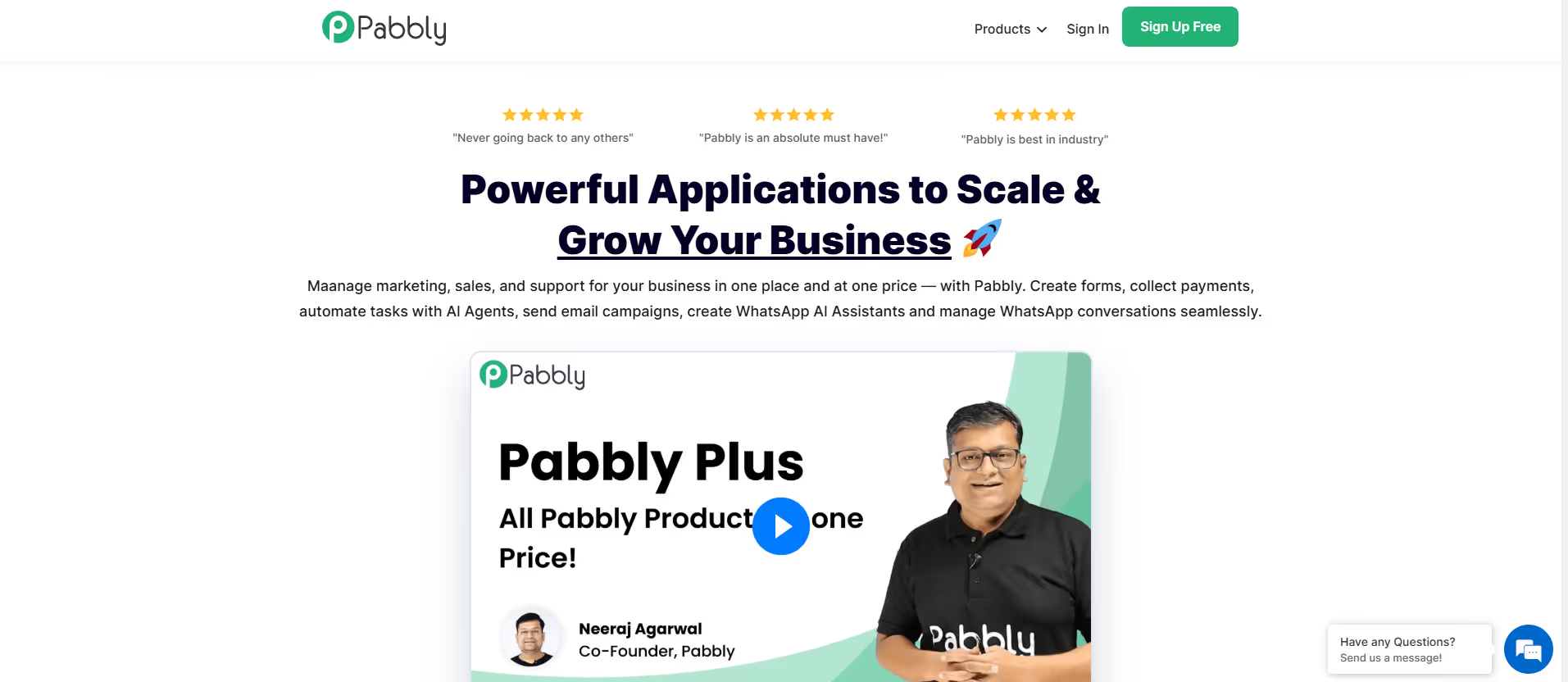
Pabbly offers a comprehensive suite of online business tools, including workflow automation (Pabbly Connect), email marketing.
Our take: Pabbly is best understood through its flagship product, Pabbly Connect, which automates workflows across 2,000+ apps — similar to Zapier or Make but priced far more aggressively.
The best-value Zapier alternative for SMBs that want automation without the per-task sticker shock.
Our score
Reviewed by the Conversion Gems editorial team. Hover a facet to focus it; click to pin.Tap a facet to focus it.
Community ratings
Shown for context only. Our score is independent.
 G2
 Trustpilot
2.5 / 5 aggregate · across 2 sources
Third-party ratings shown verbatim; aggregate weighted by review volume.
What it is, and why we rate it
One line each. Open a row for detail.
Our takePabbly is best understood through its flagship product, Pabbly Connect, which automates workflows across 2,000+ apps — similar to Zapier or Make but priced far more aggressively.
Why we rate itPabbly Connect punches well above its price point — 2,000+ integrations, multi-step workflows, built-in email parser, JavaScript/Python code steps, SOC 2 + ISO 27001 compliance, and unlimited team members on paid tiers.
Best / not good for
- SMBs and agencies wanting Zapier-like power at lower recurring cost
- Founders who prefer a one-time lifetime deal over ongoing SaaS subscriptions
- Teams automating across CRM, e-commerce, and marketing apps without engineering help
- Enterprise teams needing advanced governance, SSO, or dedicated account management
- Users requiring polished specialized tools (best-in-class email marketing or form builders)
- Teams with very high task volumes on the free tier — 100 tasks/month runs out fast
Friction report
Trade-offs to know before signing up.
- Time to valueModerate: free account is instant, but building a working multi-step workflow requires 15–30 minutes to map triggers, actions, and field mappings.
- Scale breakpointTask limits on lower lifetime tiers (2,000–10,000 tasks/mo) become a ceiling for growing teams; upgrading to Unlimited or buying add-on task packs increases cost.
- Walled gardenLow: workflows are portable logic; data lives in connected apps. No proprietary data store lock-in, though automation history stays on-platform.
A look inside
Frequently Asked Questions
What is Pabbly and what is it used for?
How does Pabbly simplify business automation?
What features does Pabbly offer?
Is Pabbly suitable for beginners?
Who should use Pabbly and what benefits can they expect?
Alternatives
Conversion Gems independently reviews every tool.