Pencil
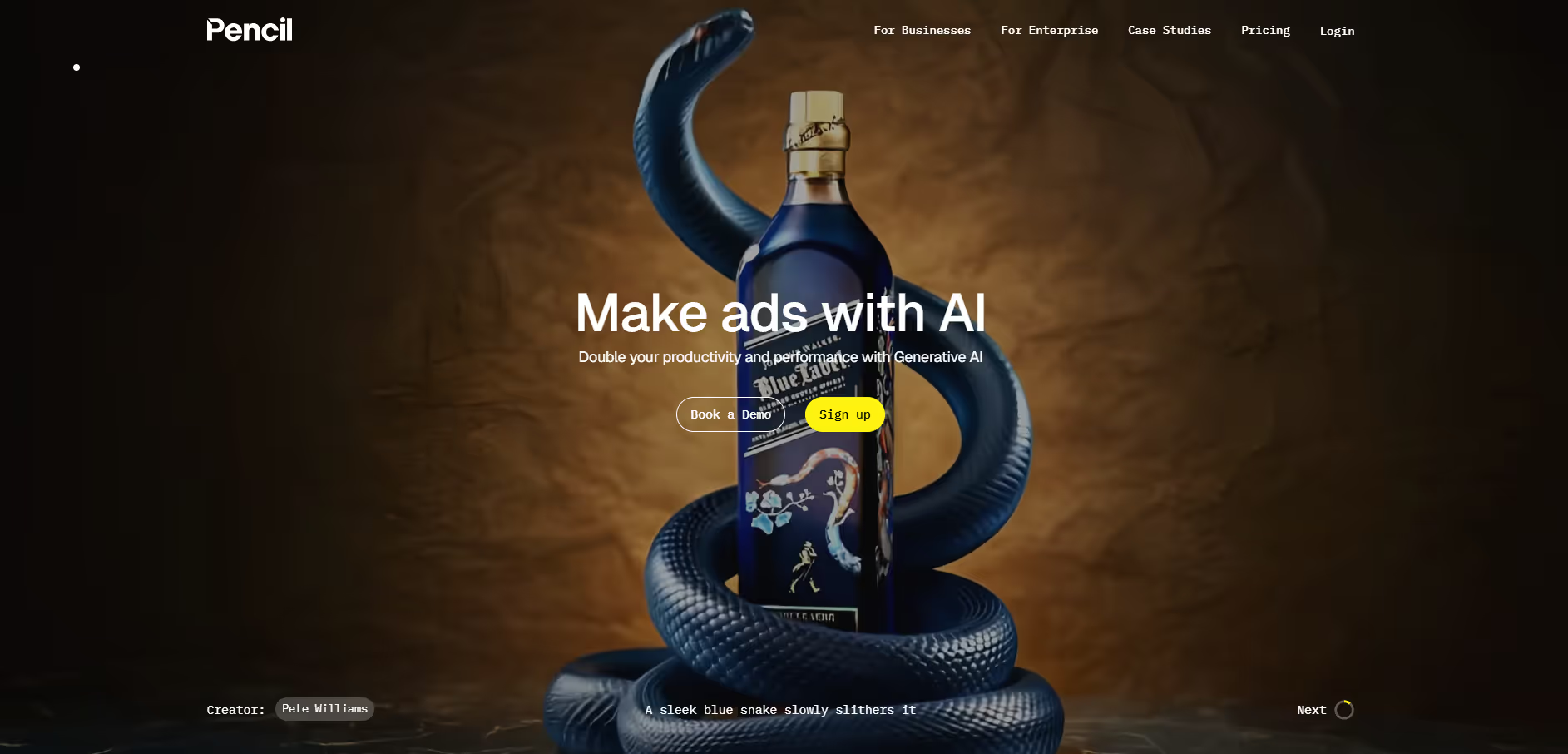
Pencil is an AI ad creative platform for generating, scoring, and launching paid-social and display ads.
The sharpest single platform for teams who need to generate, score, and ship AI ad creatives across multiple paid channels without juggling five separate AI tools.
Community ratings
Third-party ratings shown verbatim; aggregate weighted by review volume.
Pencil — AI ad creative platform for generating, scoring, and launching multi-format paid-social and display ads.
It is a purpose-built AI ad creative generator for performance marketers. It aggregates models from OpenAI, Google, Adobe, Runway, and Bria under one SOC 2 Type II-certified roof, generates creatives across text, image, and video, predicts performance scores before launch, and pushes ads directly to Facebook, Instagram, TikTok, YouTube, Google Display, and LinkedIn. The Core plan starts at $14/mo ($11/mo billed annually).
Pencil's combination of multi-model flexibility (no vendor lock-in), real-time predictive scoring, and native ad-channel publishing makes it one of the most complete ad-creative stacks available at this price point. Enterprise governance at the Pro tier (SOC 2, IP assignment, regional data compliance) is rare in this category.
The Core tier's 50-generation cap runs out quickly for active campaigns; meaningful scale requires Growth at $55/mo or custom Pro pricing. Enterprise features require a sales conversation with no public price.
A look inside
Frequently Asked Questions
Alternatives
Pencil Pro (custom) for enterprise governance, unlimited generations, and dedicated strategy support.
AdCreative.ai for a simpler, lower-cost AI ad image generator with less multi-model depth.
Tags
Explore related categories
Conversion Gems independently reviews every tool. We may earn a commission if you sign up through our links — it never affects our verdict or ranking.