Runway
Key Applications
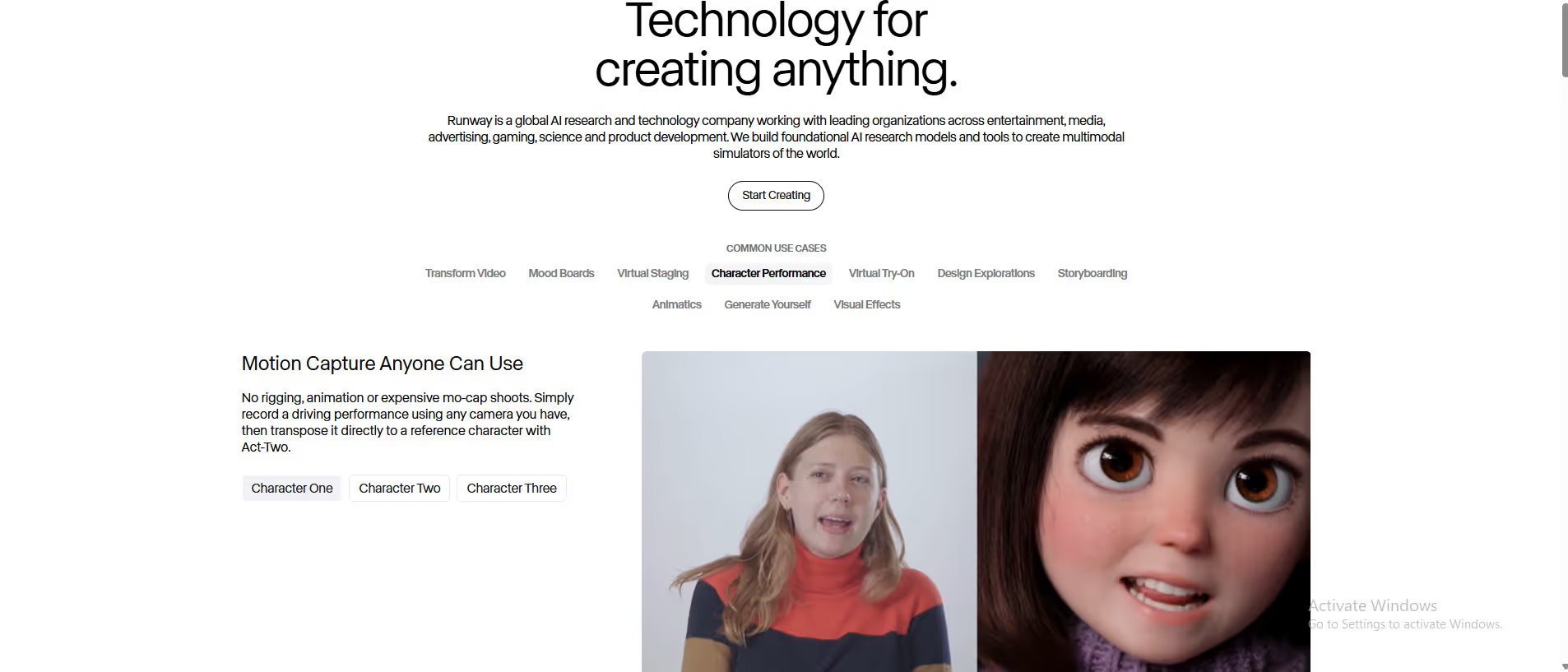
- AI-Powered Video Generation & Editing: Serves as a comprehensive platform for generating videos from text or images (Gen-2), and for editing existing footage with AI tools like motion tracking, rotoscoping, and inpainting.
- Advanced Visual Effects (VFX): Provides professional-grade tools for green screen removal, video background replacement, and compositing, making high-end VFX accessible to a broader range of creators.
- Collaborative Video Production: Functions as a cloud-based, collaborative workspace for video teams to edit, review, and manage projects in real-time.
- Specific Workflow: A filmmaker generates a short video clip from a text prompt, uses the AI mask tool to isolate an actor, and then replaces the background with a generated sci-fi cityscape, all within the same browser-based platform.
Who It’s For
This platform is built for filmmakers, video editors, visual effects artists, and marketing teams creating professional video content. It solves the problem of the high cost and technical complexity of traditional VFX software and hardware by offering a suite of powerful, AI-driven tools in a cloud-based, subscription model. The primary buyer persona is an Independent Filmmaker or Video Marketer who needs Hollywood-level effects without a Hollywood budget.
Pros & Cons
| Pros |
Cons |
| ✔ Very beginner-friendly |
✖ Limited features compared to Others |
| ✔ Clean interface |
✖ Less feature depth than others |
| ✔ Helpful community and resources |
✖ Can feel slower at scale |
How It Compares
- Versus Adobe Premiere Pro/After Effects: Runway wins on AI-native functionality, lower learning curve for complex VFX, and cloud-based collaboration, whereas Adobe's tools are the industry standard for manual, granular editing with a vast plugin ecosystem.
- Versus Pika Labs/Stable Video Diffusion: It differentiates by being a full-featured video editing suite, not just a generator, combining AI generation with a timeline editor and professional VFX tools.
- Versus CapCut: Its competitive advantage is its focus on professional-grade AI models and VFX capabilities, positioning it for professional creators rather than social media consumers.
Bullet Point Features
- Text-to-Video and Image-to-Video generation (Gen-2)
- AI-powered masking, rotoscoping, and motion tracking
- Green screen and background removal tools
- Cloud-based collaborative workspace
- Inpainting and video editing timeline
Frequently Asked Questions
Find quick answers about this tool’s features, usage ,Compares, and support to get started with confidence.
What is Runway and what does it do?

Runway is an AI-powered creative platform that helps users generate videos, edit visuals, and create professional-quality media content using AI tools and automation.
Who should use Runway?

Video editors, content creators, marketers, and digital artists can benefit. It’s ideal for anyone who wants to produce high-quality videos or media content quickly without advanced technical skills.
How does Runway simplify video and media production?

Users can upload footage or images, and Runway applies AI effects, removes backgrounds, generates clips, and enhances visuals, reducing manual editing time significantly.
Can Runway integrate AI-driven effects and templates?

Yes. Runway offers prebuilt AI templates, visual effects, and automatic enhancements, allowing users to create polished videos and graphics efficiently.
Why choose Runway over traditional media editing software?

Unlike conventional software, Runway leverages AI to automate editing, enhance visuals instantly, and provide creative tools, making professional content creation faster and more accessible.