Sketch
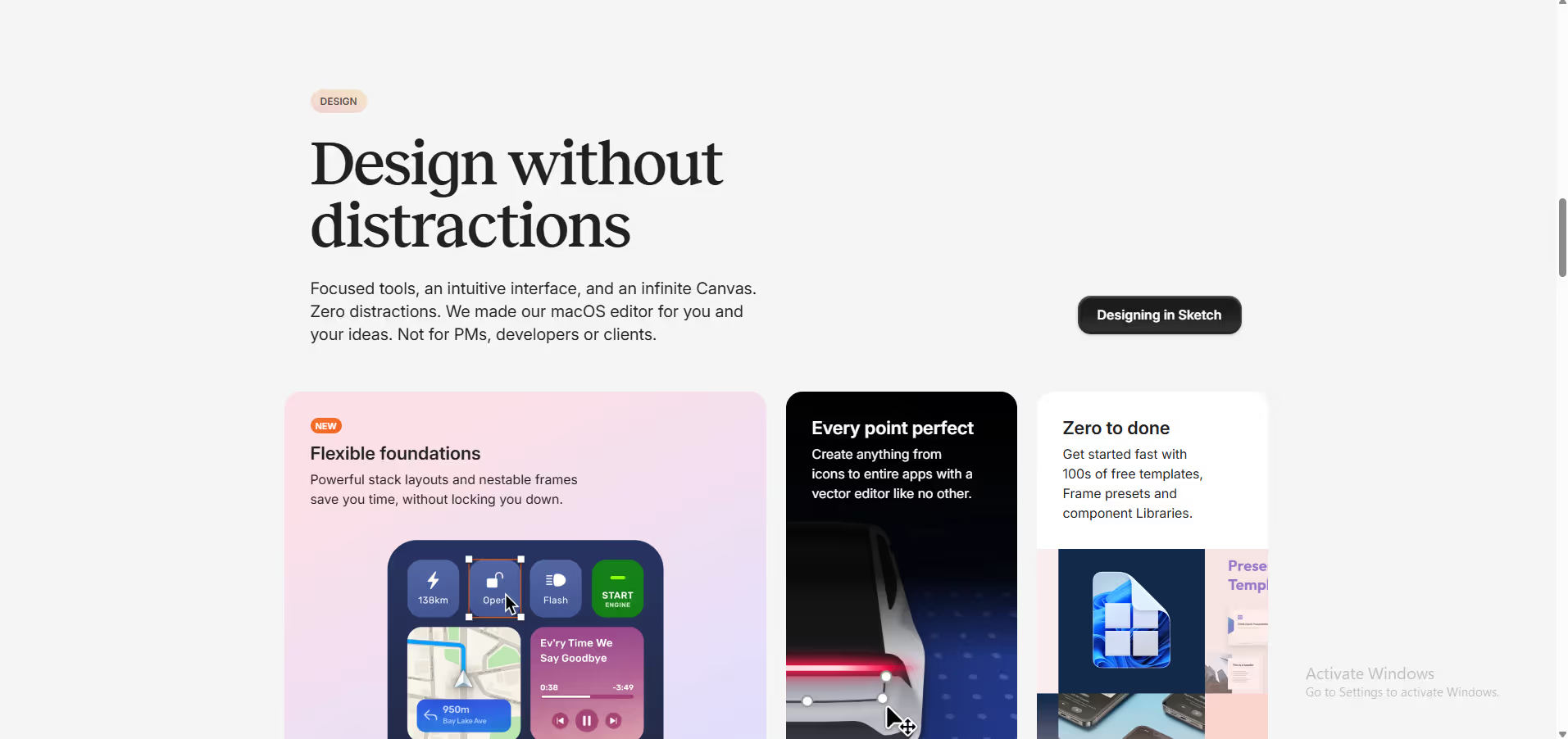
Sketch is a toolkit made by designers, for designers, that puts the focus on you and your work.
The gold standard Mac design tool for UI/UX teams — polished, fast, and purpose-built, but its Mac-only constraint is a real dealbreaker for cross-platform teams.
Community ratings
Third-party ratings shown verbatim; aggregate weighted by review volume.
Sketch — Mac-native UI/UX design and prototyping tool for digital product teams.
Sketch is the long-standing Mac-only standard for UI/UX and product design, offering symbols, real-time collaboration, prototyping, and developer handoff in a fast, focused app. Sketch is aimed at professional screen designers. Entry is $12/editor/mo (billed annually), and the tool is paid with a trial.
Sketch built the modern UI design workflow before Figma existed and remains the tool of choice for Mac-committed teams who value speed, native performance, and a battle-tested plugin ecosystem. The rare one-time purchase option adds long-term cost flexibility.
Mac-only — Windows or Linux users are completely locked out, and real-time collaboration, while improved, still lags behind Figma's browser-native model.
A look inside
Frequently Asked Questions
Alternatives
Figma for cross-platform teams or those needing browser-native real-time collaboration at scale.
Penpot (open-source, free, cross-platform) for budget-conscious teams or those avoiding vendor lock-in.
Tags
Explore related categories
Conversion Gems independently reviews every tool. We may earn a commission if you sign up through our links — it never affects our verdict or ranking.