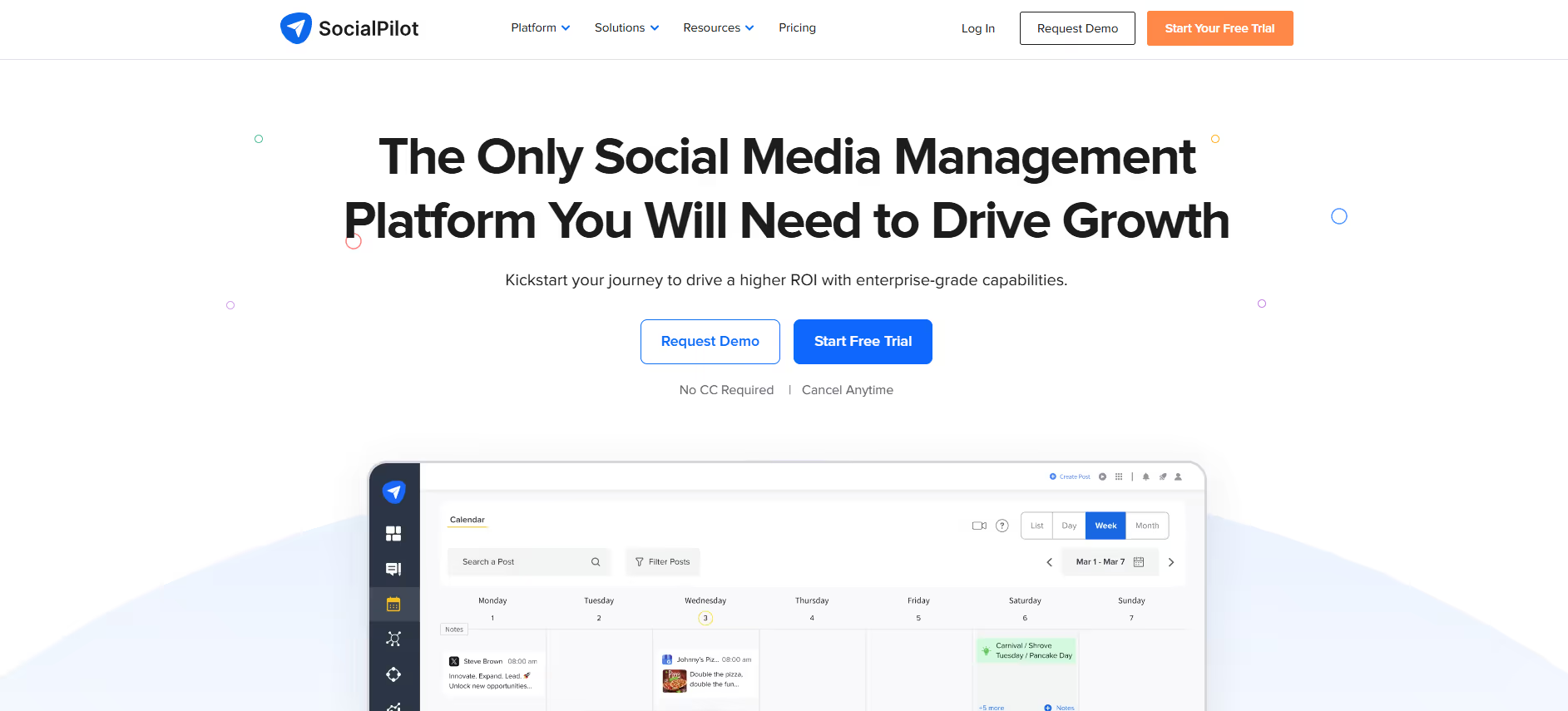
SocialPilot is a social media management tool for scheduling and publishing posts, replying from a shared inbox, reporting and client approvals. It supports Facebook, Instagram, LinkedIn, X, Threads, TikTok, Pinterest, YouTube, Google Business Profile and Bluesky. Plans start at $30 a month, or $25.50 a month billed yearly, after a 14-day free trial with no credit card.
The bottom line
Best-value social scheduling suite for small agencies; upgrade to Premium or Ultimate to unlock white-label and advanced analytics.
7.3
Our score
7.3 / 10
Conversion Gems editorial verdict
From $30/mo, or $25.50/mo billed yearly
Features7/10
7 - bulk scheduling, social inbox, AI captions, white-label reports, and approval workflows cover most agency needs; lacks deep social listening.
Value8/10
7 - a 14-day free trial and clear tiers; analytics start at $42.50 to $50 a month and agency features at $85 to $100.
Ease of use8/10
8 - clean dashboard, no credit card for trial, quick account connection; bulk upload and calendar views are intuitive.
Ecosystem6/10
7 - 10 networks including Threads, YouTube and Bluesky, plus Canva, Slack and Zapier integrations and an MCP server; API access on Enterprise only.
Support7/10
7 - chat and email support on all paid plans; dedicated account manager only on Ultimate ($170+/mo).
Community ratings
4.4/ 5 aggregate · across 3 sources
G2
4.5840+ reviews
Capterra
4.4370+ reviews
Trustpilot
2.230+ reviews
Third-party ratings shown verbatim; aggregate weighted by review volume.
What it really is
SocialPilot — social media scheduling, analytics, and team collaboration platform for agencies and marketers.
Our take
SocialPilot is a scheduling and management tool priced for small teams and agencies. Essentials covers publishing only; analytics, the social inbox and approvals start on Standard, and bulk scheduling, client management and white-label reports on Premium. There is a 14-day free trial but no free plan.
Why we rate it
SocialPilot hits a rare sweet spot — bulk scheduling, social inbox, team roles, and white-label reporting all under $100/mo. The 15% annual discount and no long-term contract make it easy to try at scale, and the AI Pilot caption/hashtag generator reduces content production overhead without requiring a separate tool.
The catch
Essentials has no analytics, inbox or approvals, so most teams need Standard. Bulk scheduling and white-label reports start on Premium at $85 to $100 a month.
Best for
Boutique agencies managing 5–20 client social accounts
Solo marketers needing bulk scheduling and a content calendar
Teams that need client-facing white-label PDF reports
Not good for
Enterprises requiring deep social listening or sentiment analysis
Large teams where per-seat add-ons make pricing unpredictable
Users needing granular per-channel post previews and formatting control
Friction report
Time to value
Fast: 14-day trial requires no credit card; connecting accounts and scheduling first posts takes under 30 minutes.
Scale breakpoint
Account and user limits rise by plan (7, 15, 25, 50 accounts); beyond them, extra accounts cost $4 and extra users $5 a month.
Walled garden
Moderate: analytics and white-label reports live in-app; data exports exist but workflows are tightly coupled to the SocialPilot dashboard.
From socialpilot.co/plans and SocialPilot's pricing file, checked 3 October 2026. Prices in USD before tax; EUR, GBP, AUD and India prices also exist. Yearly billing saves about 15%. 14-day free trial, no credit card required.
A look inside
Frequently Asked Questions
Essentials costs $30 a month, Standard $50, Premium $100 and Ultimate $200 on monthly billing. Yearly billing brings these to $25.50, $42.50, $85 and $170 a month. Enterprise is by quote (checked 3 October 2026).
No. SocialPilot has a 14-day free trial that doesn't need a credit card, but no free plan.
Facebook, Instagram, LinkedIn, X, Threads, TikTok, Pinterest, YouTube, Google Business Profile and Bluesky.
Yes. SocialPilot has no contracts. You can cancel, pause, upgrade or downgrade your plan at any time.
SocialPilot alternatives
Other social media management tools from our reviews:
Buffer: Social media scheduling and analytics for individuals and teams.
Hootsuite: Social media management for scheduling, monitoring and reporting.
Vista Social: AI-assisted social media management with scheduling, engagement and review management.
Publer: Social media scheduling and analytics for individuals and teams.