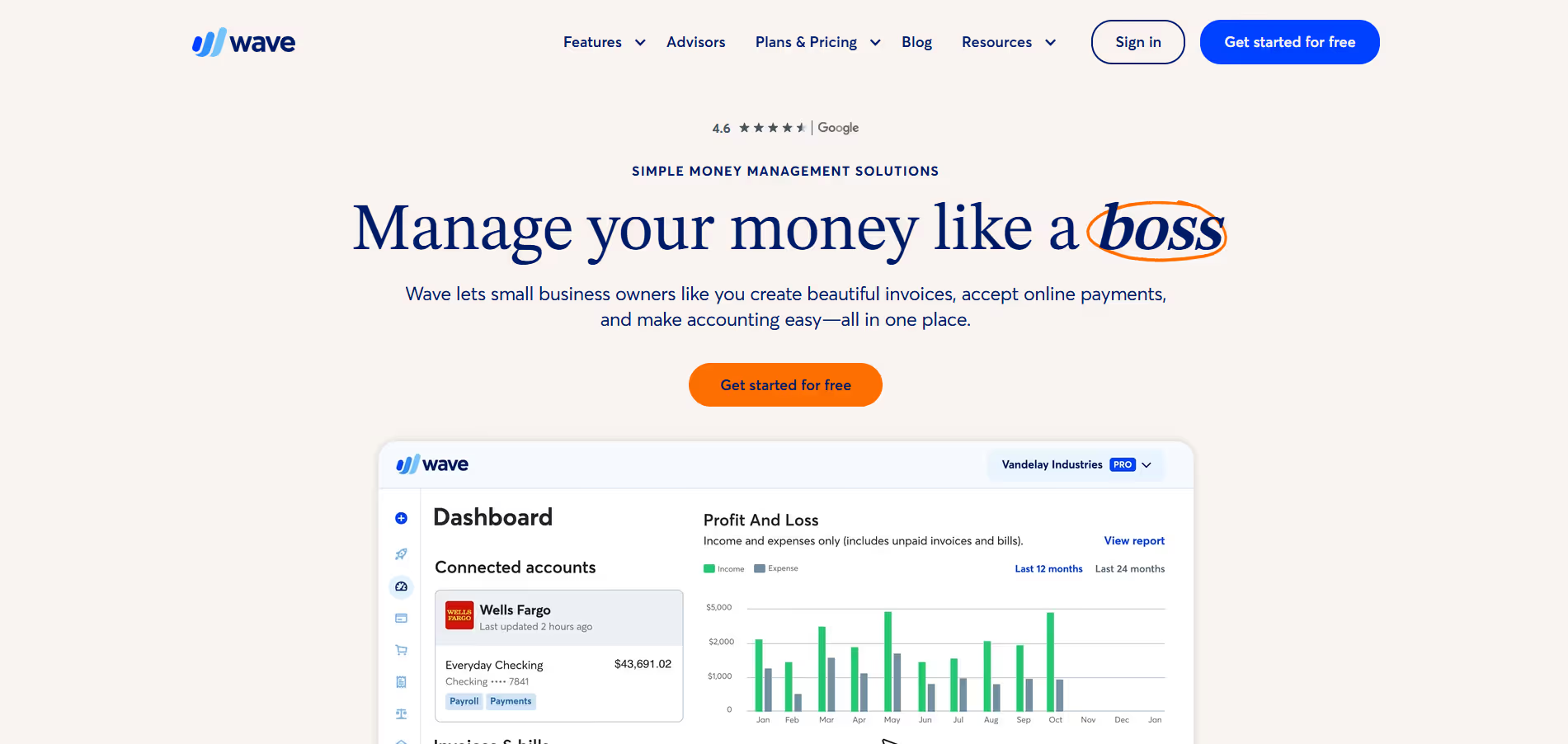
Wave
Key Applications
- Accounting: Track income, expenses, and reconcile bank accounts for a clear financial overview and accurate record-keeping.
- Invoicing: Create and send customized, professional invoices, track payments, and set up recurring billing for improved cash flow management.
- Receipt Scanning: Digitize and categorize receipts instantly using a mobile app, simplifying expense management and tax preparation.
- Financial Reporting: Generate essential financial statements such as profit & loss, balance sheets, and sales tax reports to monitor business health.
Who It’s For
Small business owners, freelancers, independent contractors, and consultants who need robust financial management tools without a monthly subscription cost, especially those focused on service-based operations.
Pros & Cons
| Pros |
Cons |
| ✔️ Free comprehensive core accounting, invoicing, and receipt tracking. | ✖️ Customer support primarily through email/chat, with slower response times for free users. |
| ✔️ Intuitive interface, making it easy for non-accountants to manage finances. | ✖️ Advanced features like inventory management or project tracking are not available. |
| ✔️ Unlimited customers, invoices, and expense tracking without subscription fees. | ✖️ Payroll and online payment processing incur additional fees. |
| ✔️ Robust reporting features for essential financial insights. | ✖️ Does not offer a fully integrated mobile app for all accounting functions (separate apps for invoicing and receipts). |
| Pros |
Cons |
| ✔ Very beginner-friendly |
✖ Limited features compared to Others |
| ✔ Clean interface |
✖ Less feature depth than others |
| ✔ Helpful community and resources |
✖ Can feel slower at scale |
How It Compares
- Versus QuickBooks Online: Wave is primarily free for its core accounting features, while QuickBooks Online is a paid subscription with tiered pricing. Wave focuses on essential accounting, invoicing, and expense tracking, whereas QuickBooks offers more advanced features like inventory management and project costing, suited for larger SMEs.
- Versus FreshBooks: Wave offers a broader free accounting suite, while FreshBooks is a paid, invoice-centric solution excelling in time tracking and project management for service-based businesses. Wave provides a more comprehensive free core accounting system.
- Versus Xero: Wave is free for its core accounting features, whereas Xero is a paid subscription offering extensive integrations and collaborative features, often preferred by businesses with growing teams or complex accounting needs.
Bullet Point Features
- Double-entry accounting system
- Unlimited invoicing and expense tracking
- Bank and credit card connections for automatic transaction imports
- Receipt scanning and management via mobile app
- Financial reports (P&L, balance sheet, sales tax)
- Customer and vendor management
Frequently Asked Questions
Find quick answers about this tool’s features, usage ,Compares, and support to get started with confidence.
What is Wave and what does it do?

Wave is a financial management and accounting platform designed primarily for small businesses, freelancers, and entrepreneurs. It helps users manage core financial tasks such as invoicing, accounting, payments, and basic financial reporting in one simple, easy-to-use system without requiring deep accounting knowledge.
How does Wave help small businesses manage finances more easily?

Wave simplifies financial management by automatically organizing income and expenses, tracking cash flow, and keeping records up to date. Users can create and send professional invoices, record payments, and monitor financial activity in real time, reducing the need for manual bookkeeping and spreadsheets.
What features does Wave offer for accounting and invoicing?

Wave offers features such as customizable invoicing, expense tracking, receipt scanning, bank account syncing, basic accounting reports, and payment processing. These tools allow businesses to handle day-to-day financial operations efficiently while maintaining clear visibility into their financial health.
Can Wave integrate with other tools and financial services?

Yes — Wave integrates with bank accounts, credit cards, and payment processors, enabling automatic transaction imports and faster reconciliation. It also supports payment options that allow clients to pay invoices online, helping businesses get paid more quickly and reliably.
Who should use Wave and what benefits can they expect?

Wave is ideal for freelancers, solopreneurs, startups, and small business owners who want a straightforward way to manage finances. Users can expect simplified accounting, professional invoicing, better cash-flow visibility, reduced administrative effort, and more confidence in their financial tracking, all from a single platform.