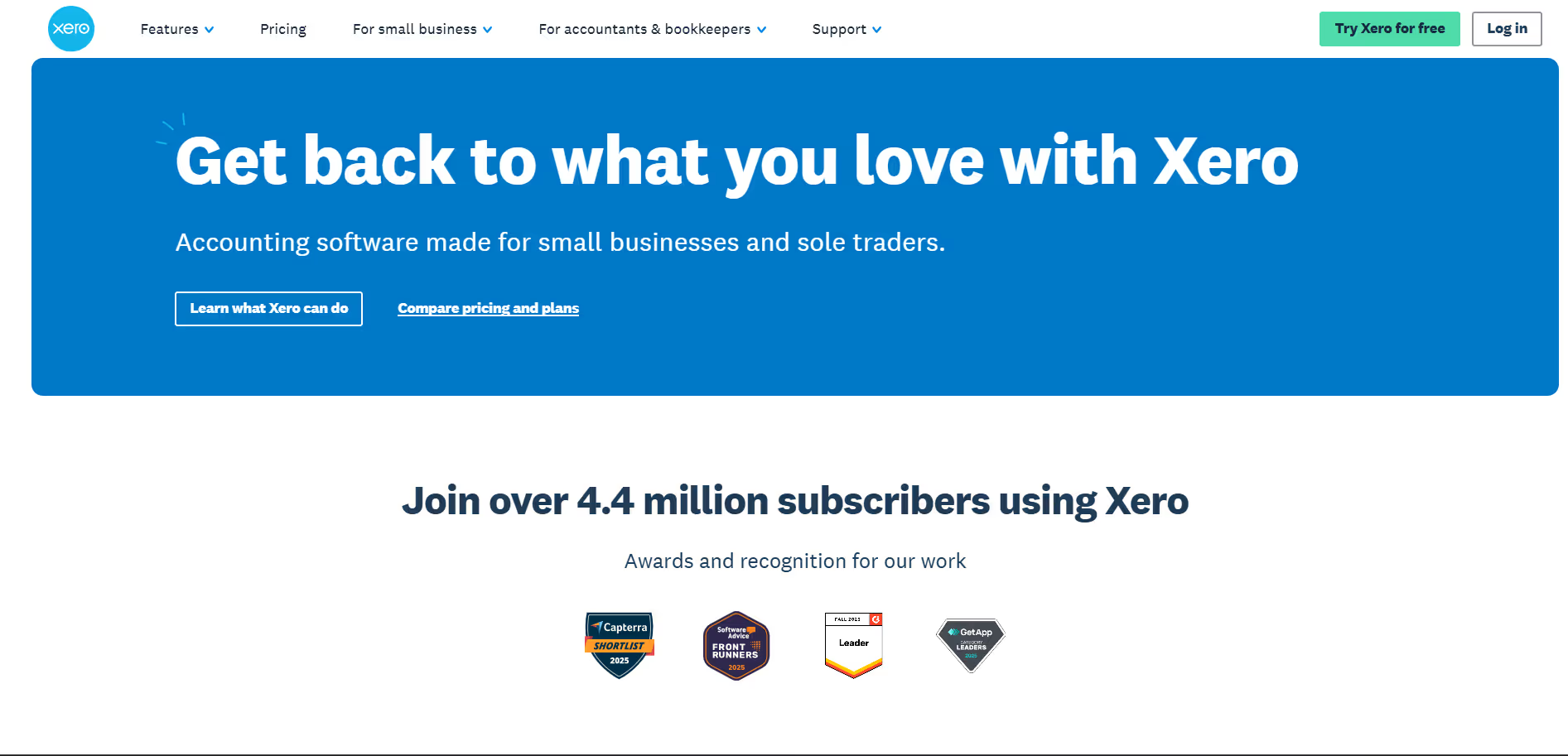
Xero
Key Applications
- Online Invoicing & Payments: Create and send professional invoices, automate payment reminders, and accept online payments via credit card, debit card, or direct debit.
- Bank Reconciliation: Automatically import and reconcile bank transactions, ensuring accurate financial records and saving time on manual data entry.
- Expense Management: Capture and manage receipts, track expenses, and submit or reimburse expense claims efficiently.
- Payroll & Compliance: Manage employee payroll, calculate deductions, generate payslips, and ensure compliance with tax regulations.
- Financial Reporting & Analytics: Access real-time financial data, generate customizable reports, and gain insights into business performance.
Who It’s For
Xero is designed for small to medium-sized businesses, accountants, and bookkeepers. It's particularly beneficial for companies seeking a cloud-based solution to manage their accounting, invoicing, payroll, and financial reporting needs.
Pros & Cons
"
| Pros |
Cons |
| ✔ Easy-to-use interface with cloud accessibility. |
✖ Limited features in lower-tier plans. |
| ✔ Integrates with hundreds of third-party apps. |
✖ Some advanced accounting features require additional modules. |
| ✔ Automates invoicing, bank reconciliation, and expense tracking. |
✖ Payroll support is limited to certain countries. |
"
| Pros |
Cons |
| ✔ Very beginner-friendly |
✖ Limited features compared to Others |
| ✔ Clean interface |
✖ Less feature depth than others |
| ✔ Helpful community and resources |
✖ Can feel slower at scale |
How It Compares
- Vs. QuickBooks Online: Xero offers unlimited users in all plans, whereas QuickBooks Online charges per user.
- Vs. FreshBooks: Xero provides more comprehensive accounting features, including payroll and financial reporting, while FreshBooks focuses primarily on invoicing and time tracking.
- Vs. Wave Accounting: Xero offers more advanced features and scalability, making it suitable for growing businesses, whereas Wave is a free solution with limited functionality.
Bullet Point Features
- Create and send professional invoices and quotes.
- Automate payment reminders and accept online payments.
- Automatically import and reconcile bank transactions.
- Capture and manage receipts and expenses.
- Generate customizable financial reports.
- Manage employee payroll and ensure tax compliance.
- Handle transactions in multiple currencies.
Frequently Asked Questions
Find quick answers about this tool’s features, usage ,Compares, and support to get started with confidence.
What is Xero and what is it used for?

Xero is a cloud-based accounting software designed to help small and medium-sized businesses manage their finances efficiently. It allows users to track income and expenses, reconcile bank transactions, and generate financial reports.
How does Xero help businesses manage finances?

Xero automates bank reconciliation, invoicing, expense tracking, and payroll management. By connecting to bank accounts and payment platforms, it provides real-time financial insights and simplifies accounting tasks for business owners.
What features does Xero offer?

Xero offers online invoicing, expense management, bank reconciliation, payroll, reporting and analytics, multi-currency support, inventory tracking, and integrations with hundreds of apps. These features help businesses streamline operations and maintain accurate financial records.
Is Xero suitable for beginners?

Yes, Xero is beginner-friendly with an intuitive interface and guided workflows. New users can quickly learn how to manage their finances and generate reports without prior accounting experience.
Who should use Xero and what benefits can they expect?

Xero is ideal for small business owners, accountants, bookkeepers, and financial managers. Users can expect real-time financial visibility, simplified accounting processes, improved cash flow management, accurate reporting, and easier compliance, helping businesses save time and make informed decisions.