
ClickUp
Description
Key Applications

Who It’s For
Pros & Cons
How It Compares
Bullet Point Features
Frequently Asked Questions
Find quick answers about this tool’s features, usage ,Compares, and support to get started with confidence.

Productivity platforms consolidate tasks, documents, and goal tracking in one workspace.
ClickUp offers native time tracking without requiring third-party integrations.
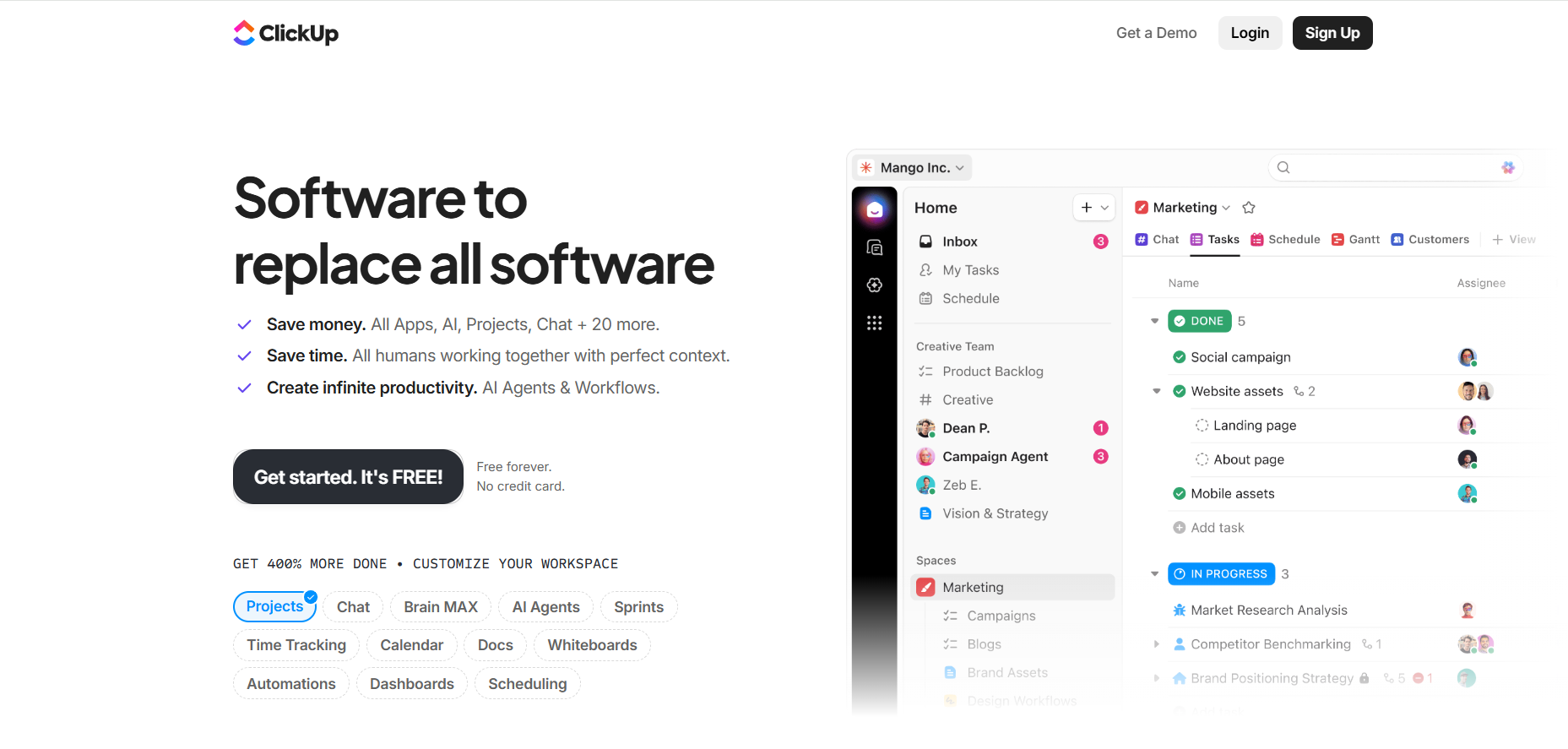
ClickUp’s AI-powered workspace consolidates project tools, automates workflows, and provides real-time visibility to help teams deliver projects faster and more efficiently.
It organizes tasks, timelines, and team collaboration to improve project planning and execution.
Project management features include task assignment, progress tracking, milestone planning, and team collaboration for streamlined workflows.

Disclosure
Reviews from Our Users

.avif)
"Overall, I like the core features, but the mobile UI still feels a bit clunky. Hope they fix this in future updates."

"Their support team actually listens to feedback! I’ve seen new features added within weeks. That’s impressive.''

"Some advanced options take a bit of time to understand, but once you get the hang of it, it’s incredibly powerful."

"I’ve tried several similar tools, but this one stands out for its clean interface and automation features. Totally worth the subscription."



.svg)
.svg)