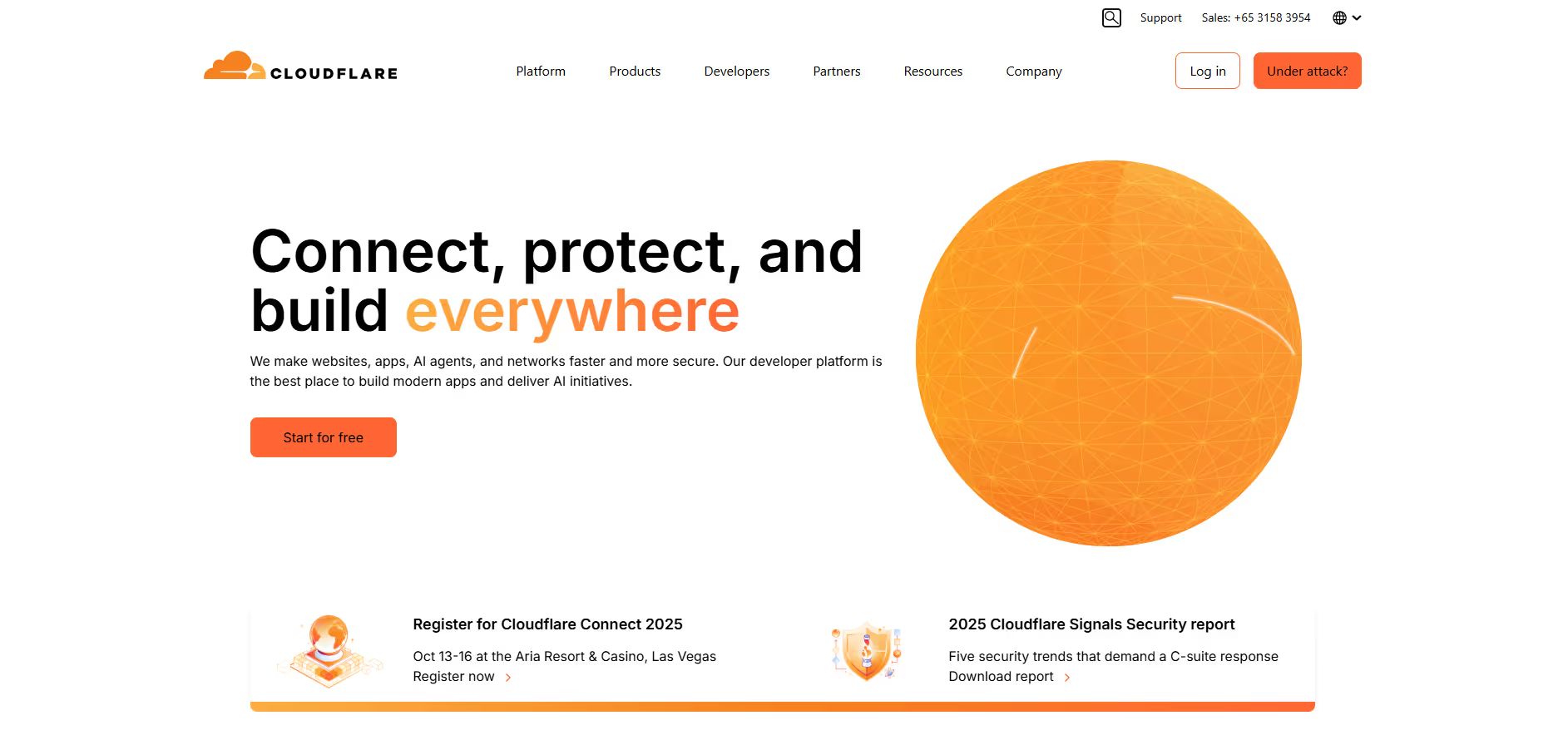
Cloudflare
Key Applications
- Website security through DDoS protection, bot mitigation, and WAF (Web Application Firewall)
- Global CDN (Content Delivery Network) to speed up website loading worldwide
- Zero Trust security for teams using secure access controls and private network protection
- DNS management with one of the fastest and most reliable DNS resolvers
- Application performance optimization using caching, load balancing, and edge compute functions (Cloudflare Workers)
Who It’s For
Cloudflare is ideal for businesses that need fast, secure, and reliable website or application performance without complex infrastructure setup. It serves startups looking for affordable protection, SaaS companies needing scalable performance, agencies managing multiple domains, and enterprises implementing Zero Trust architecture for secure workforce access. Developers also use Cloudflare for edge computing and serverless deployment without managing servers.
Pros & Cons
| Pros |
Cons |
| ✔️ Free CDN and DDoS protection |
✖️ Advanced features require paid plans |
| ✔️ Improves website loading speed globally |
✖️ Support on free plan is limited |
| ✔️ Strong security features including firewall & SSL |
✖️ Some settings can be complex for beginners |
| Pros |
Cons |
| ✔ Very beginner-friendly |
✖ Limited features compared to Others |
| ✔ Clean interface |
✖ Less feature depth than others |
| ✔ Helpful community and resources |
✖ Can feel slower at scale |
How It Compares
- Versus Akamai: Cloudflare is easier to use and more affordable, while Akamai is more enterprise-heavy
- Versus AWS CloudFront: Cloudflare has simpler setup and better built-in security; CloudFront integrates deeper with AWS
- Versus Fastly: Fastly offers more developer control; Cloudflare wins on pricing, security, and ecosystem tools
Bullet Point Features
- Global CDN with over 300+ edge locations
- DDoS and bot protection
- Web Application Firewall (WAF)
- Zero Trust access and secure tunneling
- Load balancing and smart routing
- Domain registration + DNS management
- Cloudflare Workers for serverless edge compute
- Free tier with strong security and performance basics
Frequently Asked Questions
Find quick answers about this tool’s features, usage ,Compares, and support to get started with confidence.
What is Cloudflare and what is it used for?

Cloudflare is a web performance and security platform that helps websites and applications load faster, stay secure, and remain reliable. It provides services like content delivery network (CDN), DDoS protection, DNS management, and website optimization.
How does Cloudflare simplify website performance and security?

Cloudflare simplifies website management by offering automatic content caching, traffic optimization, SSL management, security protections against attacks, and DNS management. Users can enhance website speed and security without complex configurations.
What features does Cloudflare offer?

Cloudflare offers CDN services, DDoS mitigation, web application firewall (WAF), SSL/TLS encryption, DNS management, analytics, bot management, and serverless computing with Workers. These features ensure websites are fast, secure, and reliable.
Is Cloudflare suitable for beginners?

Yes, Cloudflare is beginner-friendly, with an intuitive dashboard and guided setup. While some advanced features require technical knowledge, basic security and performance settings can be configured easily by newcomers.

Cloudflare is ideal for website owners, businesses, developers, and e-commerce platforms. Users can expect improved website speed, enhanced security, reduced downtime, simplified DNS management, and global content delivery, making it a powerful tool for optimizing and protecting websites.