
Let’s Enhance
Description
Key Applications
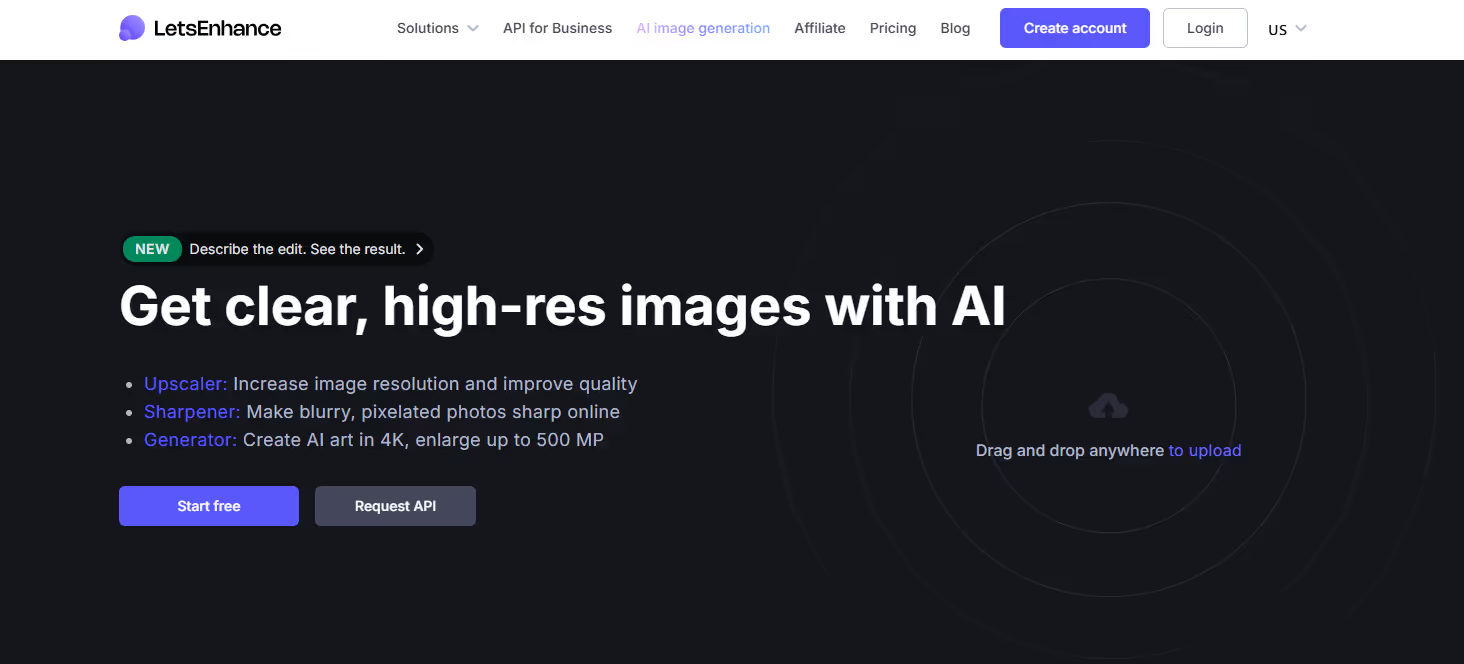
- AI Image Upscaling & Resolution Enhancement: Enlarges low-resolution images by up to 16x while using AI to add detail, reduce pixelation, and maintain clarity for printing or digital display.
- Photo Quality Restoration & Noise Reduction: Corrects blurry, noisy, or compressed JPEG artifacts in old photos or digital images to restore clarity and sharpness.
- Batch Processing of Image Assets: Allows users to upscale, enhance, and correct large batches of images simultaneously, streamlining workflows for e-commerce and photographers.
- Specific Workflow: An e-commerce manager has low-res product images; they batch upload them to Let's Enhance, which upscales them to high-resolution, sharpens details, and prepares them for a new website launch.

Who It’s For
Pros & Cons
How It Compares
- Versus Traditional Upscaling (e.g., Photoshop Bicubic): Let's Enhance wins significantly by using AI to generate realistic details and textures during upscaling, whereas traditional methods simply interpolate pixels, resulting in blur.
- Versus Topaz Labs Gigapixel AI: It differentiates by being a web-based SaaS platform with a simpler interface and batch processing focus, while Gigapixel AI is a dedicated desktop application often favored by photographers for its granular control.
- Versus free online upscalers: Its competitive advantage is the superior quality of its proprietary AI models, which are specifically trained for photo realism and detail recovery.
Bullet Point Features
- AI-powered image upscaling up to 16x
- Multiple AI models for photos, art, and colorization
- Batch processing of multiple images
- Noise reduction and JPEG artifact correction
- Color correction and lighting enhancement tools
Frequently Asked Questions
Find quick answers about this tool’s features, usage ,Compares, and support to get started with confidence.

Let’s Enhance is an AI-powered image enhancement tool that improves photo resolution, removes noise, and adjusts color and lighting automatically to produce high-quality visuals.
Photographers, designers, marketers, and e-commerce sellers can benefit. It’s ideal for anyone who wants professional-quality images without advanced editing skills.
It uses advanced AI algorithms to upscale images, restore details, correct colors, and reduce blur or artifacts, enhancing photos while preserving natural appearance.
Yes. Users can batch process images, making it efficient for projects like e-commerce catalogs, social media content, or photography portfolios.
Unlike conventional software, Let’s Enhance automates complex editing tasks, saving time while producing consistently high-quality results, perfect for users without professional editing experience.

Disclosure
Reviews from Our Users

.avif)
"Overall, I like the core features, but the mobile UI still feels a bit clunky. Hope they fix this in future updates."

"Their support team actually listens to feedback! I’ve seen new features added within weeks. That’s impressive.''

"Some advanced options take a bit of time to understand, but once you get the hang of it, it’s incredibly powerful."

"I’ve tried several similar tools, but this one stands out for its clean interface and automation features. Totally worth the subscription."


.svg)
.svg)