Best for transcriptionists, journalists, content creators
RTranslator
:
Best for translators, multilingual teams, global users
TurboScribe AI
:
Best for transcriptionists, journalists, podcasters
Nexidia
:
Best for customer‑experience teams, analytics managers, data specialists
Singify
:
Best for musicians, content creators, digital artists
Vomo AI
:
Best for writers, teachers, creative professionals
HoverNotes
:
Best for students, note takers, educators
Tempus AI Voice Assistant
:
Best for healthcare professionals, transcription teams, AI developers
Krisp AI
:
Best for remote workers, audio professionals, podcasters
Trinity Audio
:
Best for publishers, content creators, podcasters
Udio
:
Best for music creators, producers, artists
Mac Whisper
:
Best for Mac users, creators, podcasters
fineshare
:
Best for video editors, content creators, presenters
vocalware
:
Best for voice developers, podcasters, app creators
voicehub
:
Best for video creators, screen recorders, content professionals
sanas ai
:
Best for call‑center agents, business communicators, remote teams
speechtexter
:
Best for writers, transcribers, speech‑to‑text users
chatable
:
Best for hearing‑impaired users, communication specialists, educators
melody.ml
:
Best for musicians, producers, sound creators
audio network
:
Best for sound designers, film producers, music creators
fakeyou ai
:
Best for voice artists, content creators, entertainers
abridge ai
:
Best for healthcare providers, clinicians, transcription specialists
whisper.cpp
:
Best For Bloggers, Content Teams, Small Businesses
Whisperx
:
Best For AI Enthusiasts, Transcribers, Developers
pyannote.audio
:
Best For Marketers, Bloggers, Content Strategists
air.ai
:
Best For Content Writers, Bloggers, SEO Specialists
Voicemaker
:
Best For Developers, AI Researchers, Audio Engineers
Voice AI
:
Best For Creators, Developers, AI Enthusiasts
Resemble
:
Best For Voice Actors, Content Creators, Developers
Pyannote
:
Best For Researchers, Developers, Audio Analysis Teams
Retell
:
Best For Educators, Trainers, Video Creators
Vapi
:
Best For Developers, Startups, Voice AI Innovators
Playht
:
Best For Educators, Content Creators, Podcasters
Murf AI
:
Best For Marketers, Podcasters, Voiceover Artists
Piper TTS
:
Best For Developers, Accessibility Teams, App Creators
Lovo
:
Best For Content Creators, Voice Actors, Podcasters
Faster Whisper
:
Best For AI Developers, Audio Researchers, Tech Enthusiasts
Cartesia
:
Best For Data Scientists, ML Engineers, Researchers
Assemblyai
:
Best For Developers, AI Engineers, Audio Processing Teams
Deepgram
:
Best For Developers, Transcription Teams, Voice AI Engineers
Wava AI
:
OpenAI.fm
:
$29/month
SoundBoost
:
Fireflies.ai
:
Suno AI
:
LALAL.ai
:
Altered Studio
:
Respeecher
:
Reclaim.ai
:
Acuity Scheduling
:
SavvyCal
:
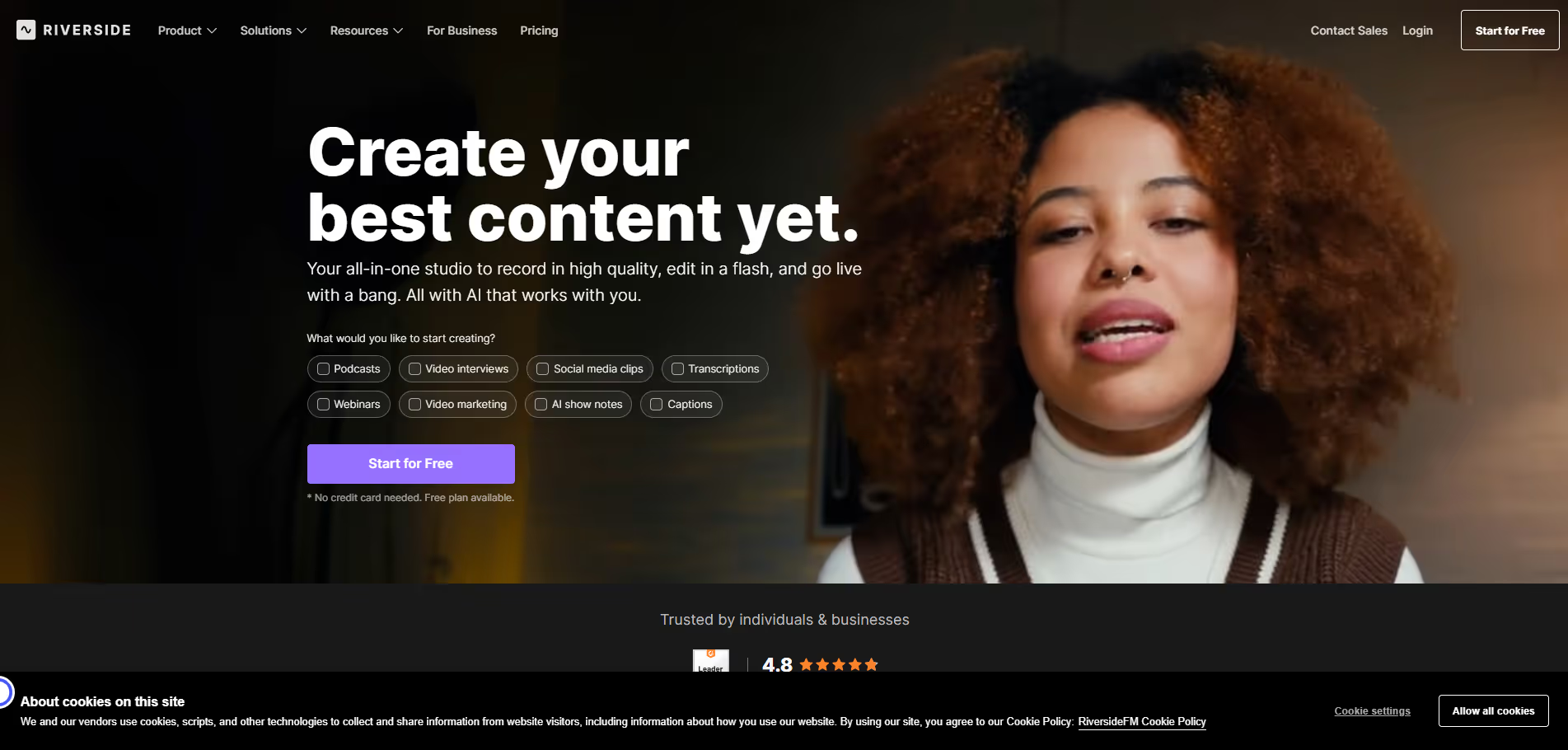
Riverside.fm
:
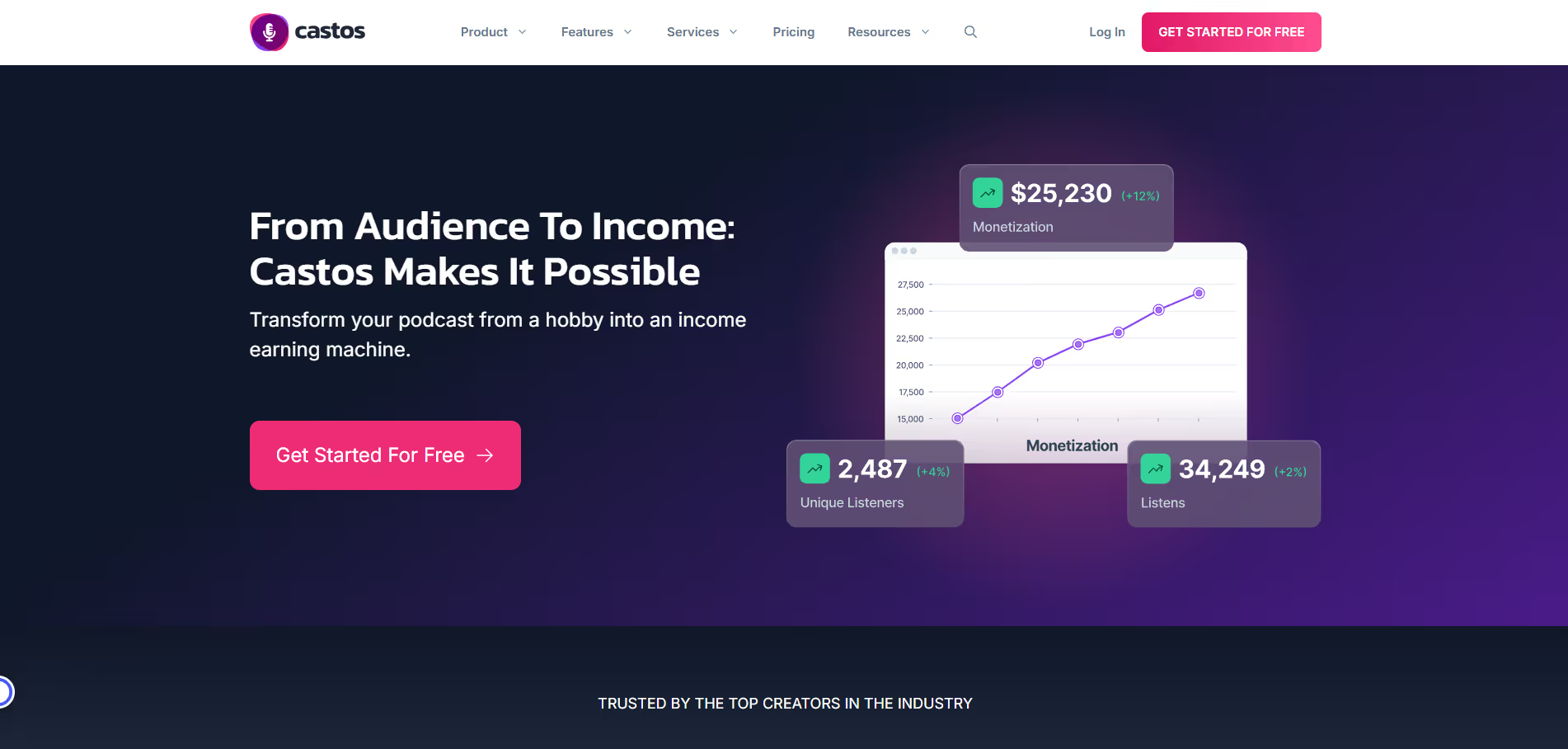
Castos
:
Best For Podcasters, Content Creators
Podbean
:
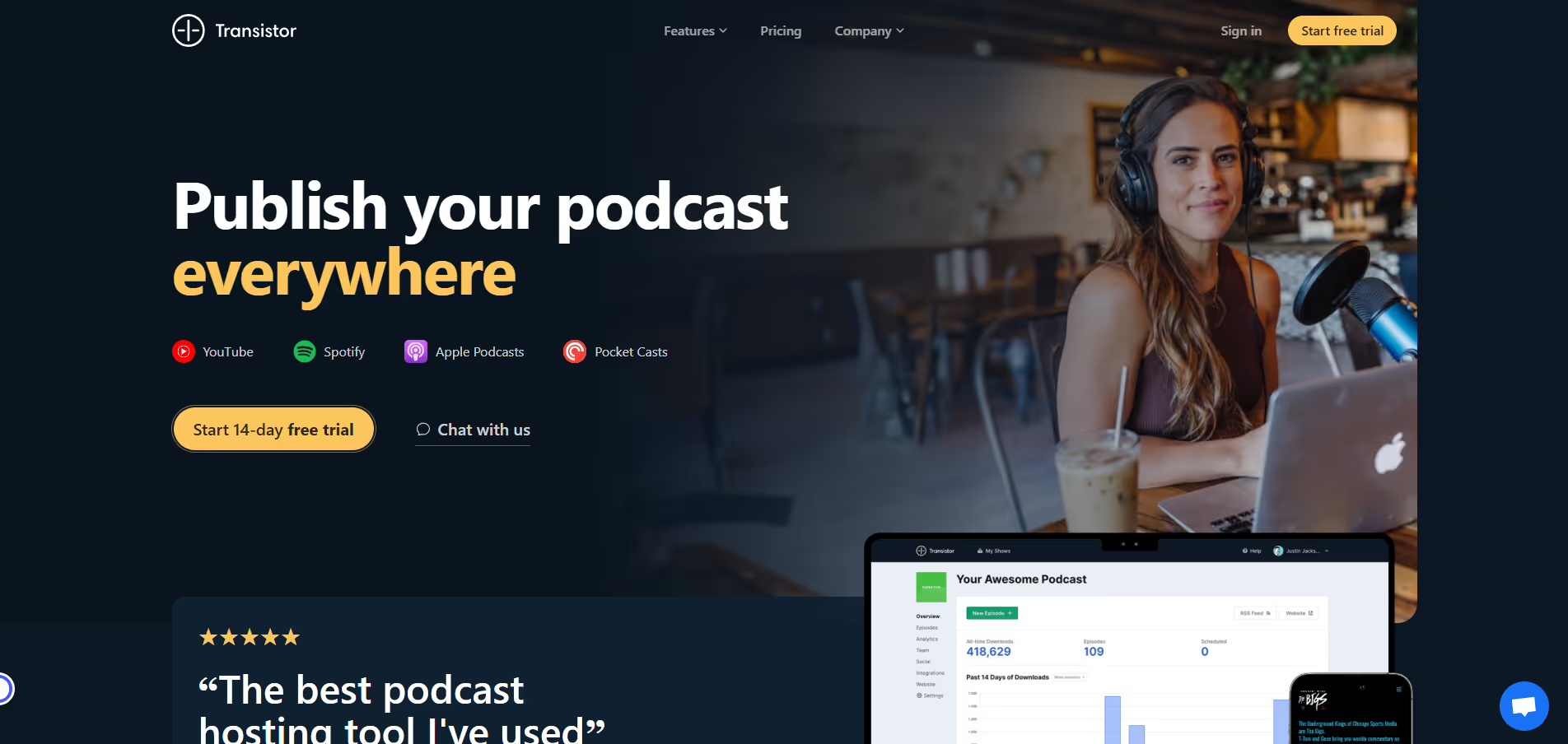
Transistor.fm
:
Buzzsprout
:
Zencastr
:
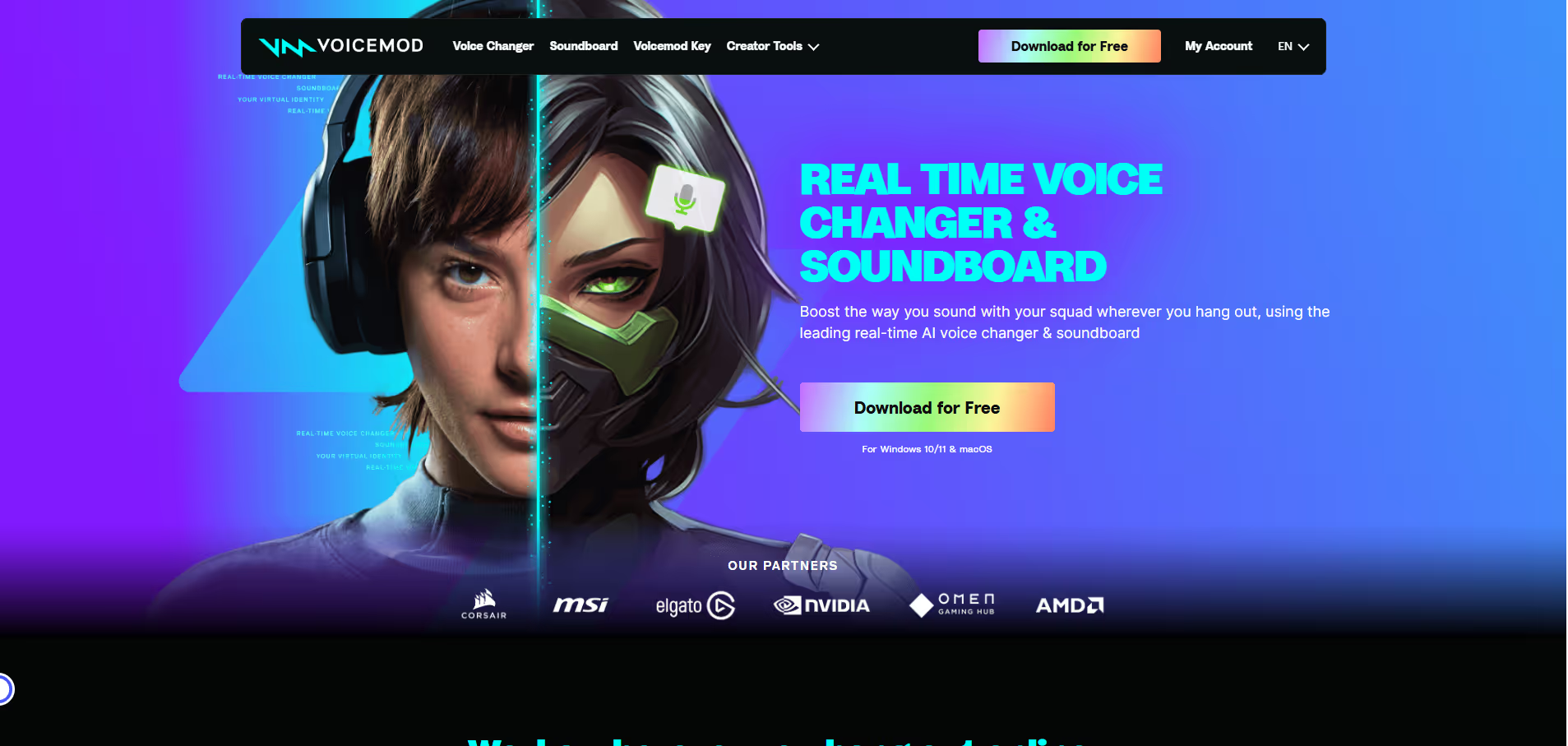
Voicemod
:
Krisp.ai
:
Cleanvoice.ai
:
WellSaid Labs
:
Synthesys.io
:
Speechify
:
Resemble.ai
:
ElevenLabs
:
Lovo.ai
:
Play.ht
:
Murf.ai
:
Jasper (Jarvis)
:
Happy Scribe
:
Content Creators, Educators, Teams
Poly AI
:
Automating customer service calls, enhancing user engagement through voice interactions, integrating AI into existing business workflows.
Noisee AI
:
Musicians, Social Creators, Visual Experimenters
Wavel AI
:
Quick video creation, multilingual voiceovers, AI-generated subtitles, and voice cloning.
Adobe Speech Enhancer
:
Cleaning up voiceovers, podcast intros/outros, online lectures, interview recordings, video dialogue clips.
Resemble AI
:
Voiceovers, podcasts, virtual assistants, multilingual content, and deepfake detection.
PlayPhrase.me
:
Finding exact movie lines, adding referenced clips to content, teaching idiomatic usage, quick quote sourcing.
Audioalter
:
Music tracks, podcasts, voiceovers, and other audio content.
Riverside Audio Transcription
:
Automatically turning recorded interviews/podcasts into transcripts and clips, generating show notes, multilingual content editing.
Media.io
:
Best for quick video edits, audio enhancements, image modifications.
Wavel AI
Wavel AI enables users to create videos from text with over 1,000 voices in 70+ languages. It supports voice cloning, AI-generated subtitles, and transforms scripts into engaging videos with visuals and background music, making content creation fast and accessible for creators, marketers, and educators.
Pros & Cons:
Pros
Cons
✔️ Supports over 70 languages and 1,000+ voices
✖️ Advanced features require higher-tier plans
✔️ Offers voice cloning and AI-generated subtitles
✖️ Some features may have a learning curve for new users
✔️ Provides tools for both video and audio content creation
✖️ Requires internet connection for cloud-based services
Bottom Line : Wavel AI enables fast, multilingual video and audio content creation with a simple, AI-powered platform.
Adobe’s Enhance Speech (also called Speech Enhancer) is an AI tool part of Adobe Podcast and Premiere Pro. It lets you upload audio or video files, or use dialogue in video editing workflows, and automatically clean up the speech: removing ambient noise, reverberation, boosting clarity, and balancing the levels. Users can adjust the amount of enhancement, handle files of significant size, and apply enhancements directly from Premiere’s Essential Sound panel. Perfect for podcasters, video editors, online creators, or anyone who wants better sounding speech without high-end recording gear.
Pros & Cons:
Pros
Cons
✔️ One-click studio-quality speech enhancement
✖️ Free version has limits on file size, duration, or daily use
✔️ Supports both audio and video files (with premium plan)
✖️ Some artifacts reported in very noisy or reverberant recordings
✔️ Adjustable enhancement strength & bulk upload in paid tier
✖️ Quality can vary depending on source audio and environment
Bottom Line : Adobe Speech Enhancer transforms mediocre audio into clean, professional speech with one click, though power users will need the premium plan for higher limits and more flexibility.
Resemble AI offers a suite of tools designed for voice cloning, text-to-speech (TTS), and speech-to-speech (STS) transformations. Users can clone a voice with as little as 10 seconds of audio, create multilingual voices, and edit audio by typing. The platform also provides deepfake detection and AI watermarking to ensure content authenticity. It's utilized across various industries, including entertainment, education, and enterprise applications
Pros & Cons:
Pros
Cons
✔️ Rapid voice cloning with minimal audio input
✖️ Requires internet access for cloud processing
✔️ Multilingual support for global applications
✖️ High-quality models may require higher-tier plans
✔️ Deepfake detection and AI watermarking for content security
✖️ Advanced features may have a learning curve
Bottom Line : Resemble AI offers a comprehensive suite of tools for realistic voice generation and content security, making it a valuable asset for various professional applications.
PlayPhrase.me is a specialized search tool that scans a large library of film and television dialogue clips. You type in a phrase or snippet you remember (e.g. “I’ll be back”), and it returns video clips where that exact dialogue occurs. You can watch, download, and save favorite scenes. It’s particularly useful for content creators, educators, language learners, or anyone trying to find a specific line from media.
Pros & Cons:
Pros
Cons
✔️ Quickly finds scenes matching exact dialogue from movies/TV
✖️ Free version limits number of clips per search
✔️ Useful for content creators, language learners, meme makers
Bottom Line : PlayPhrase.me is a powerful tool for locating movie or TV dialogue based on text input — excellent for creators and learners, though advanced access requires paying.
Audioalter is an online audio toolkit that simplifies audio editing tasks. Users can apply various effects, convert file formats, detect BPM, and create visual spectrograms and waveforms directly in their browsers. The platform supports multiple audio formats, including MP3, WAV, FLAC, and OGG, with a maximum file size of 50MB.
Pros & Cons:
Pros
Cons
✔️ Completely free to use
✖️ Requires a stable internet connection
✔️ No software installation needed
✖️ Limited to basic editing; lacks advanced features
✔️ User-friendly interface
✖️ File size capped at 50MB
Bottom Line : Audioalter offers a robust set of audio editing tools that are accessible, easy to use, and completely free. While it may not have the depth of professional desktop software, it serves as an excellent choice for casual users and those needing quick edits without the hassle of installing software.
Riverside lets you record both audio and video (with separate tracks for each participant), then use its suite of tools to transcribe content automatically, generate show notes, remove silences and filler words, and polish audio quality. It supports multiple languages, high resolutions (up to 4K video and 48kHz audio on paid plans), and features like Magic Audio, text‐based editing, and live streaming. This makes it very suited to podcasters, video creators, educators, or teams needing to produce polished, global content with minimal manual post-production.
Pros & Cons:
Pros
Cons
✔️ Automatic transcription in 100+ languages
✖️ Free plan has watermarks & lower video/audio quality
✔️ High-quality separate audio & video tracks
✖️ Limited recording hours on lower plans
✔️ Includes AI editing tools (Magic Audio, show notes, remove filler words)
✖️ Higher cost for advanced/enterprise features
Bottom Line : Riverside furnishes creators with powerful transcription and editing tools across languages, though full features require the Pro plan.
Media.io provides a comprehensive suite of AI-powered tools accessible through a web browser, eliminating the need for software installation. Users can edit videos, enhance audio, and modify images using intuitive interfaces and advanced algorithms. The platform supports various features, including background removal, noise reduction, video upscaling, and AI-generated subtitles. It's designed for content creators, marketers, and individuals seeking efficient media editing solutions.
Pros & Cons:
Pros
Cons
✔️ User-friendly interface
✖️ Free plan includes watermarks
✔️ Wide range of editing tools
✖️ Some advanced features require a paid plan
✔️ No software installation needed
✖️ Limited export quality on free plan
Bottom Line : Media.io offers a versatile and accessible platform for media editing, suitable for users seeking efficient solutions without the need for software installation.