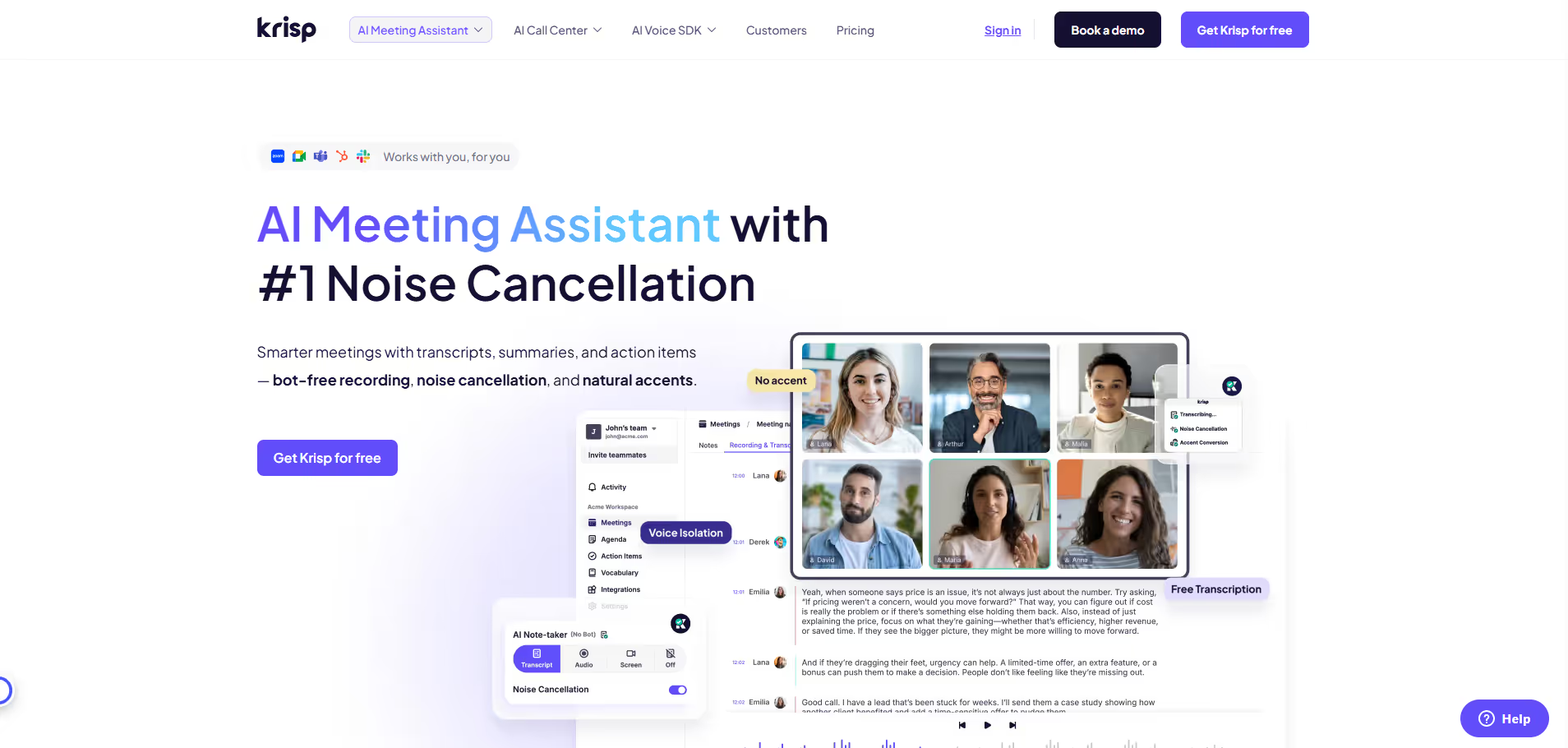
Krisp.ai
Key Applications
- Online Meetings: Eliminates distractions from remote work environments during virtual conferences and webinars.
- Customer Support: Ensures agents can hear and be heard clearly, improving service quality and caller satisfaction.
- Podcasting & Streaming: Provides studio-like audio quality by removing ambient noise from recordings and live broadcasts.
- Remote Education: Facilitates clearer communication between students and instructors during online classes.
Who It’s For
Remote professionals, call center agents, online educators, content creators, podcasters, gamers, and anyone requiring pristine audio clarity for online communication in noisy environments.
Pros & Cons
| Pros |
Cons |
| ✔️ Exceptional noise cancellation for various background sounds. |
✖️ Free plan has daily usage limitations. |
| ✔️ Integrates universally with over 800 communication applications. |
✖️ Can occasionally over-filter or suppress desired non-voice sounds. |
| ✔️ Bi-directional noise removal (microphone and speaker). |
✖️ Premium features require an ongoing subscription. |
| ✔️ Processes audio locally on device for privacy and security. |
✖️ Requires a stable internet connection for initial setup and updates. |
| Pros |
Cons |
| ✔ Very beginner-friendly |
✖ Limited features compared to Others |
| ✔ Clean interface |
✖ Less feature depth than others |
| ✔ Helpful community and resources |
✖ Can feel slower at scale |
How It Compares
- Versus Native App Noise Suppression: Krisp.ai often provides superior and more consistent noise cancellation compared to built-in features in platforms like Zoom or Microsoft Teams, especially for diverse and persistent background noises.
- Versus Hardware Solutions: Offers a flexible, software-based alternative to expensive noise-cancelling headphones or dedicated audio interfaces, allowing users to leverage their existing equipment while achieving high-quality sound.
Bullet Point Features
- Bi-directional Noise Cancellation: Removes noise from both your microphone input and speaker output.
- Voice-only Isolation: Accurately distinguishes human voices from complex background noise.
- Acoustic Echo Cancellation: Effectively eliminates echo in challenging acoustic environments.
- Seamless App Integration: Compatible with hundreds of popular communication, conferencing, and streaming applications.
- Low CPU Usage: Designed to operate efficiently without significantly impacting system performance.
- Privacy-focused Processing: All audio processing occurs locally on your device, not in the cloud.
Frequently Asked Questions
Find quick answers about this tool’s features, usage ,Compares, and support to get started with confidence.
What is Krisp.ai and what does it do?

Krisp.ai is an AI-powered noise cancellation software that removes background noise from calls, meetings, and recordings in real time. It enhances audio clarity for remote work, online meetings, podcasting, and content creation by filtering unwanted sounds from both the speaker and listener sides.
How does Krisp.ai improve communication and recordings?

Krisp.ai uses advanced AI algorithms to detect and remove background noises like keyboard typing, traffic, or chatter, ensuring clear and professional audio during calls, recordings, and streaming sessions. It works seamlessly with multiple devices and applications.
What features does Krisp.ai offer for users?

Krisp.ai offers features such as real-time noise cancellation, echo removal, AI-powered background filtering, call recording with noise suppression, and cross-platform compatibility. These features help users communicate effectively and produce high-quality audio content.
Can Krisp.ai integrate with other tools and platforms?

Yes — Krisp.ai integrates with tools and platforms like Zoom, Microsoft Teams, Google Meet, Slack, Skype, OBS Studio, and more, allowing users to enhance audio quality across all communication and recording applications.
Who should use Krisp.ai and what benefits can they expect?

Krisp.ai is ideal for remote workers, podcasters, content creators, online educators, and professionals in virtual meetings. Users can expect clearer calls, professional-quality recordings, reduced background distractions, improved collaboration, and enhanced audio experiences, making communication more effective and productive.