Best for healthcare trainers, compliance officers, clinical educators
Zollege
:
Best for educators, administrators, vocational trainers
Articulate 360
:
Best for educators, trainers, instructional designers
LaunchBox (Metadata Manager)
:
Best for developers, metadata specialists, content managers
Twyne
:
Best for video creators, social‑media marketers, content producers
TeachBoost
:
Best for teachers, instructional coaches, school administrators
Flip AI
:
Best for IT operations teams, developers, support engineers
Veeva Vault
:
Best for pharmaceutical teams, compliance managers, medical specialists
BePresent App
:
Best for remote teams, productivity seekers, professionals
Mini Apps AI
:
Best for developers, creators, no‑code innovators
Workflow 360
:
Best for operations managers, workflow administrators, business developers
Shoflo
:
Best for event planners, production coordinators, media teams
Radar Healthcare
:
Best for nonprofit teams, employee‑engagement coordinators, HR professionals
Aha!
:
Best for photographers, designers, creative artists
TOPdesk
:
Best for IT support specialists, developers, QA engineers
Humanios
:
Best for HR leaders, employee‑experience managers, wellness teams
Resource Guru
:
Best for project managers, creative teams, resource planners
WebDrive
:
Best for IT teams, file‑sharing specialists, cloud managers
RLDatix
:
Best for healthcare compliance teams, risk managers, hospital administrators
WhenIsGood
:
Best for event organizers, meeting planners, scheduling professionals
InfoManager
:
Best for data administrators, IT departments, information managers
Planr
:
Best for planners, project managers, team coordinators
Visual CertExam Manager
:
Best for IT trainers, certification students, network engineers
Marblism
:
Best for product designers, 3D artists, creative teams
Cloud9HR
:
Best for HR leaders, payroll administrators, enterprise staffs
uAttend (Time Clock)
:
Best for HR clerks, operations teams, time‑tracking managers
CleanShot X
:
Best for content creators, bloggers, designers
Linear
:
Best for product managers, software teams, developers
RTASK (RTasks)
:
Best for healthcare providers, case managers, assisted‑living staff
ClickUp
:
Best for project managers, remote teams, productivity leaders
Media Shuttle
:
Best for media teams, production studios, file‑transfer users
Solvo
:
Best for cloud Security, Privacy & Backup professionals, DevOps teams, IT engineers
Wishup
:
Best for virtual assistants, busy professionals, entrepreneurs
ZyBooks
:
Best for educators, students, STEM learners
Markup.io
:
Best for designers, creative agencies, marketing teams
PTO Tracker
:
Best for HR teams, shift supervisors, attendance managers
OrgVue
:
Best for HR professionals, workforce analysts, business leaders
Airtable
:
Best for project managers, creators, collaboration teams
Board Portal
:
Best for executives, board members, administrators
ContextWise
:
Best for marketing analysts, data scientists, AI researchers
RabbitSign
:
Best for legal professionals, compliance officers, contract specialists
PaceHR
:
Best for HR teams, recruiters, HR administrators
Dude Solutions (Brightly)
:
Best for facility managers, operations teams, asset coordinators
Vondy AI
:
Best for writers, readers, creative professionals
FireRoster
:
Best for fire departments, emergency services, operations planners
NetDuty
:
Best for emergency‑services coordinators, shift managers, public officials
MetroRetro
:
Best for facilitators, remote teams, collaboration managers
Schedule360
:
Best for nurse managers, hospital schedulers, healthcare administrators
Canea
:
Best for compliance managers, process specialists, enterprise teams
MyClinicalExchange
:
Best for medical students, healthcare institutions, clinical coordinators
ShiftLab
:
Best for retail teams, workforce managers, operations specialists
Altametrics Schedules
:
Best for restaurant owners, shift managers, food‑service operators
Aladtec
:
Best for emergency‑service teams, workforce schedulers, public safety units
Lightspeed Classroom
:
Best for teachers, educators, classroom managers
eSchedule
:
Best for schedulers, healthcare admins, facility coordinators
Zoho Shifts
:
Best for workforce schedulers, HR departments, operations teams
OpenExams
:
Best for students, educators, training coordinators
Flomo
:
Best for note takers, productivity users, journaling enthusiasts
MetricStream
:
Best for compliance managers, auditors, risk professionals
Documentum
:
Best for enterprises, document managers, legal teams
HRHQ
:
Best for HR professionals, business coaches, talent managers
ETQ Reliance
:
Best for quality managers, compliance officers, manufacturing teams
ANSOS
:
Best for hospital scheduling teams, nurse managers, staff planners
IntelliTime
:
Best for workforce managers, HR teams, scheduling coordinators
Podio
:
Best for project managers, collaboration teams, enterprise users
ESO Scheduling
:
Best for emergency‑service providers, healthcare teams, schedulers
Vimcal
:
Best for executives, productivity users, scheduling professionals
Avaya Cloud Office
:
Best for call‑center teams, communication professionals, enterprise users
Solides
:
Best for HR leaders, recruiters, talent managers
Checkster
:
Best for recruiters, HR specialists, staffing agencies
Archibus
:
Best for facility managers, building operators, workplace coordinators
ThinkWave
:
Best for teachers, educators, school administrators
Litera Compare
:
Best for legal professionals, compliance managers, law firms
Shapescale
:
Best for fitness enthusiasts, personal trainers, health coaches
Viva Learning
:
Best for corporate learners, internal trainers, HR departments
Labguru
:
Best for laboratory managers, researchers, scientists
PhilRx
:
Best for pharmacists, healthcare administrators, prescription teams
Mineral HR
:
Best for HR professionals, compliance officers, business leaders
IEX Cloud
:
Best for financial analysts, data scientists, investors
Performance Pro
:
Best for HR managers, team leaders, organizational developers
Exxat
:
Best for educators, medical schools, training coordinators
Genei
:
Best for researchers, writers, knowledge professionals
ServiceNow ITSM
:
Best for IT service managers, enterprise support teams, help‑desk staff
Swivle
:
Best for creative teams, designers, marketing professionals
SageHR
:
Best for HR teams, business managers, enterprise professionals
Ministry Scheduler Pro
:
Best for church leaders, volunteer coordinators, ministry staff
Vondy
:
Best for writers, marketers, creative professionals
BoardDocs
:
Best for educators, school administrators, board members
DocStar
:
Best for administrators, record managers, document controllers
CleanShot
:
Best for creators, educators, productivity experts
MasteryConnect
:
Best for teachers, schools, education leaders
Circuit for Teams
:
Best for collaboration teams, communication professionals, remote workers
ProductHub
:
Best for product managers, entrepreneurs, innovation leaders
Smartsheet
:
Best for project managers, teams, business planners
ZoomShift
:
Best for workforce schedulers, HR departments, retail managers
BioRAFT
:
Best for lab managers, compliance officers, research staff
Flowtrack
:
Best for marketers, sales teams, automation specialists
Obsidian
:
Best for writers, researchers, note‑taking professionals
Orbital Shift
:
Best for workforce managers, scheduling teams, ops leaders
Floot AI
:
Best for AI developers, researchers, data teams
upmetrics
Upmetrics simplifies business planning for startups and small enterprises through guided templates, financial forecasting, and collaboration tools. Its interactive dashboards turn static plans into living documents, empowering teams to adjust projections as conditions change. Investors and founders alike gain clear insight into financial health and growth potential.
Pros & Cons:
Upmetrics turns startup ideas into investor‑ready business plans, combining forecasting, collaboration, and performance tracking.
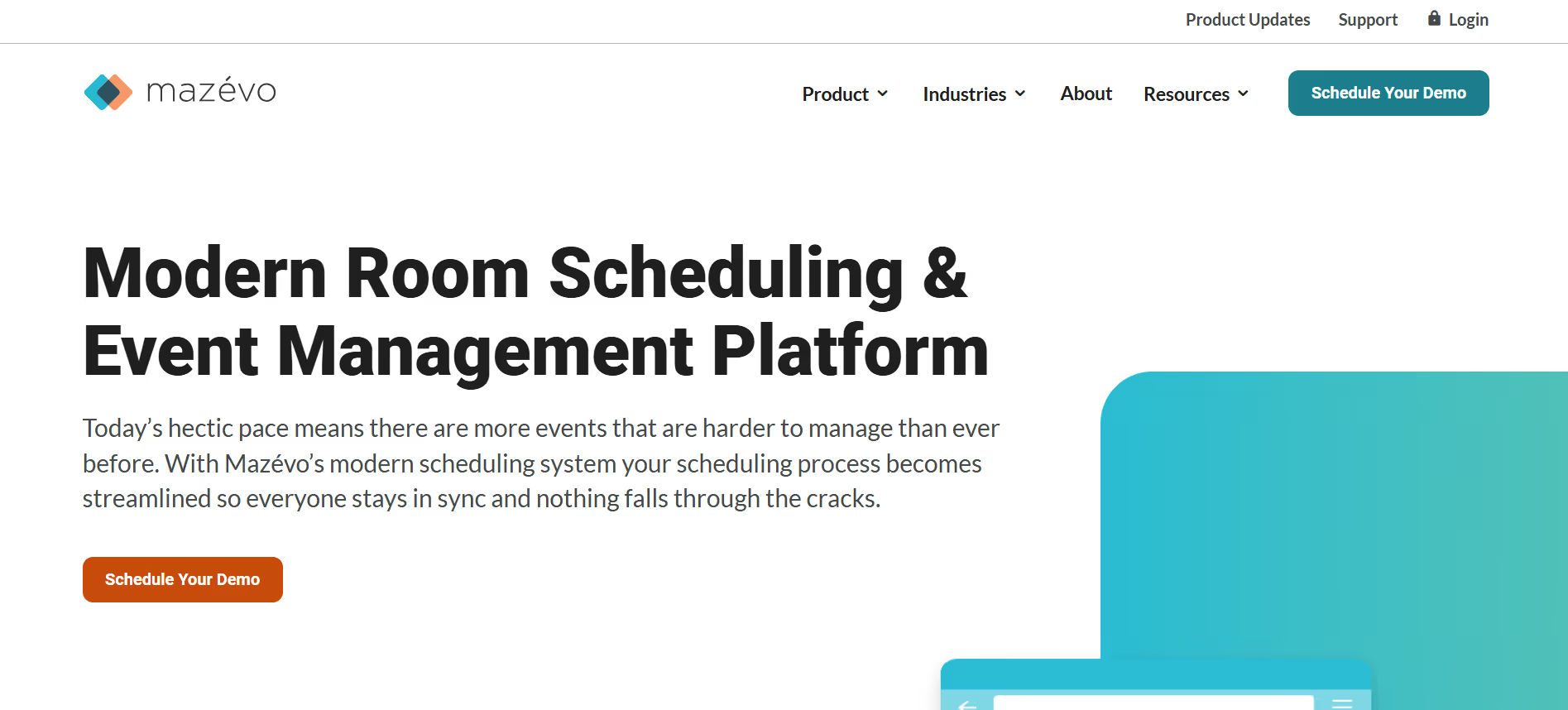
Mazevo offers scheduling and event‑management software tailored for campuses, corporate facilities, and venues. It centralizes room reservations, staffing, and resource allocation, reducing double‑bookings and manual coordination. Real‑time updates and powerful reporting tools enable planners to optimize space usage and deliver smoother events for students, guests, or employees.
Pros & Cons:
Mazevo modernizes campus and event space scheduling, giving universities and venues clearer visibility of room usage and resource allocation.
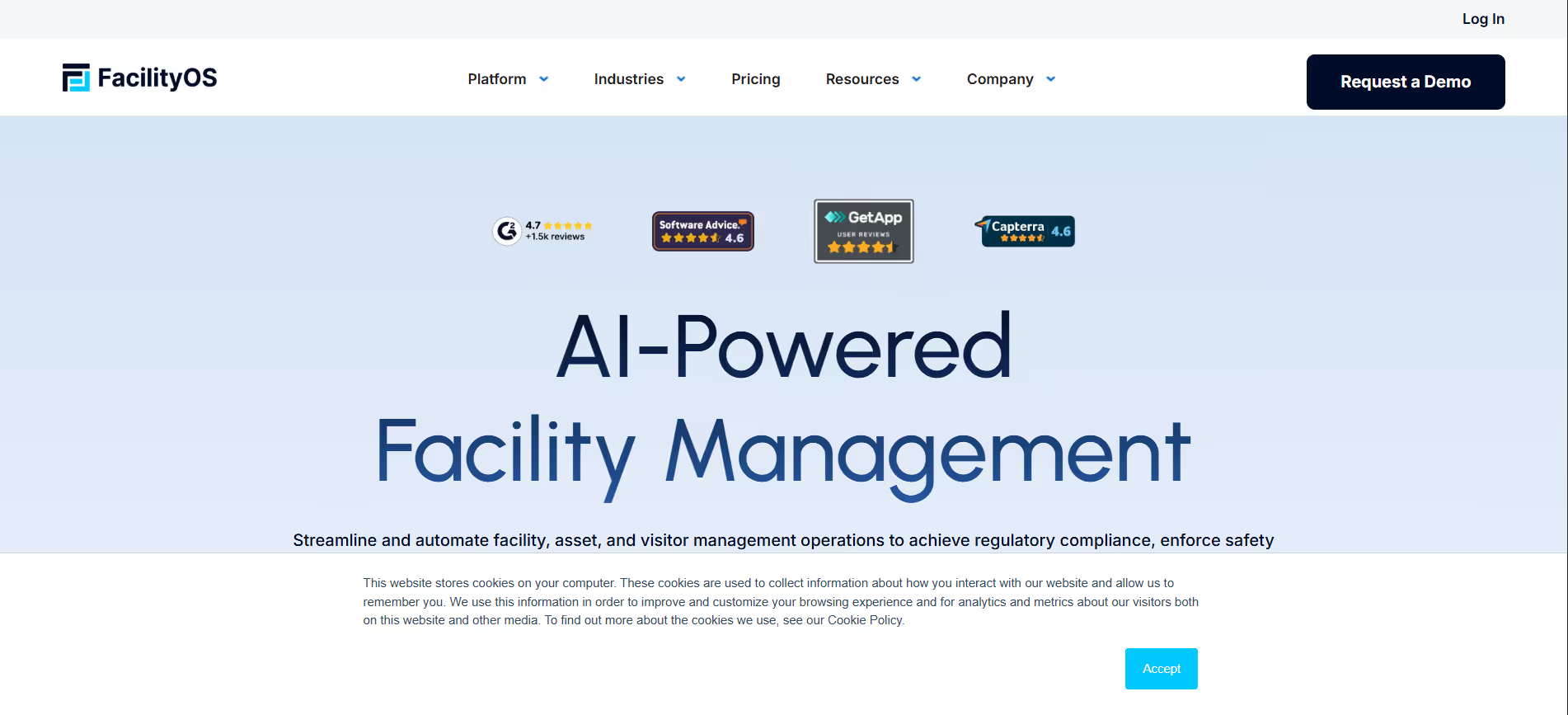
iLobby optimizes visitor management and building access for organizations prioritizing safety and compliance. The system automates check‑in, badge printing, and visitor verification, reducing front‑desk congestion and manual paperwork. With integrated reporting and access logs, companies gain transparency and accountability while giving guests a professional, seamless experience from arrival to departure.
Pros & Cons:
iLobby automates visitor management and building access, improving front‑desk efficiency and Security, Privacy & Backup compliance.
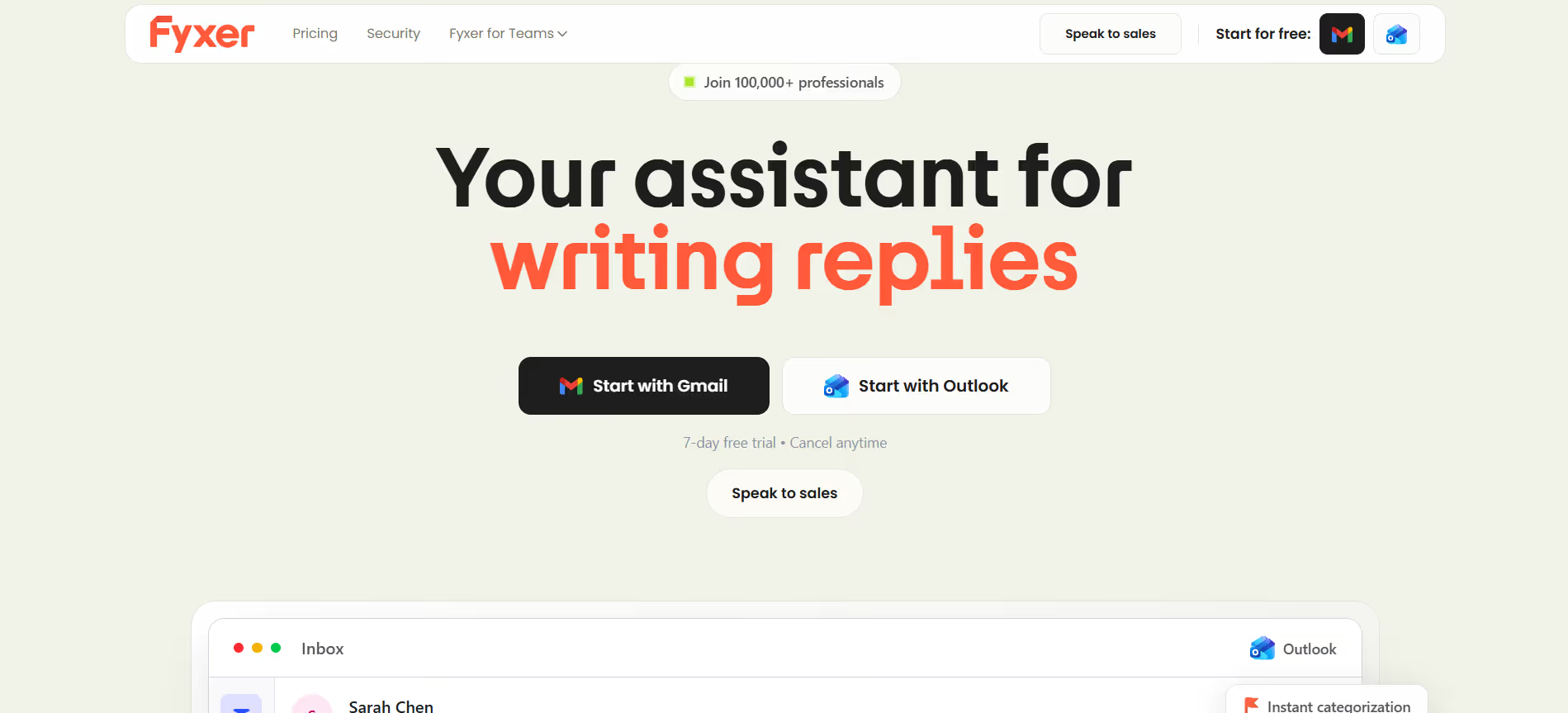
Fyxer provides companies and entrepreneurs with virtual assistant services that handle administrative and executive tasks efficiently. From scheduling meetings to managing communication and travel logistics, Fyxer streamlines day‑to‑day workflows so professionals can focus on strategic work. The platform’s trained assistants integrate seamlessly into existing teams, offering scalability and consistent support without hiring overhead.
Pros & Cons:
Fyxer offers virtual executive assistants who handle scheduling, communication, and admin work so professionals can focus on higher‑value tasks.
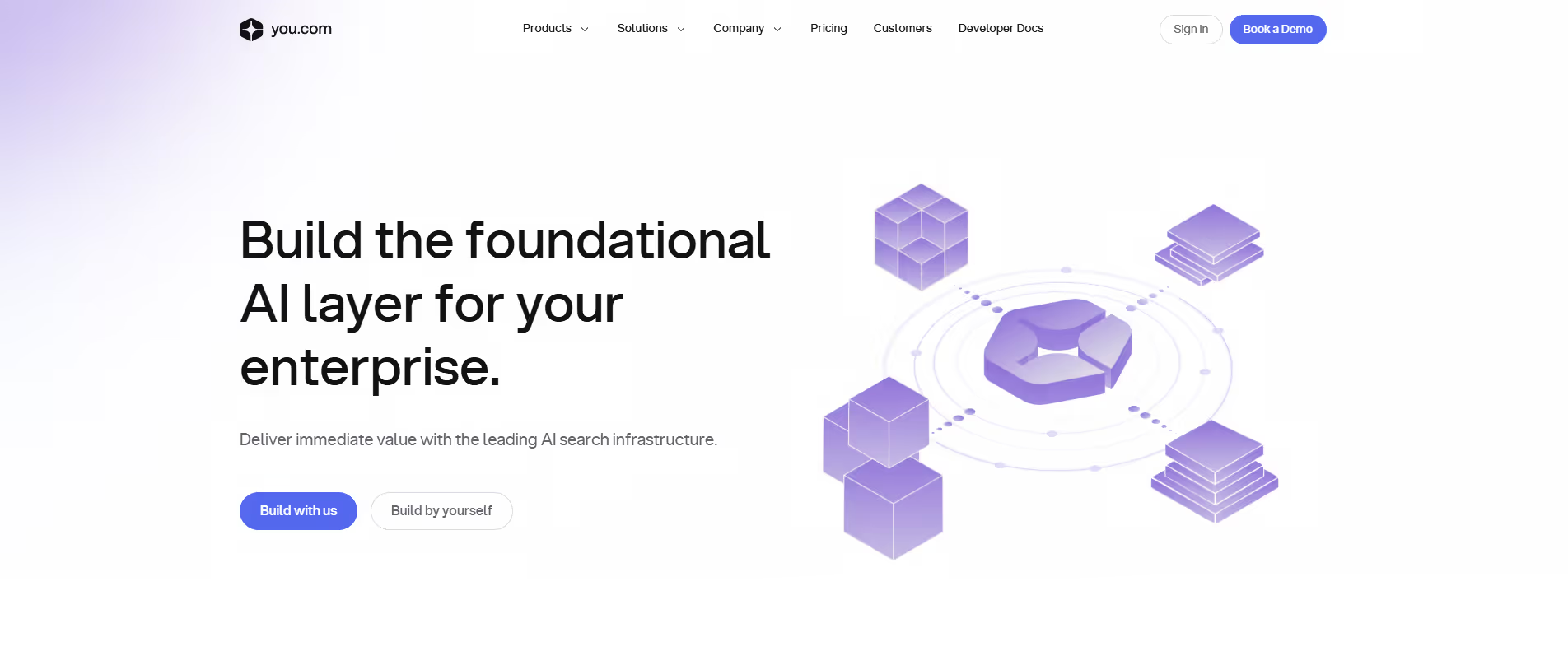
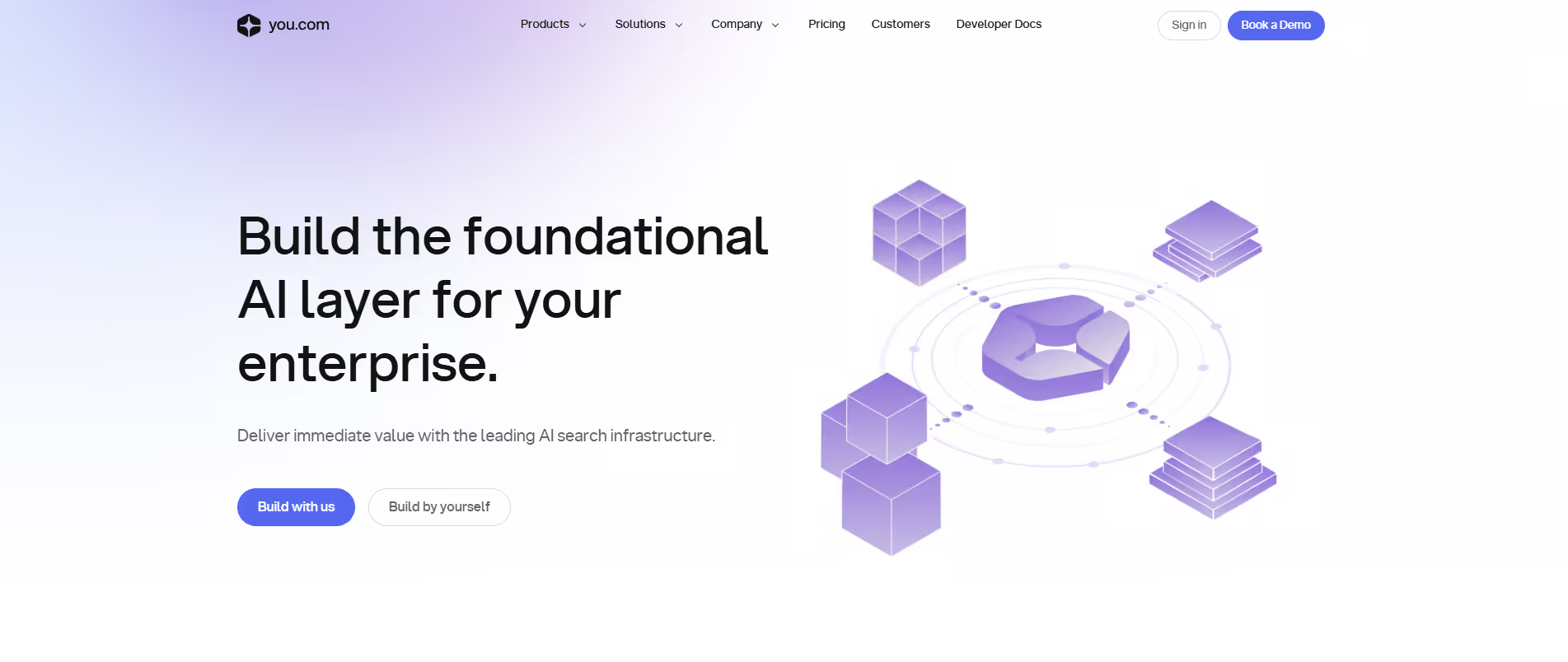
you.com ai search is an AI-enhanced search engine that delivers conversational, real-time answers, web summaries, and insights with privacy-focused, ad-free results.
Pros & Cons:
you.com ai search delivers conversational AI search with multiple answer formats. It’s designed to make information discovery faster and more flexible.
you.com is a privacy-focused AI search engine that provides answers, summaries, and insights from web sources, combining conversational AI with traditional search.
Pros & Cons:
you.com offers an AI-powered search and productivity platform. It combines answers, apps, and tools in one interface.
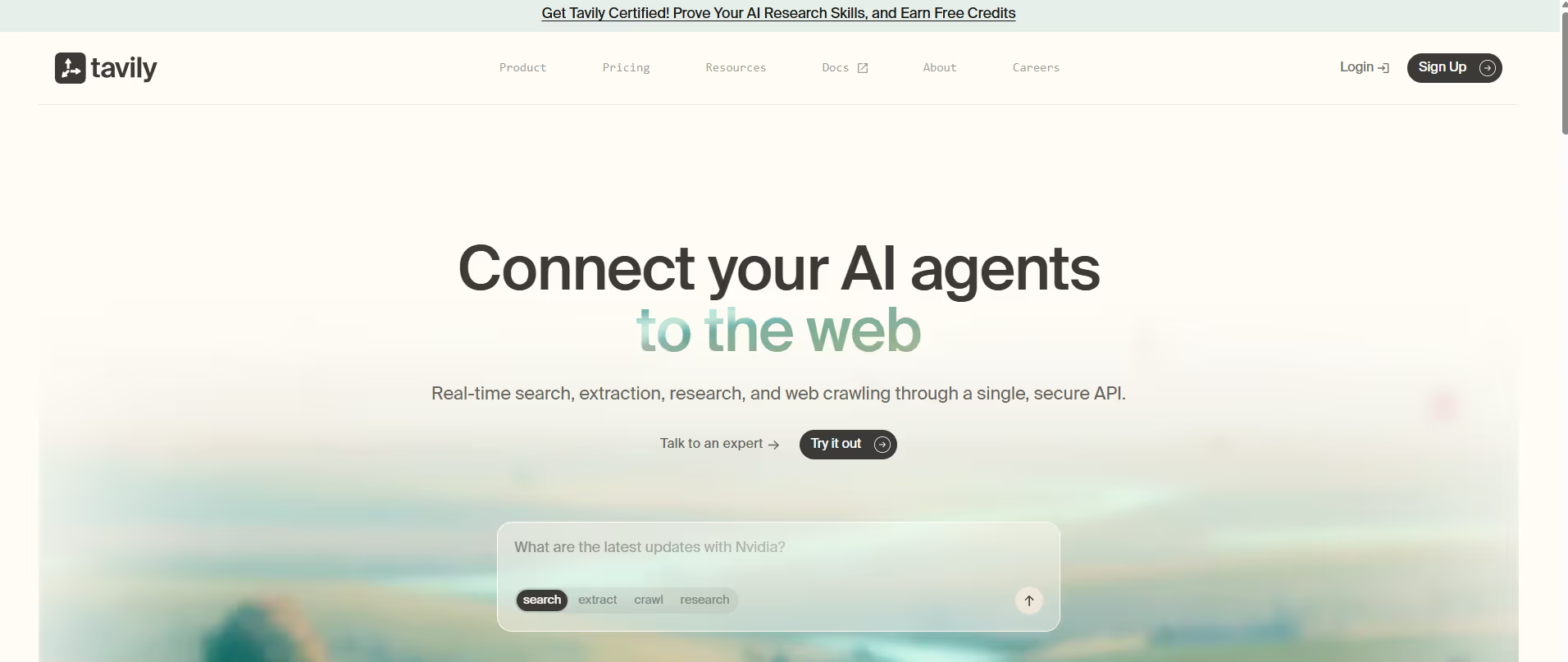
Tavily is an AI-powered video and content creation platform that generates engaging multimedia outputs from text, images, or scripts for marketing and communication.
Pros & Cons:
Tavily provides AI-powered search APIs optimized for agents and research tools. It’s designed for reliable and up-to-date information retrieval.



.png)




.svg)
.svg)
.svg)


.png)


.png)


.svg)



.png)
.png)
.png)

.png)