Best for healthcare trainers, compliance officers, clinical educators
Zollege
:
Best for educators, administrators, vocational trainers
Articulate 360
:
Best for educators, trainers, instructional designers
LaunchBox (Metadata Manager)
:
Best for developers, metadata specialists, content managers
Twyne
:
Best for video creators, social‑media marketers, content producers
TeachBoost
:
Best for teachers, instructional coaches, school administrators
Flip AI
:
Best for IT operations teams, developers, support engineers
Veeva Vault
:
Best for pharmaceutical teams, compliance managers, medical specialists
BePresent App
:
Best for remote teams, productivity seekers, professionals
Mini Apps AI
:
Best for developers, creators, no‑code innovators
Workflow 360
:
Best for operations managers, workflow administrators, business developers
Shoflo
:
Best for event planners, production coordinators, media teams
Radar Healthcare
:
Best for nonprofit teams, employee‑engagement coordinators, HR professionals
Aha!
:
Best for photographers, designers, creative artists
TOPdesk
:
Best for IT support specialists, developers, QA engineers
Humanios
:
Best for HR leaders, employee‑experience managers, wellness teams
Resource Guru
:
Best for project managers, creative teams, resource planners
WebDrive
:
Best for IT teams, file‑sharing specialists, cloud managers
RLDatix
:
Best for healthcare compliance teams, risk managers, hospital administrators
WhenIsGood
:
Best for event organizers, meeting planners, scheduling professionals
InfoManager
:
Best for data administrators, IT departments, information managers
Planr
:
Best for planners, project managers, team coordinators
Visual CertExam Manager
:
Best for IT trainers, certification students, network engineers
Marblism
:
Best for product designers, 3D artists, creative teams
Cloud9HR
:
Best for HR leaders, payroll administrators, enterprise staffs
uAttend (Time Clock)
:
Best for HR clerks, operations teams, time‑tracking managers
CleanShot X
:
Best for content creators, bloggers, designers
Linear
:
Best for product managers, software teams, developers
RTASK (RTasks)
:
Best for healthcare providers, case managers, assisted‑living staff
ClickUp
:
Best for project managers, remote teams, productivity leaders
Media Shuttle
:
Best for media teams, production studios, file‑transfer users
Solvo
:
Best for cloud Security, Privacy & Backup professionals, DevOps teams, IT engineers
Wishup
:
Best for virtual assistants, busy professionals, entrepreneurs
ZyBooks
:
Best for educators, students, STEM learners
Markup.io
:
Best for designers, creative agencies, marketing teams
PTO Tracker
:
Best for HR teams, shift supervisors, attendance managers
OrgVue
:
Best for HR professionals, workforce analysts, business leaders
Airtable
:
Best for project managers, creators, collaboration teams
Board Portal
:
Best for executives, board members, administrators
ContextWise
:
Best for marketing analysts, data scientists, AI researchers
RabbitSign
:
Best for legal professionals, compliance officers, contract specialists
PaceHR
:
Best for HR teams, recruiters, HR administrators
Dude Solutions (Brightly)
:
Best for facility managers, operations teams, asset coordinators
Vondy AI
:
Best for writers, readers, creative professionals
FireRoster
:
Best for fire departments, emergency services, operations planners
NetDuty
:
Best for emergency‑services coordinators, shift managers, public officials
MetroRetro
:
Best for facilitators, remote teams, collaboration managers
Schedule360
:
Best for nurse managers, hospital schedulers, healthcare administrators
Canea
:
Best for compliance managers, process specialists, enterprise teams
MyClinicalExchange
:
Best for medical students, healthcare institutions, clinical coordinators
ShiftLab
:
Best for retail teams, workforce managers, operations specialists
Altametrics Schedules
:
Best for restaurant owners, shift managers, food‑service operators
Aladtec
:
Best for emergency‑service teams, workforce schedulers, public safety units
Lightspeed Classroom
:
Best for teachers, educators, classroom managers
eSchedule
:
Best for schedulers, healthcare admins, facility coordinators
Zoho Shifts
:
Best for workforce schedulers, HR departments, operations teams
OpenExams
:
Best for students, educators, training coordinators
Flomo
:
Best for note takers, productivity users, journaling enthusiasts
MetricStream
:
Best for compliance managers, auditors, risk professionals
Documentum
:
Best for enterprises, document managers, legal teams
HRHQ
:
Best for HR professionals, business coaches, talent managers
ETQ Reliance
:
Best for quality managers, compliance officers, manufacturing teams
ANSOS
:
Best for hospital scheduling teams, nurse managers, staff planners
IntelliTime
:
Best for workforce managers, HR teams, scheduling coordinators
Podio
:
Best for project managers, collaboration teams, enterprise users
ESO Scheduling
:
Best for emergency‑service providers, healthcare teams, schedulers
Vimcal
:
Best for executives, productivity users, scheduling professionals
Avaya Cloud Office
:
Best for call‑center teams, communication professionals, enterprise users
Solides
:
Best for HR leaders, recruiters, talent managers
Checkster
:
Best for recruiters, HR specialists, staffing agencies
Archibus
:
Best for facility managers, building operators, workplace coordinators
ThinkWave
:
Best for teachers, educators, school administrators
Litera Compare
:
Best for legal professionals, compliance managers, law firms
Shapescale
:
Best for fitness enthusiasts, personal trainers, health coaches
Viva Learning
:
Best for corporate learners, internal trainers, HR departments
Labguru
:
Best for laboratory managers, researchers, scientists
PhilRx
:
Best for pharmacists, healthcare administrators, prescription teams
Mineral HR
:
Best for HR professionals, compliance officers, business leaders
IEX Cloud
:
Best for financial analysts, data scientists, investors
Performance Pro
:
Best for HR managers, team leaders, organizational developers
Exxat
:
Best for educators, medical schools, training coordinators
Genei
:
Best for researchers, writers, knowledge professionals
ServiceNow ITSM
:
Best for IT service managers, enterprise support teams, help‑desk staff
Swivle
:
Best for creative teams, designers, marketing professionals
SageHR
:
Best for HR teams, business managers, enterprise professionals
Ministry Scheduler Pro
:
Best for church leaders, volunteer coordinators, ministry staff
Vondy
:
Best for writers, marketers, creative professionals
BoardDocs
:
Best for educators, school administrators, board members
DocStar
:
Best for administrators, record managers, document controllers
CleanShot
:
Best for creators, educators, productivity experts
MasteryConnect
:
Best for teachers, schools, education leaders
Circuit for Teams
:
Best for collaboration teams, communication professionals, remote workers
ProductHub
:
Best for product managers, entrepreneurs, innovation leaders
Smartsheet
:
Best for project managers, teams, business planners
ZoomShift
:
Best for workforce schedulers, HR departments, retail managers
BioRAFT
:
Best for lab managers, compliance officers, research staff
Flowtrack
:
Best for marketers, sales teams, automation specialists
Obsidian
:
Best for writers, researchers, note‑taking professionals
Orbital Shift
:
Best for workforce managers, scheduling teams, ops leaders
Floot AI
:
Best for AI developers, researchers, data teams
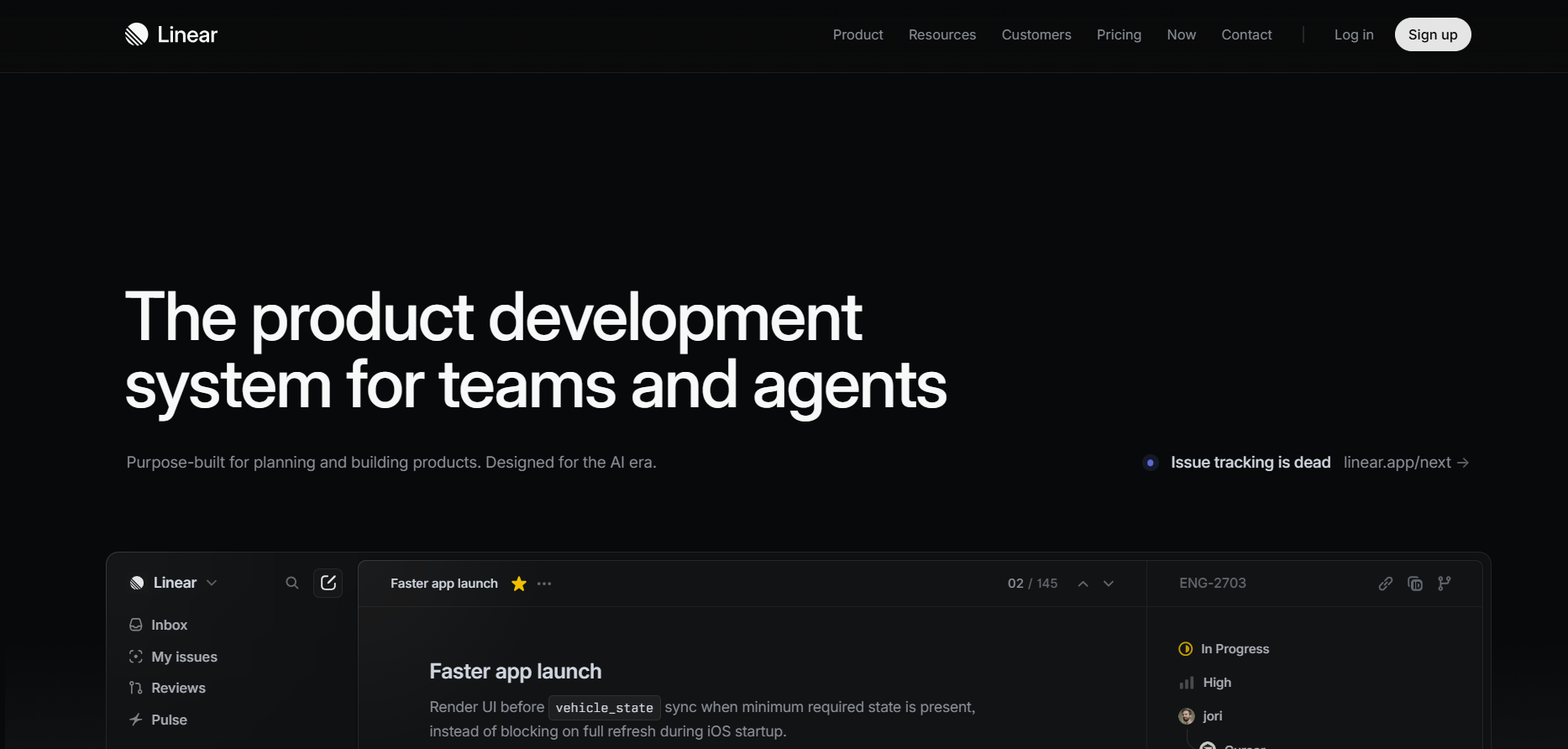
Linear
Linear serves software‑development teams with an intuitive issue‑ and project‑tracking interface. It improves workflows, planning velocity, and team alignment.
Pros & Cons:
Linear organizes product‑development tasks and issue tracking for fast, focused software teams.
RTasks delivers home‑care software that handles documentation, scheduling, and compliance reporting. Agencies rely on it for streamlined operations and improved caregiver accountability.
Pros & Cons:
RTasks helps home‑care agencies manage documentation, scheduling, and compliance through one integrated portal.
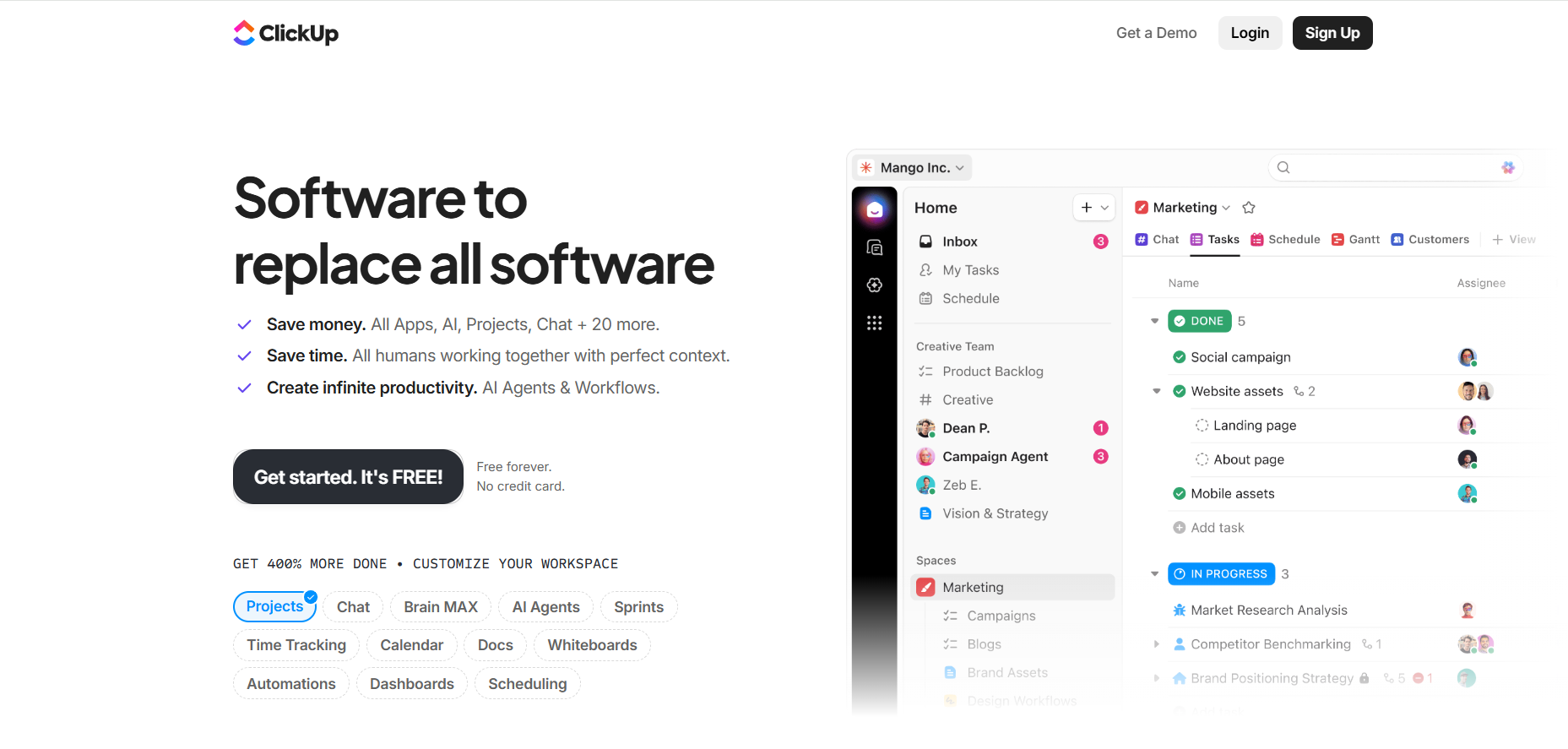
ClickUp provides a unified workspace combining task management, docs, and collaboration. Teams customize dashboards to centralize communication and project tracking.
Pros & Cons:
ClickUp consolidates projects, docs, and tasks into a single productivity platform adaptable to any workflow.
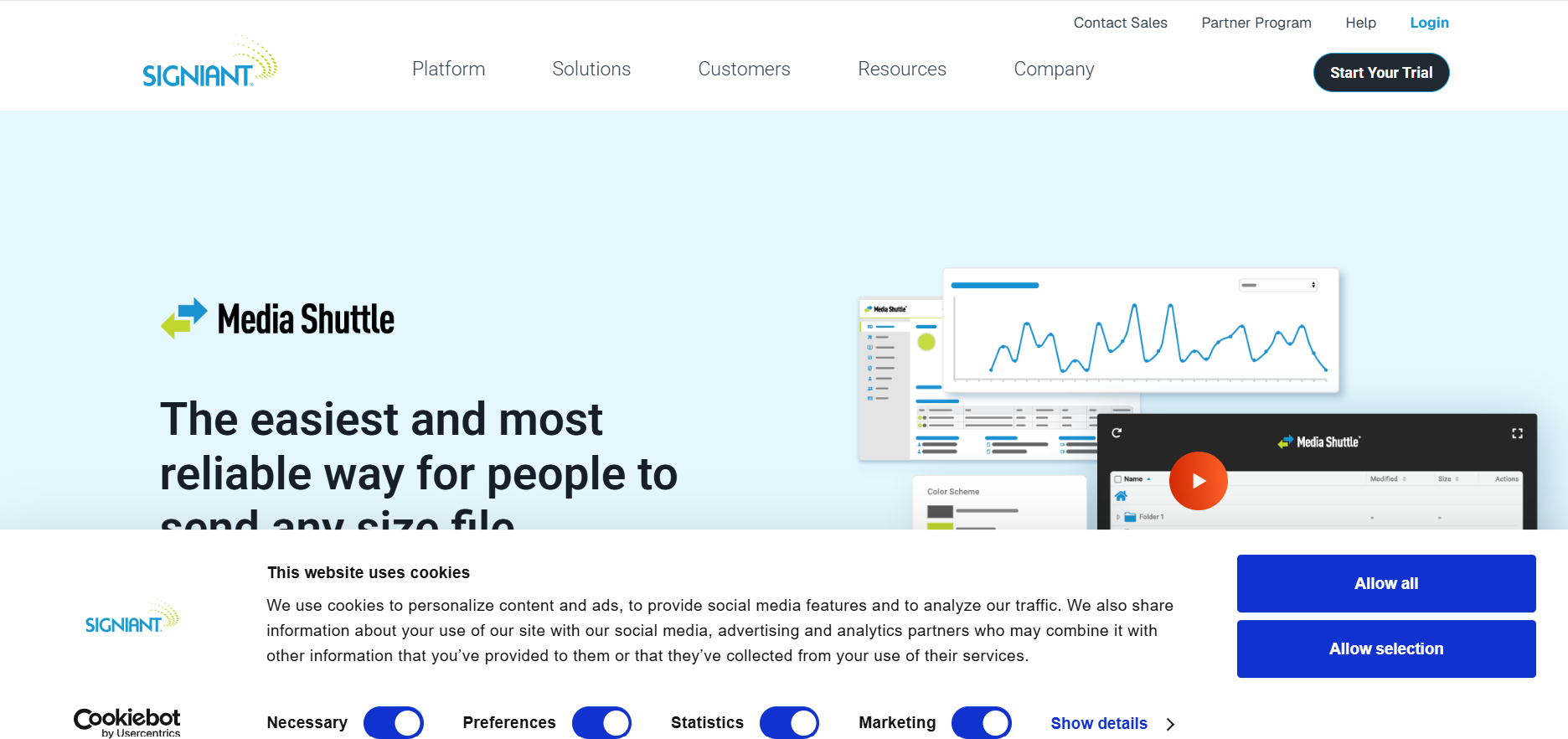
Media Shuttle offers secure file transfer for creative and media industries. Studios and broadcasters use it to move large project files quickly without compromising data integrity.
Pros & Cons:
Media Shuttle enables fast, secure large‑file transfers favored by media and entertainment professionals.
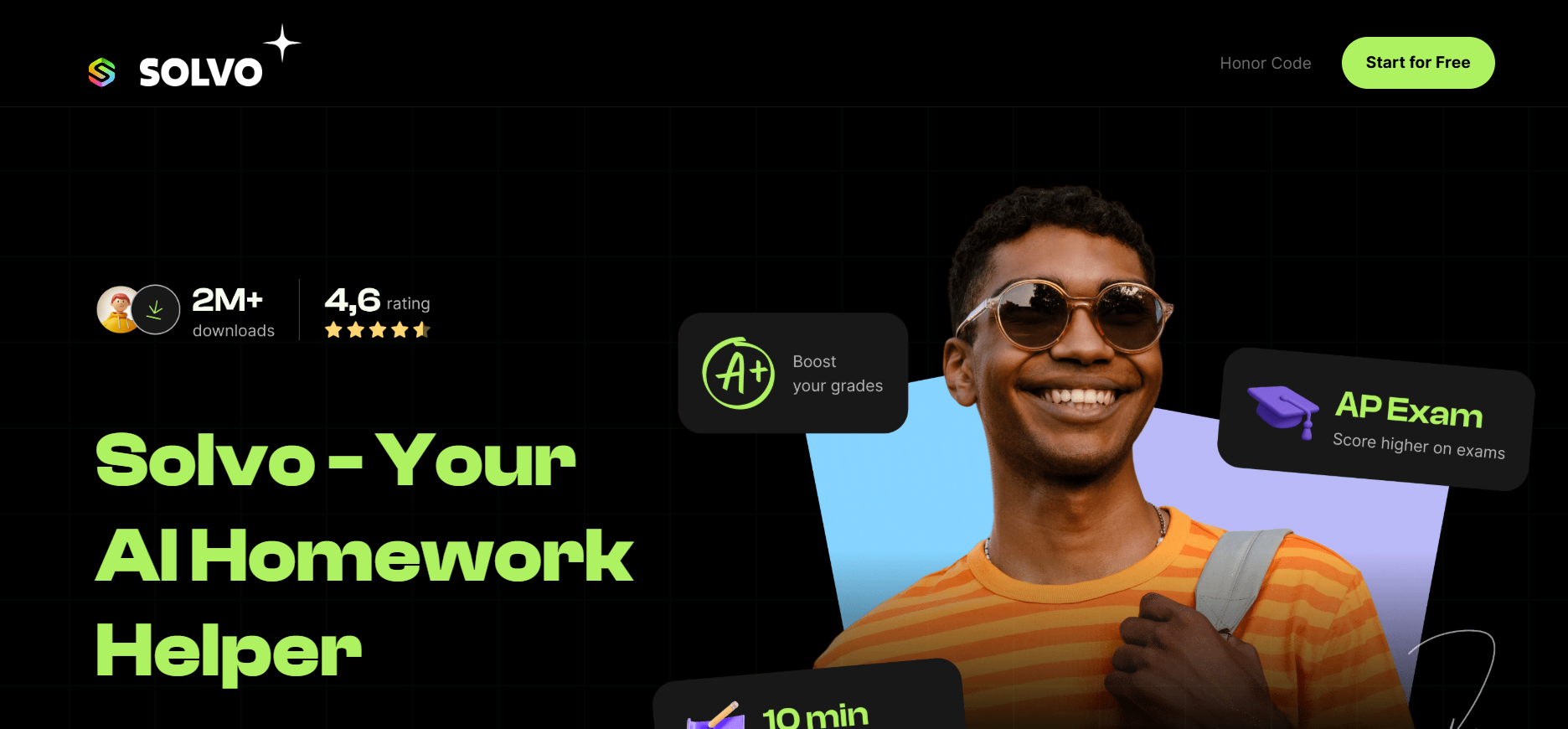
Solvo detects and resolves misconfigurations in cloud environments automatically. Security, Privacy & Backup teams use it to maintain compliance and safeguard sensitive assets.
Pros & Cons:
Solvo analyzes cloud configurations to automatically detect and remediate Security, Privacy & Backup risks.
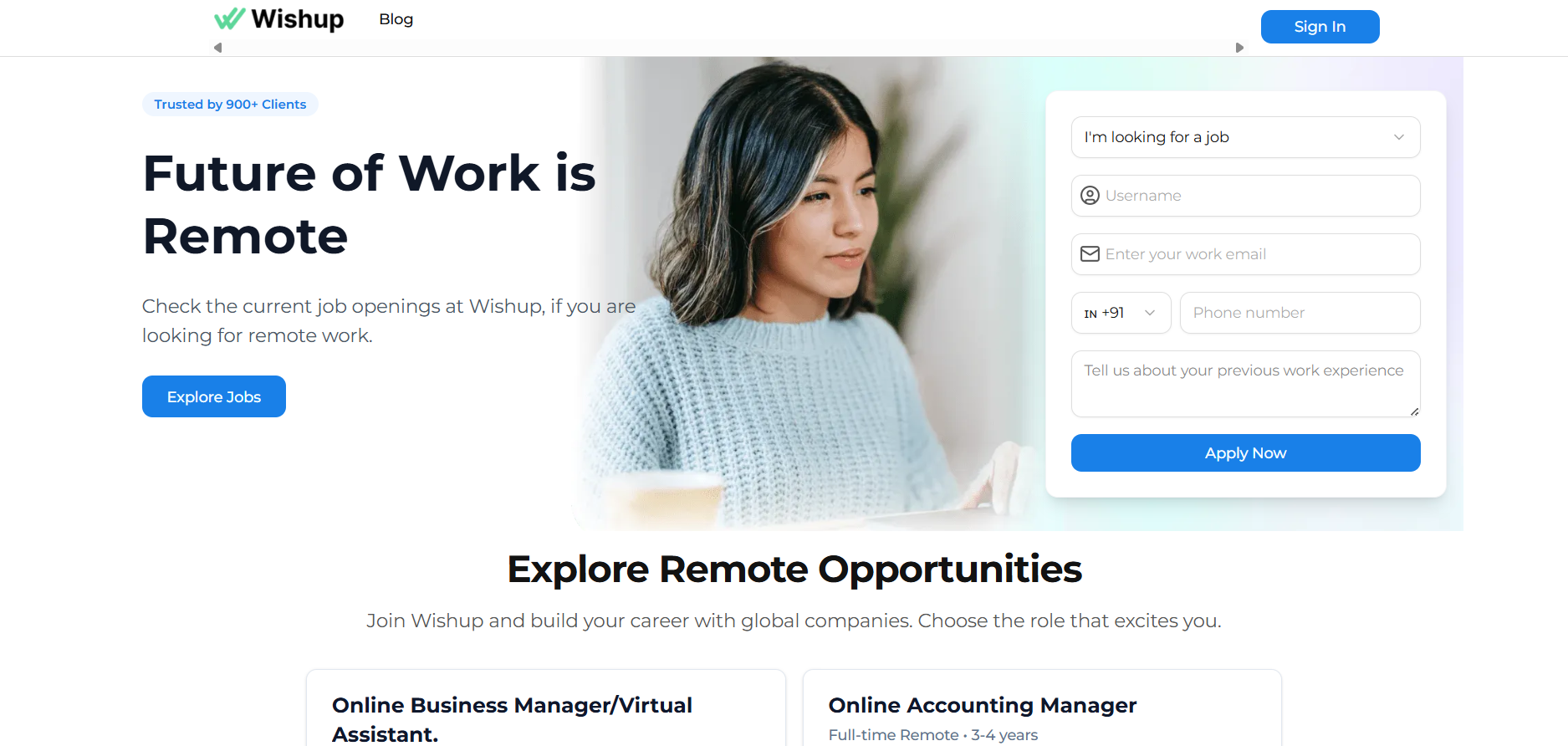
Wishup connects executives with trained virtual assistants who handle scheduling, email, and research. Businesses scale productivity without the cost of full‑time administrative staff.
Pros & Cons:
Wishup connects companies with vetted virtual assistants to handle admin, bookkeeping, and creative tasks.
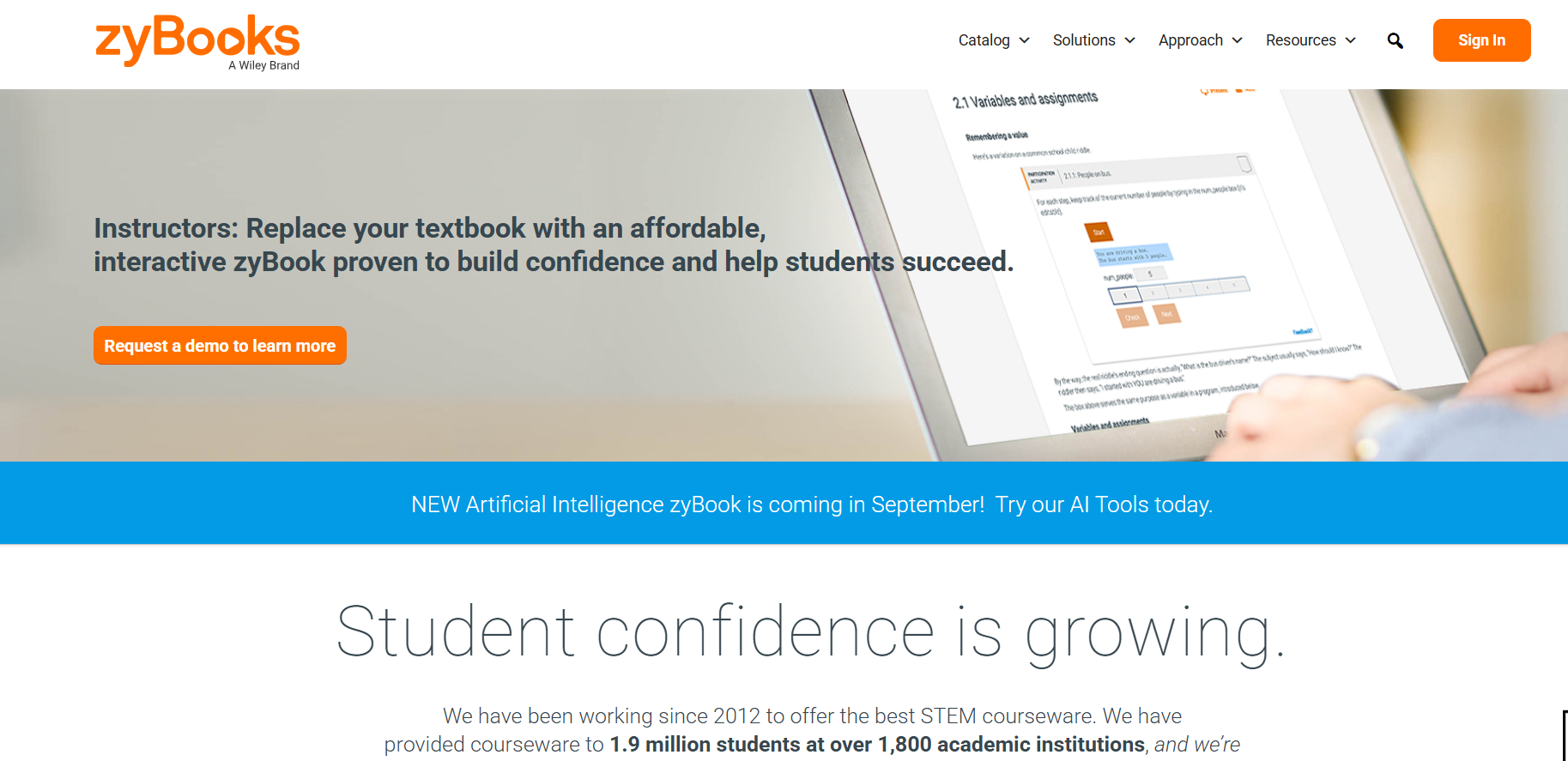
ZyBooks offers interactive digital textbooks for STEM subjects. Its hands‑on coding and problem‑solving approach helps students grasp concepts through practice rather than memorization.
Pros & Cons:
ZyBooks provides interactive STEM learning materials and activities that improve student comprehension.
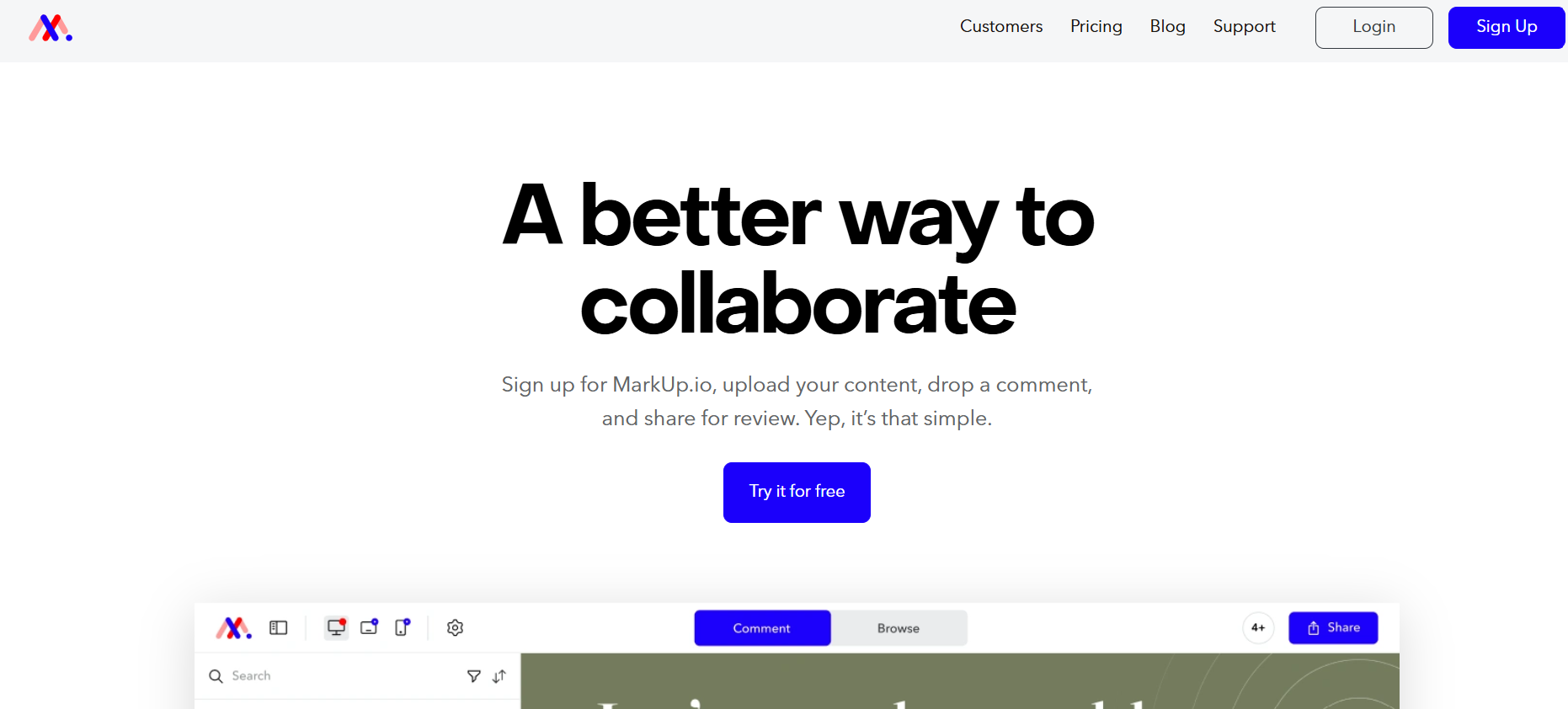
Markup.io lets teams annotate live websites and creative assets directly in‑browser. Designers and clients collaborate in real time, reducing feedback loops and revision cycles.
Pros & Cons:
Markup.io lets teams leave feedback directly on live web pages and creative files for faster reviews.
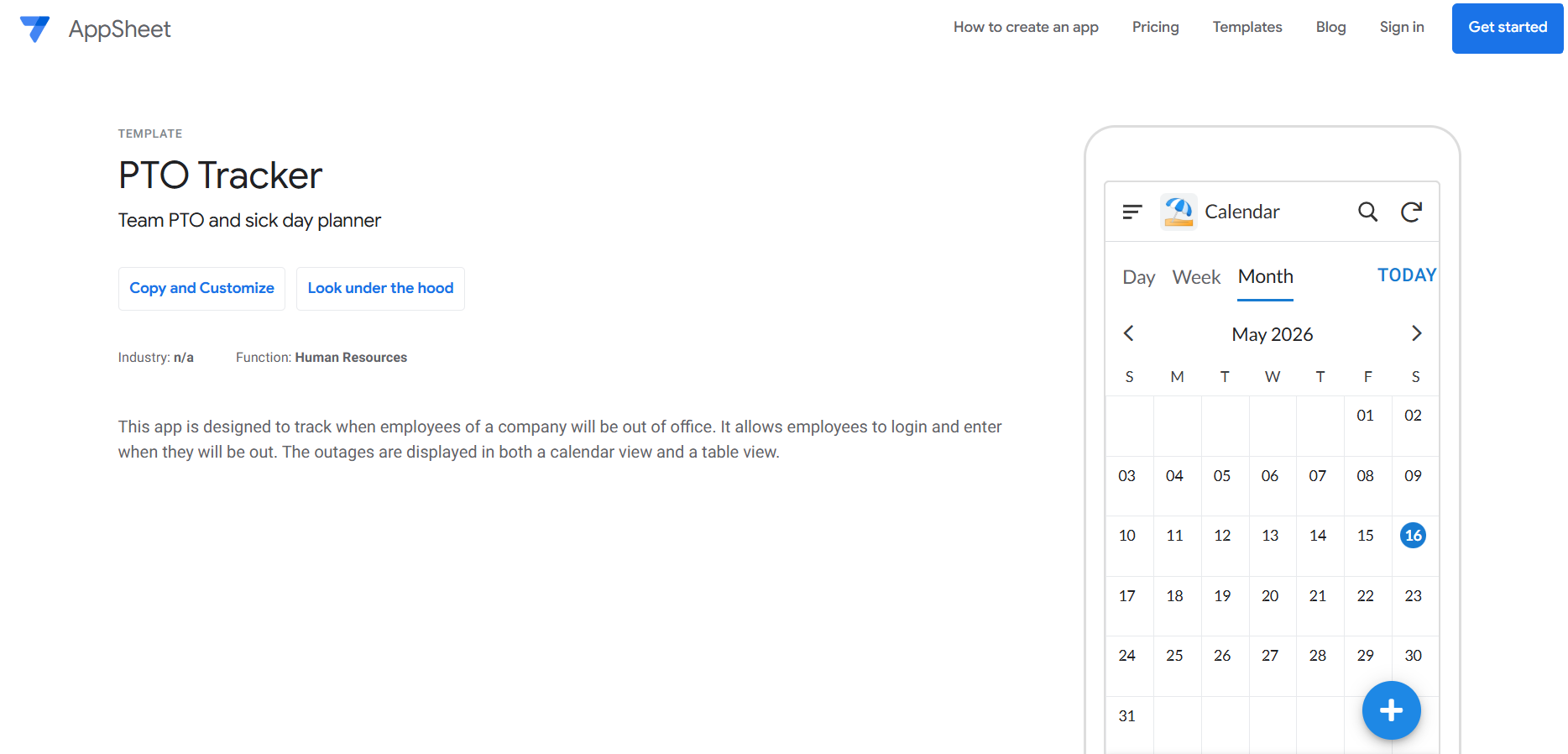
PTO Tracker makes time‑off management easier by allowing employees to submit requests and track balances online. Managers get visibility into schedules, ensuring adequate coverage.
Pros & Cons:
PTO Tracker keeps vacation requests organized and transparent, reducing scheduling conflicts across teams.







.svg)
.svg)
.svg)


.png)


.png)


.svg)



.png)
.png)
.png)

.png)