FortiAnalyzer
Analyzes Security, Privacy & Backup events and network activity to detect threats and breaches.
The go-to log analytics and SIEM hub for Fortinet-centric enterprise security teams — powerful within the Fabric, less useful outside it.
Community ratings
Third-party ratings shown verbatim; aggregate weighted by review volume.
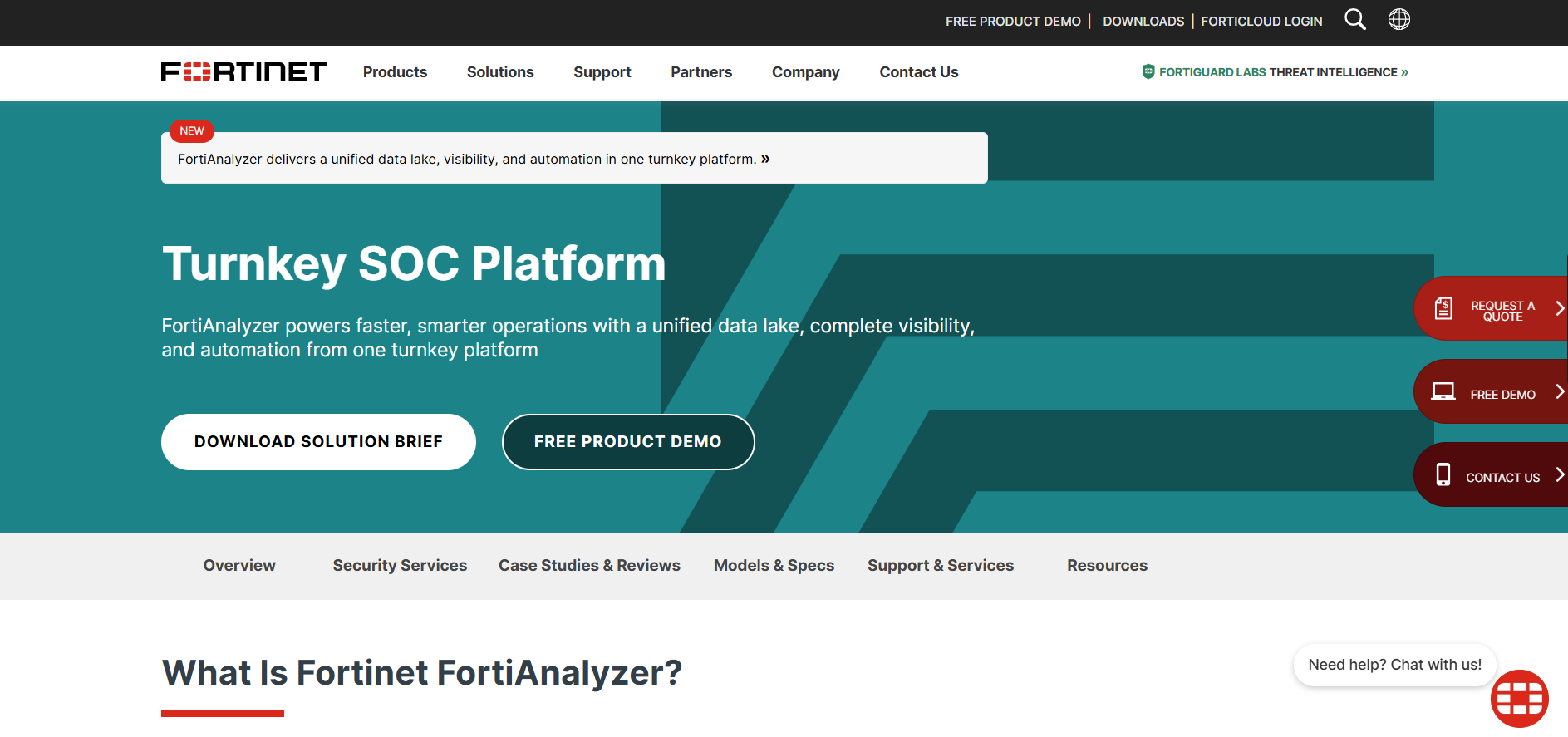
FortiAnalyzer — Fortinet's centralized log management, SIEM, SOAR, and XDR analytics platform.
FortiAnalyzer is a full-featured security operations platform that centralizes log ingestion, threat correlation, compliance reporting, and SOC automation across Fortinet Security Fabric devices. The DB labels it under 'Security, Privacy & Backup' and marks the price tier as 'free_trial' — both are misleading. FortiAnalyzer is an enterprise-grade cybersecurity analytics product with custom, quote-based pricing; there is no meaningful free tier or trial, only a sales-led demo process. Available as physical appliances, VMs (licensed by GB/day ingestion), or cloud deployments.
FortiAnalyzer delivers genuine SIEM depth — event correlation, automated playbooks, compliance reporting, and AI-assisted analysis — without requiring a separate SIEM product for Fortinet shops. Monthly content pack updates and FortiGuard threat intelligence keep detection rules current. For organizations standardized on Fortinet, it eliminates the integration tax of third-party SIEMs.
Tightly coupled to the Fortinet ecosystem; ingesting non-Fortinet log sources is limited. Pricing is opaque and enterprise-oriented, with no public rate card or self-serve trial. Complex licensing (per-GB/day tiers, multi-node scaling) adds procurement friction.
A look inside
Frequently Asked Questions
Alternatives
Splunk Enterprise Security or IBM QRadar for broader multi-vendor SIEM at large enterprise scale.
Graylog (open-source log management) or ManageEngine Log360 for teams not locked into Fortinet.
Tags
Explore related categories
Conversion Gems independently reviews every tool. We may earn a commission if you sign up through our links — it never affects our verdict or ranking.