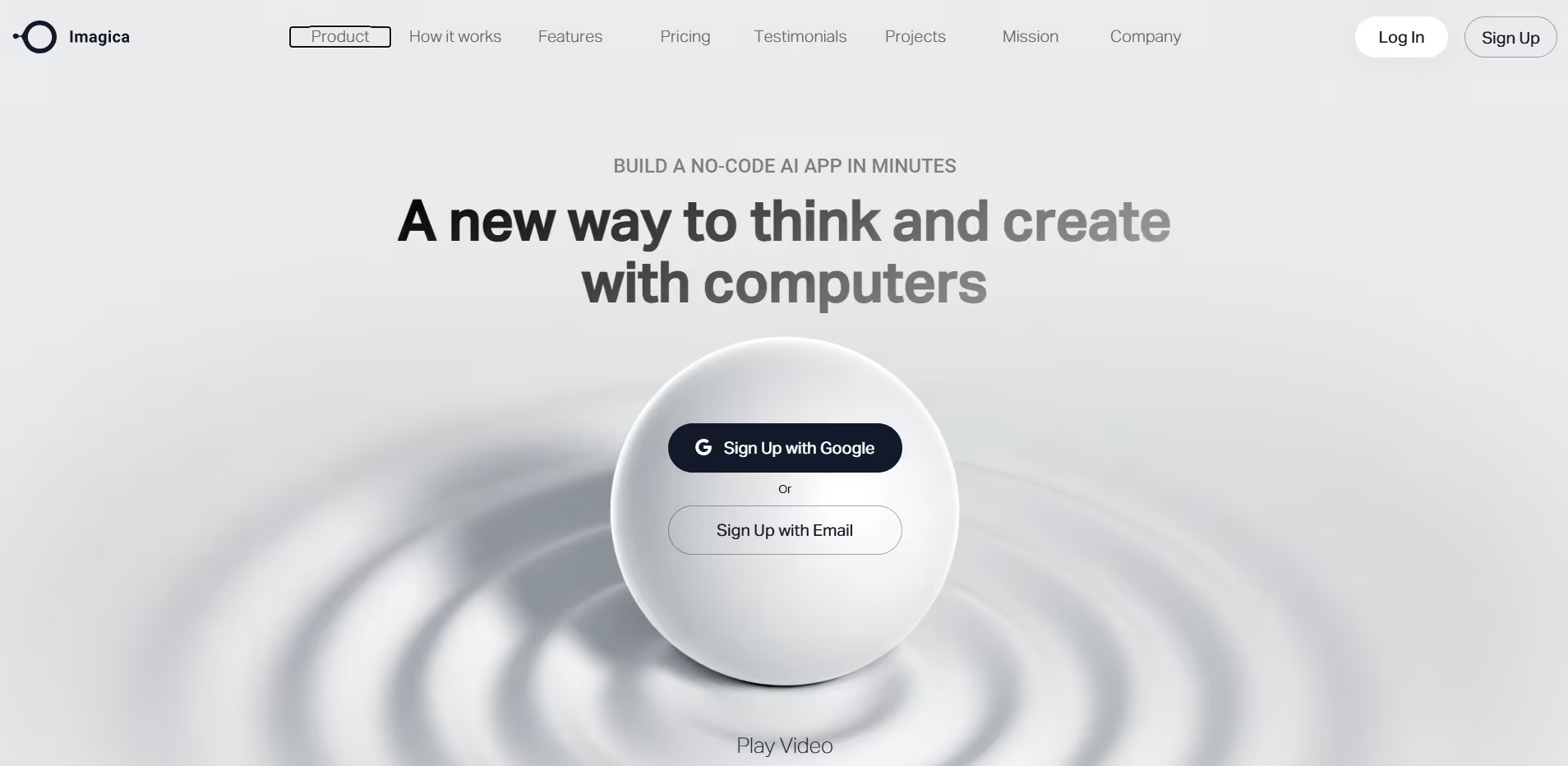
Imagica
Key Applications
- AI-Powered Image Generation: Transform text prompts into unique artworks in seconds, including styles like cartoon, anime, sketch, and painting.
- Photo Enhancement: Apply artistic effects and filters to ordinary photos, turning them into extraordinary visuals.
- Instant Sharing: Save and share your creations instantly with friends and on social media platforms.
Who It’s For
Imagica is designed for individuals seeking to explore their creativity through AI-generated art. It's ideal for artists, designers, social media enthusiasts, and anyone interested in transforming their ideas into visual content without the need for advanced technical skills.
Pros & Cons
| Pros |
Cons |
| ✔️ User-friendly interfaces for both image creation and app building |
✖️ Advanced features require paid plans |
| ✔️ Supports multiple artistic styles and multimodal inputs |
✖️ Some features may take time to learn for new users |
| ✔️ Free tier available for basic experimentation |
✖️ Requires internet connection for cloud services |
| Pros |
Cons |
| ✔ Very beginner-friendly |
✖ Limited features compared to Others |
| ✔ Clean interface |
✖ Less feature depth than others |
| ✔ Helpful community and resources |
✖ Can feel slower at scale |
How It Compares
- Versus Midjourney: Imagica offers a user-friendly, mobile-first experience suitable for casual creators, whereas Midjourney provides a more complex, desktop-oriented platform favored by professional artists.
- Versus DALL·E: While both platforms generate images from text prompts, Imagica emphasizes quick, on-the-go creation with a mobile interface, whereas DALL·E offers more advanced customization and integration options.
- Versus Runway: Imagica focuses on image generation and enhancement, making it more accessible for beginners, while Runway offers a broader suite of creative tools, including video editing and machine learning models.
Bullet Point Features
- AI-powered image generation from text prompts.
- Apply stunning artistic effects and filters.
- Transform ordinary photos into extraordinary visuals.
- Explore multiple art styles: cartoon, anime, sketch, painting, and more.
- Save and share creations instantly with friends and on social media.
- User-friendly interface suitable for all skill levels.
- Available on both Android and iOS platforms.
- Regular updates with new features and styles.
- No prior design experience required.
- Free to download with optional in-app purchases.
Frequently Asked Questions
Find quick answers about this tool’s features, usage ,Compares, and support to get started with confidence.
What is Imagica and what does it allow users to build?

Imagica is a no-code AI app builder that lets users create custom AI-powered applications without writing code.
Who should consider using Imagica?

Entrepreneurs, product builders, and non-technical founders who want to turn AI ideas into real apps quickly should use Imagica.
How does Imagica simplify AI app development?

Users describe their app idea in plain language, and Imagica handles logic, AI integration, and interface generation automatically.
Can Imagica be used to launch real products?

Yes. Imagica can be used to build functional prototypes or production-ready AI tools, depending on configuration and use case.
Why choose Imagica instead of traditional no-code platforms?

Unlike general no-code tools, Imagica is AI-first, focusing on building intelligent applications rather than standard web or database apps.