

Zubtitle
AI-powered video editing and captioning platform for creators and brands.
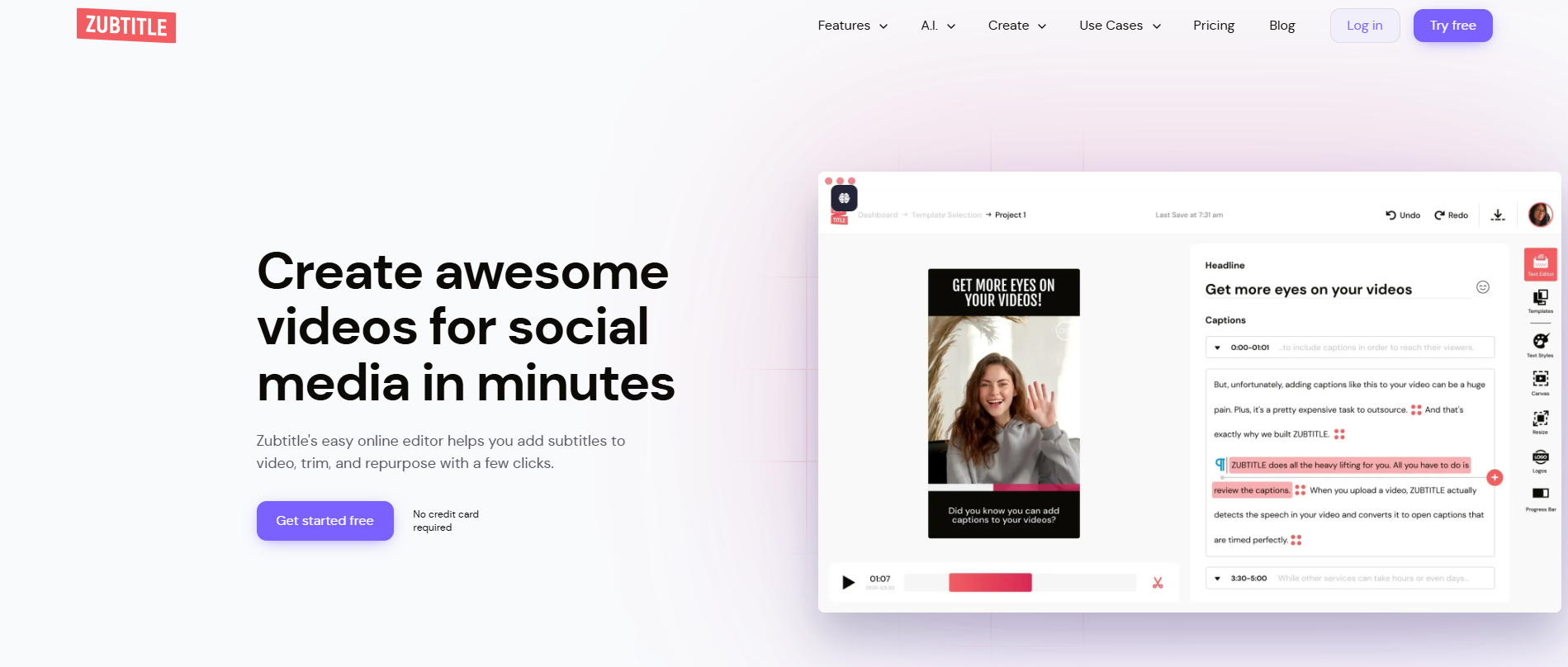
Our take: Zubtitle is a browser-based tool that auto-transcribes videos, burns in styled captions, resizes for social aspect ratios, and exports in seconds — no video-editing experience required.
The fastest path from raw talking video to captioned, brand-ready social content for creators and small agencies.
Our score
Reviewed by the Conversion Gems editorial team. Hover a facet to focus it; click to pin.Tap a facet to focus it.
What it is, and why we rate it
One line each. Open a row for detail.
Our takeZubtitle is a browser-based tool that auto-transcribes videos, burns in styled captions, resizes for social aspect ratios, and exports in seconds — no video-editing experience required.
Why we rate itZubtitle nails the creator workflow — upload, auto-caption, brand, resize, export — in minutes with zero editing skill required.
The catchMonthly video quotas are tight: Guru caps at 10 videos and Agency at 30, with a hard 20-minute-per-video limit.
Best / not good for
- Content creators needing quick, branded captions for social reels
- Small agencies formatting client videos for multiple platforms
- Brands adding accessibility subtitles without a full editing suite
- High-volume video teams that exceed 30 videos/month
- Long-form content over 20 minutes (webinars, full interviews)
- Producers needing multi-track timeline editing or motion graphics
Friction report
Trade-offs to know before signing up.
- Time to valueFast: upload a video and auto-captions are ready in under a minute; styled export takes a few clicks more.
- Scale breakpointAgency plan caps at 30 videos/month; teams beyond that need enterprise pricing with no self-serve path.
- Walled gardenLow: SRT and TXT subtitle files are exportable and portable; no proprietary format lock-in.
A look inside
Frequently Asked Questions
How does Zubtitle help streamline AI-powered video captioning?
How does Zubtitle support AI video captioning and editing?
How does Zubtitle assist in AI-generated captions?
What features make Zubtitle effective for AI video captions?
What features make Zubtitle effective for AI-generated video captions?
Alternatives
Conversion Gems independently reviews every tool.