Best for researchers, developers, voice scientists
air.ai
:
Best for sales teams, customer‑support agents, communication managers
Whisperx
:
Best for transcriptionists, developers, audio experts
Voicemaker
:
Best for educators, voiceover artists, media teams
Voice AI
:
Best for gamers, streamers, content creators
Vapi
:
Best for developers, AI builders, voice technology teams
Retell
:
Best for storytellers, content creators, podcasters
Resemble
:
Best for creative studios, voice designers, production teams
Pyannote
:
Best for audio engineers, researchers, machine‑learning specialists
Playht
:
Best for podcasters, marketers, multimedia producers
Piper TTS
:
Best for developers, AI audio researchers, voice engineers
Murf AI
:
Best for narrators, educators, content creators
Lovo
:
Best for voiceover artists, podcasters, creators
Faster Whisper
:
Best for developers, transcriptionists, speech‑to‑text professionals
Deepgram
:
Best for speech‑to‑text developers, audio researchers, linguists
Cartesia
:
Best for AI voice technologists, audio developers, research teams
Assemblyai
:
Best for transcriptionists, developers, AI engineers
MakeSong
:
Best for musicians, creators, audio artists
Speechelo
:
Best for voiceover artists, content creators, video producers
eMastered
:
Best for musicians, producers, recording artists
TTS Monster
:
Best for voice actors, creators, video editors
TurboScribe.ai
:
Best for transcriptionists, journalists, content creators
RTranslator
:
Best for translators, multilingual teams, global users
TurboScribe AI
:
Best for transcriptionists, journalists, podcasters
Nexidia
:
Best for customer‑experience teams, analytics managers, data specialists
Singify
:
Best for musicians, content creators, digital artists
Vomo AI
:
Best for writers, teachers, creative professionals
FantasyGF
:
Best for gamers, entertainment developers, creative communities
HoverNotes
:
Best for students, note takers, educators
Tempus AI Voice Assistant
:
Best for healthcare professionals, transcription teams, AI developers
Krisp AI
:
Best for remote workers, audio professionals, podcasters
Trinity Audio
:
Best for publishers, content creators, podcasters
Udio
:
Best for music creators, producers, artists
Mac Whisper
:
Best for Mac users, creators, podcasters
fineshare
:
Best for video editors, content creators, presenters
vocalware
:
Best for voice developers, podcasters, app creators
voicehub
:
Best for video creators, screen recorders, content professionals
sanas ai
:
Best for call‑center agents, business communicators, remote teams
speechtexter
:
Best for writers, transcribers, speech‑to‑text users
chatable
:
Best for hearing‑impaired users, communication specialists, educators
melody.ml
:
Best for musicians, producers, sound creators
audio network
:
Best for sound designers, film producers, music creators
fakeyou ai
:
Best for voice artists, content creators, entertainers
abridge ai
:
Best for healthcare providers, clinicians, transcription specialists
whisper.cpp
:
Best For Bloggers, Content Teams, Small Businesses
Whisperx
:
Best For AI Enthusiasts, Transcribers, Developers
pyannote.audio
:
Best For Marketers, Bloggers, Content Strategists
air.ai
:
Best For Content Writers, Bloggers, SEO Specialists
Voicemaker
:
Best For Developers, AI Researchers, Audio Engineers
Voice AI
:
Best For Creators, Developers, AI Enthusiasts
Resemble
:
Best For Voice Actors, Content Creators, Developers
Pyannote
:
Best For Researchers, Developers, Audio Analysis Teams
Retell
:
Best For Educators, Trainers, Video Creators
Vapi
:
Best For Developers, Startups, Voice AI Innovators
Playht
:
Best For Educators, Content Creators, Podcasters
Murf AI
:
Best For Marketers, Podcasters, Voiceover Artists
Piper TTS
:
Best For Developers, Accessibility Teams, App Creators
Lovo
:
Best For Content Creators, Voice Actors, Podcasters
Faster Whisper
:
Best For AI Developers, Audio Researchers, Tech Enthusiasts
Cartesia
:
Best For Data Scientists, ML Engineers, Researchers
Assemblyai
:
Best For Developers, AI Engineers, Audio Processing Teams
Deepgram
:
Best For Developers, Transcription Teams, Voice AI Engineers
Wava AI
:
OpenAI.fm
:
$29/month
SoundBoost
:
Fireflies.ai
:
Suno AI
:
LALAL.ai
:
Altered Studio
:
Respeecher
:
Reclaim.ai
:
Acuity Scheduling
:
SavvyCal
:
Riverside.fm
:
Castos
:
Best For Podcasters, Content Creators
Podbean
:
Transistor.fm
:
Buzzsprout
:
Zencastr
:
Voicemod
:
Krisp.ai
:
Cleanvoice.ai
:
WellSaid Labs
:
Synthesys.io
:
Speechify
:
Resemble.ai
:
ElevenLabs
:
Lovo.ai
:
Play.ht
:
Murf.ai
:
Jasper (Jarvis)
:
Happy Scribe
:
Content Creators, Educators, Teams
Poly AI
:
Automating customer service calls, enhancing user engagement through voice interactions, integrating AI into existing business workflows.
Noisee AI
:
Musicians, Social Creators, Visual Experimenters
Wavel AI
:
Quick video creation, multilingual voiceovers, AI-generated subtitles, and voice cloning.
Adobe Speech Enhancer
:
Cleaning up voiceovers, podcast intros/outros, online lectures, interview recordings, video dialogue clips.
Resemble AI
:
Voiceovers, podcasts, virtual assistants, multilingual content, and deepfake detection.
PlayPhrase.me
:
Finding exact movie lines, adding referenced clips to content, teaching idiomatic usage, quick quote sourcing.
Audioalter
:
Music tracks, podcasts, voiceovers, and other audio content.
Riverside Audio Transcription
:
Automatically turning recorded interviews/podcasts into transcripts and clips, generating show notes, multilingual content editing.
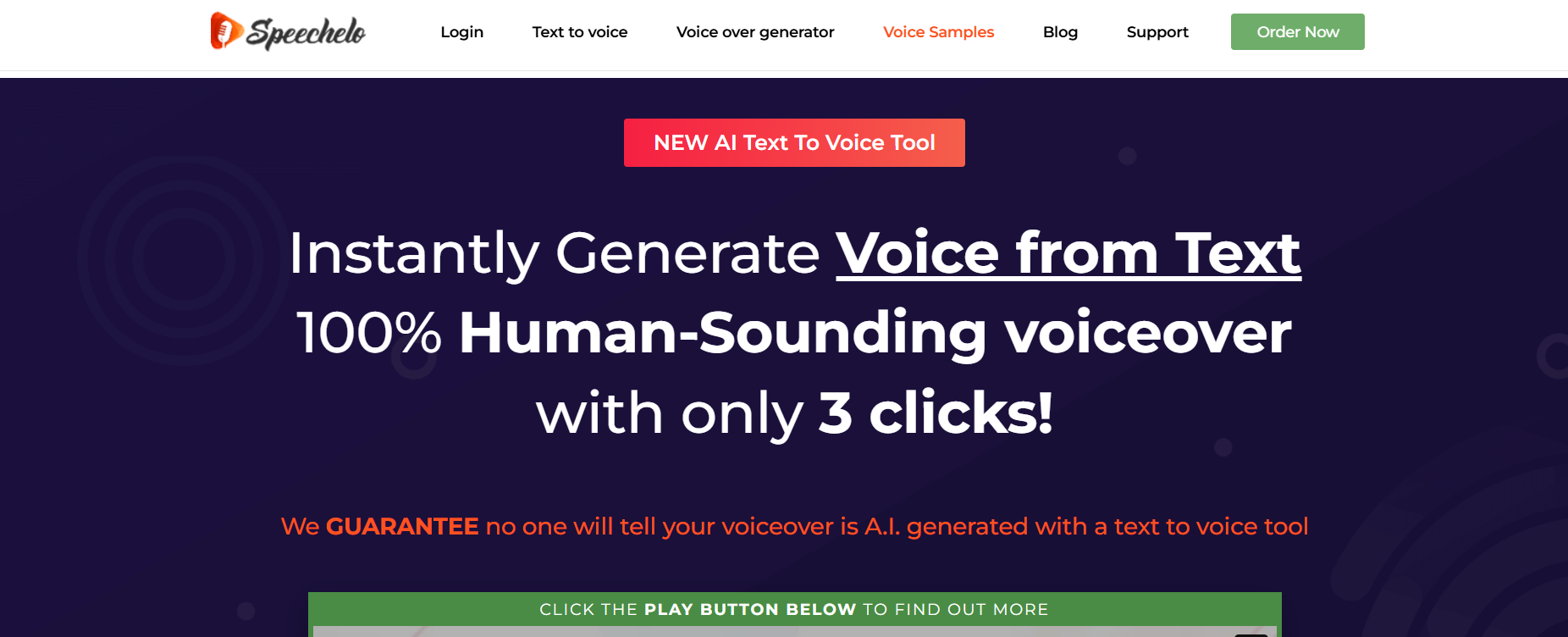
Speechelo
Speechelo converts text into natural‑sounding voiceovers in multiple languages. Content creators use it to produce professional narration without recording studios or voice talent.
Pros & Cons:
Speechelo converts text into natural‑sounding voiceovers for marketing videos and e‑learning.
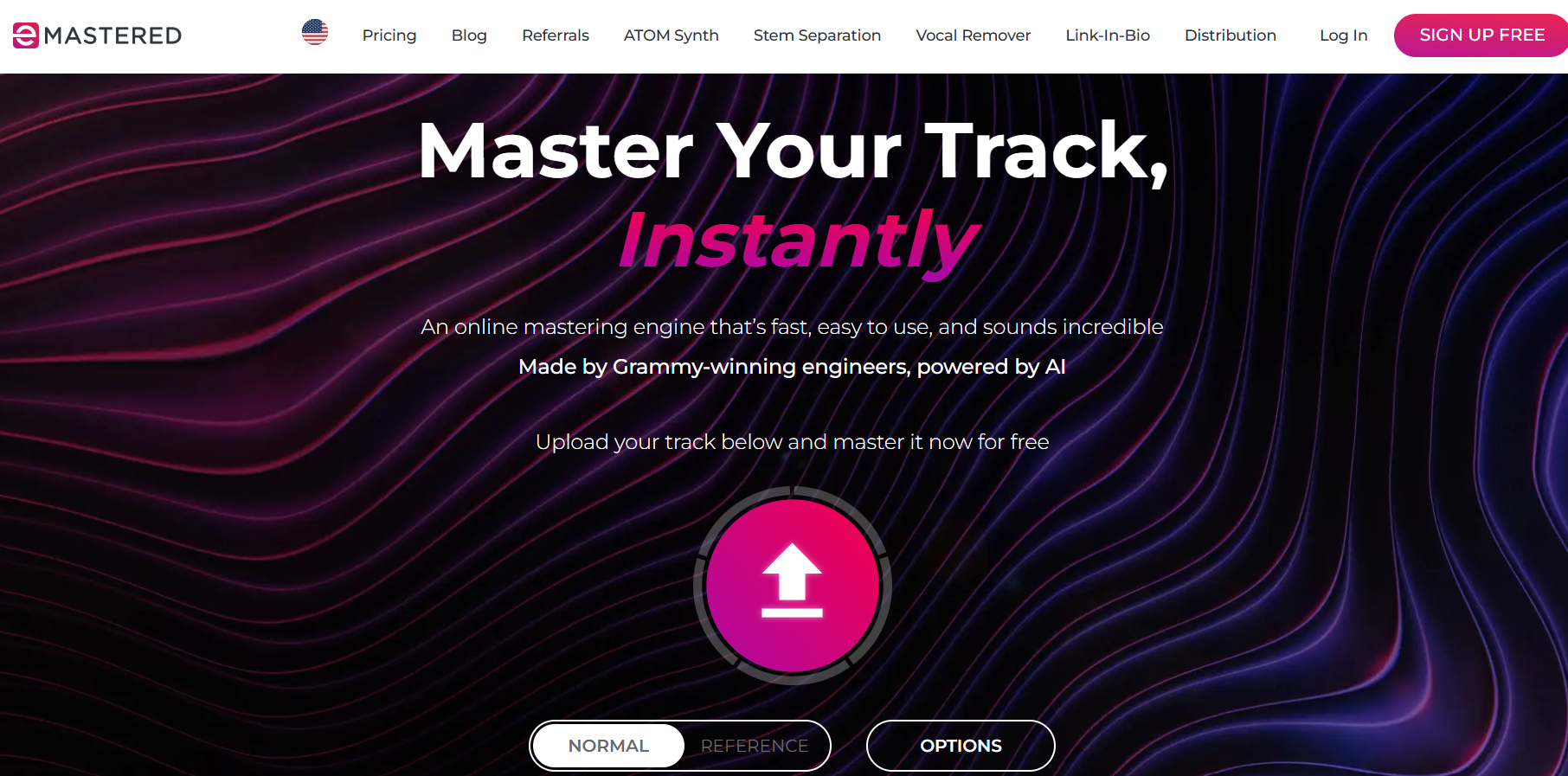
eMastered offers AI mastering for musicians that balances sound levels and enhances audio quality. Artists use it for professional finishing without studio costs.
Pros & Cons:
eMastered assists musicians with AI‑based mastering that balances and polishes tracks automatically.
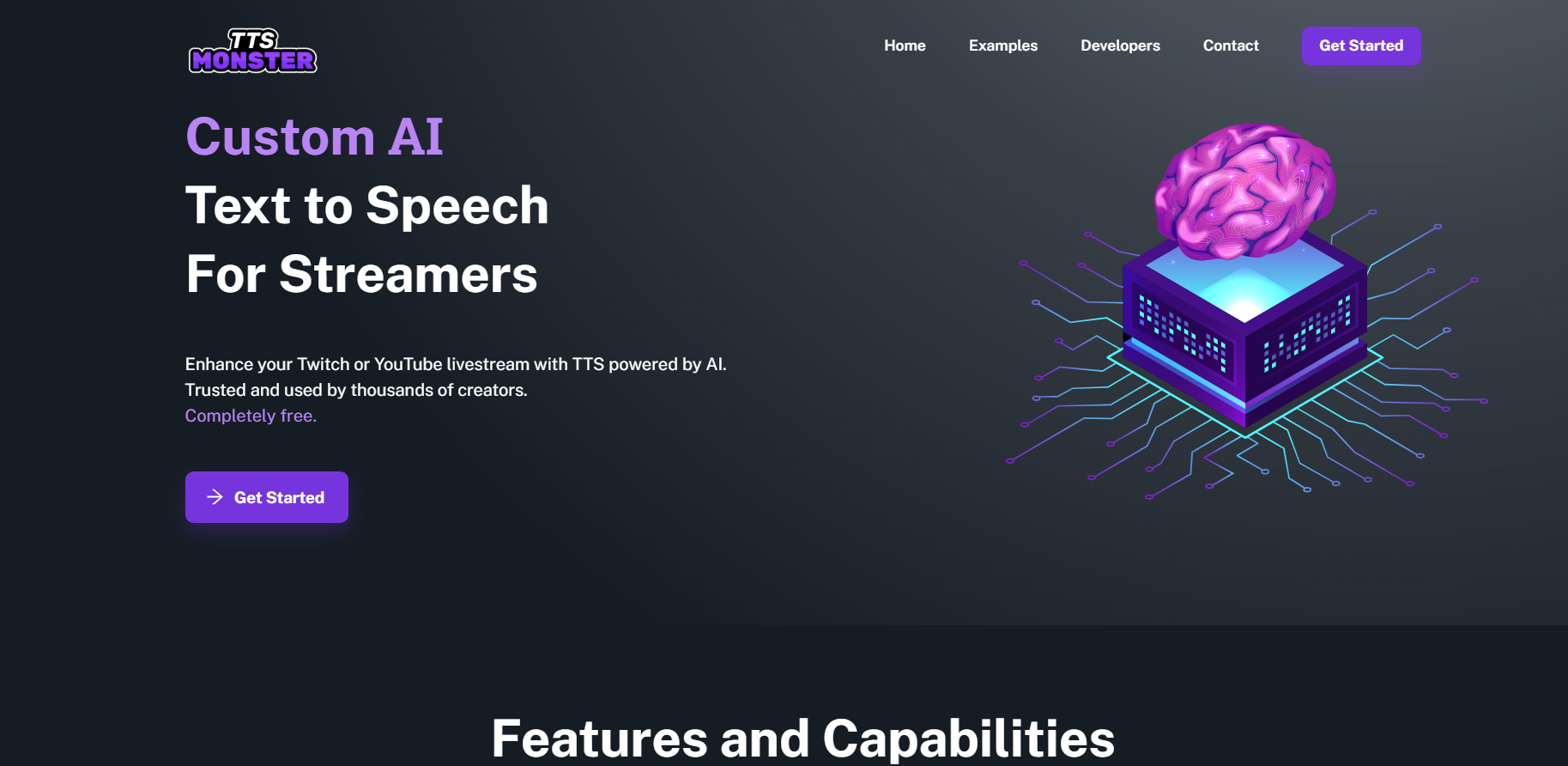
TTS Monster transforms text into natural‑sounding voiceovers in multiple languages and tones. Educators, marketers, and creators rely on it for high‑quality narration without recording studios.
Pros & Cons:
TTS Monster converts text into natural‑sounding speech for content and accessibility projects.
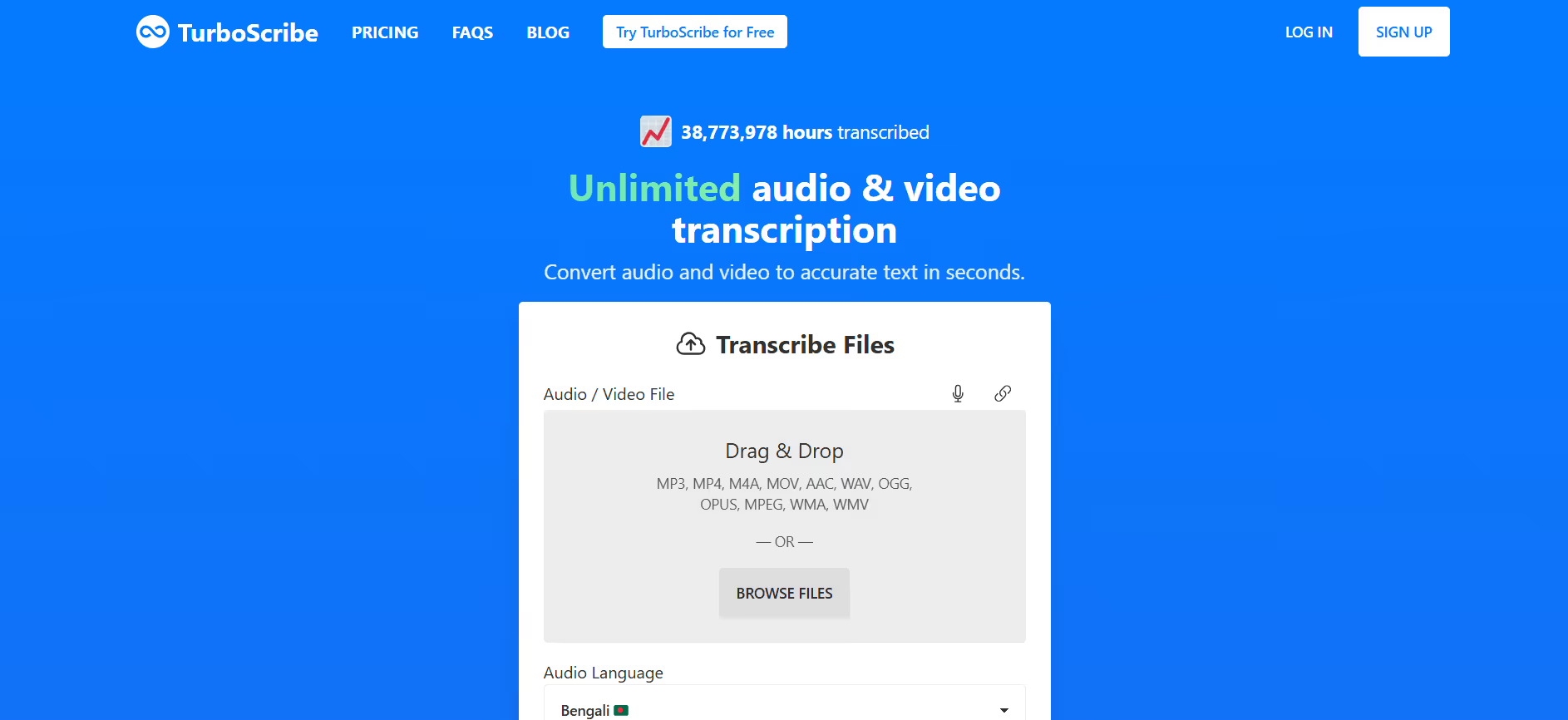
TurboScribe.ai transcribes and summarizes audio and video content with AI precision. Podcasters, journalists, and creators use it to produce transcripts and captions efficiently.
Pros & Cons:
TurboScribe.ai converts speech to text with accurate AI transcription and topic summaries.
RTranslator offers instantaneous voice and text translation powered by AI. Travelers, educators, and global teams use it for seamless communication across languages.
Pros & Cons:
RTranslator offers multilingual real‑time text and voice translation powered by AI.
TurboScribe AI transcribes audio and video files with AI‑driven precision. Podcasters, journalists, and professionals use it to create accurate transcripts and summaries quickly.
Pros & Cons:
TurboScribe AI transcribes audio and video accurately with automated summaries and speaker identification.
Nexidia provides advanced speech analytics that helps contact centers uncover insights from recorded calls. Enterprises use it to improve customer experience, compliance, and employee training.
Pros & Cons:
Nexidia provides speech analytics that uncover customer insights from recorded interactions in contact centers.
Singify transforms written text into realistic sung vocals using AI. Content creators and advertisers use it to produce customized jingles and melodies instantly.
Pros & Cons:
Singify converts text into lifelike vocal performances for audiobooks, content, and accessibility use.
Vomo AI converts scripts into video content with AI‑generated narrators and dynamic visuals. Marketing and training teams use it for quick, polished storytelling without production crews.
Pros & Cons:
Vomo AI turns rough video ideas into polished clips with automated editing and narration.





.png)




.svg)
.svg)
.png)
.svg)
.svg)
.png)
.png)
.png)


.webp)

.png)
.webp)

.png)

.png)
.jpeg)