Best for healthcare trainers, compliance officers, clinical educators
Zollege
:
Best for educators, administrators, vocational trainers
Articulate 360
:
Best for educators, trainers, instructional designers
LaunchBox (Metadata Manager)
:
Best for developers, metadata specialists, content managers
Twyne
:
Best for video creators, social‑media marketers, content producers
TeachBoost
:
Best for teachers, instructional coaches, school administrators
Flip AI
:
Best for IT operations teams, developers, support engineers
Veeva Vault
:
Best for pharmaceutical teams, compliance managers, medical specialists
BePresent App
:
Best for remote teams, productivity seekers, professionals
Mini Apps AI
:
Best for developers, creators, no‑code innovators
Workflow 360
:
Best for operations managers, workflow administrators, business developers
Shoflo
:
Best for event planners, production coordinators, media teams
Radar Healthcare
:
Best for nonprofit teams, employee‑engagement coordinators, HR professionals
Aha!
:
Best for photographers, designers, creative artists
TOPdesk
:
Best for IT support specialists, developers, QA engineers
Humanios
:
Best for HR leaders, employee‑experience managers, wellness teams
Resource Guru
:
Best for project managers, creative teams, resource planners
WebDrive
:
Best for IT teams, file‑sharing specialists, cloud managers
RLDatix
:
Best for healthcare compliance teams, risk managers, hospital administrators
WhenIsGood
:
Best for event organizers, meeting planners, scheduling professionals
InfoManager
:
Best for data administrators, IT departments, information managers
Planr
:
Best for planners, project managers, team coordinators
Visual CertExam Manager
:
Best for IT trainers, certification students, network engineers
Marblism
:
Best for product designers, 3D artists, creative teams
Cloud9HR
:
Best for HR leaders, payroll administrators, enterprise staffs
uAttend (Time Clock)
:
Best for HR clerks, operations teams, time‑tracking managers
CleanShot X
:
Best for content creators, bloggers, designers
Linear
:
Best for product managers, software teams, developers
RTASK (RTasks)
:
Best for healthcare providers, case managers, assisted‑living staff
ClickUp
:
Best for project managers, remote teams, productivity leaders
Media Shuttle
:
Best for media teams, production studios, file‑transfer users
Solvo
:
Best for cloud Security, Privacy & Backup professionals, DevOps teams, IT engineers
Wishup
:
Best for virtual assistants, busy professionals, entrepreneurs
ZyBooks
:
Best for educators, students, STEM learners
Markup.io
:
Best for designers, creative agencies, marketing teams
PTO Tracker
:
Best for HR teams, shift supervisors, attendance managers
OrgVue
:
Best for HR professionals, workforce analysts, business leaders
Airtable
:
Best for project managers, creators, collaboration teams
Board Portal
:
Best for executives, board members, administrators
ContextWise
:
Best for marketing analysts, data scientists, AI researchers
RabbitSign
:
Best for legal professionals, compliance officers, contract specialists
PaceHR
:
Best for HR teams, recruiters, HR administrators
Dude Solutions (Brightly)
:
Best for facility managers, operations teams, asset coordinators
Vondy AI
:
Best for writers, readers, creative professionals
FireRoster
:
Best for fire departments, emergency services, operations planners
NetDuty
:
Best for emergency‑services coordinators, shift managers, public officials
MetroRetro
:
Best for facilitators, remote teams, collaboration managers
Schedule360
:
Best for nurse managers, hospital schedulers, healthcare administrators
Canea
:
Best for compliance managers, process specialists, enterprise teams
MyClinicalExchange
:
Best for medical students, healthcare institutions, clinical coordinators
ShiftLab
:
Best for retail teams, workforce managers, operations specialists
Altametrics Schedules
:
Best for restaurant owners, shift managers, food‑service operators
Aladtec
:
Best for emergency‑service teams, workforce schedulers, public safety units
Lightspeed Classroom
:
Best for teachers, educators, classroom managers
eSchedule
:
Best for schedulers, healthcare admins, facility coordinators
Zoho Shifts
:
Best for workforce schedulers, HR departments, operations teams
OpenExams
:
Best for students, educators, training coordinators
Flomo
:
Best for note takers, productivity users, journaling enthusiasts
MetricStream
:
Best for compliance managers, auditors, risk professionals
Documentum
:
Best for enterprises, document managers, legal teams
HRHQ
:
Best for HR professionals, business coaches, talent managers
ETQ Reliance
:
Best for quality managers, compliance officers, manufacturing teams
ANSOS
:
Best for hospital scheduling teams, nurse managers, staff planners
IntelliTime
:
Best for workforce managers, HR teams, scheduling coordinators
Podio
:
Best for project managers, collaboration teams, enterprise users
ESO Scheduling
:
Best for emergency‑service providers, healthcare teams, schedulers
Vimcal
:
Best for executives, productivity users, scheduling professionals
Avaya Cloud Office
:
Best for call‑center teams, communication professionals, enterprise users
Solides
:
Best for HR leaders, recruiters, talent managers
Checkster
:
Best for recruiters, HR specialists, staffing agencies
Archibus
:
Best for facility managers, building operators, workplace coordinators
ThinkWave
:
Best for teachers, educators, school administrators
Litera Compare
:
Best for legal professionals, compliance managers, law firms
Shapescale
:
Best for fitness enthusiasts, personal trainers, health coaches
Viva Learning
:
Best for corporate learners, internal trainers, HR departments
Labguru
:
Best for laboratory managers, researchers, scientists
PhilRx
:
Best for pharmacists, healthcare administrators, prescription teams
Mineral HR
:
Best for HR professionals, compliance officers, business leaders
IEX Cloud
:
Best for financial analysts, data scientists, investors
Performance Pro
:
Best for HR managers, team leaders, organizational developers
Exxat
:
Best for educators, medical schools, training coordinators
Genei
:
Best for researchers, writers, knowledge professionals
ServiceNow ITSM
:
Best for IT service managers, enterprise support teams, help‑desk staff
Swivle
:
Best for creative teams, designers, marketing professionals
SageHR
:
Best for HR teams, business managers, enterprise professionals
Ministry Scheduler Pro
:
Best for church leaders, volunteer coordinators, ministry staff
Vondy
:
Best for writers, marketers, creative professionals
BoardDocs
:
Best for educators, school administrators, board members
DocStar
:
Best for administrators, record managers, document controllers
CleanShot
:
Best for creators, educators, productivity experts
MasteryConnect
:
Best for teachers, schools, education leaders
Circuit for Teams
:
Best for collaboration teams, communication professionals, remote workers
ProductHub
:
Best for product managers, entrepreneurs, innovation leaders
Smartsheet
:
Best for project managers, teams, business planners
ZoomShift
:
Best for workforce schedulers, HR departments, retail managers
BioRAFT
:
Best for lab managers, compliance officers, research staff
Flowtrack
:
Best for marketers, sales teams, automation specialists
Obsidian
:
Best for writers, researchers, note‑taking professionals
Orbital Shift
:
Best for workforce managers, scheduling teams, ops leaders
Floot AI
:
Best for AI developers, researchers, data teams
Notion
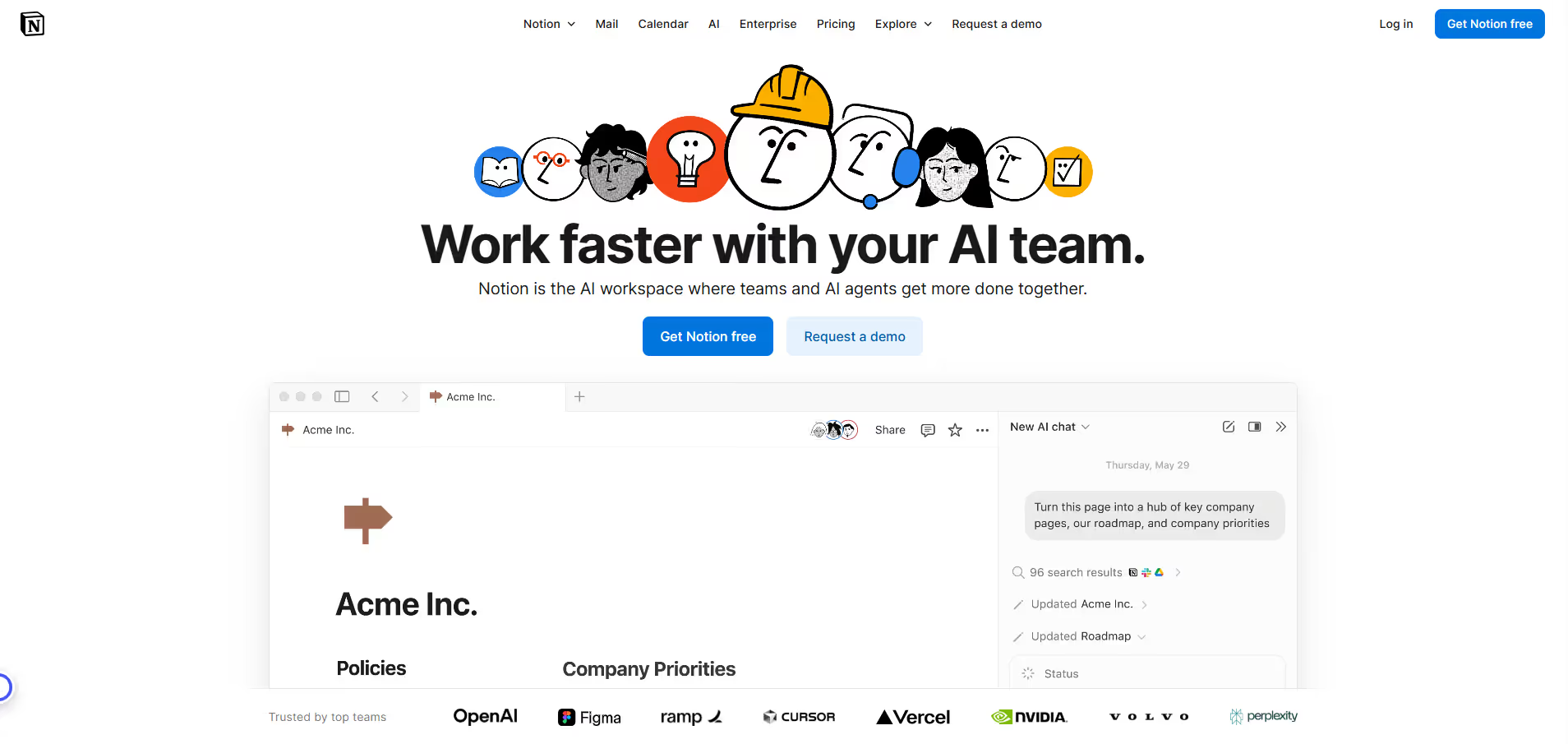
Notion serves as a versatile digital workspace designed to help individuals and teams organize information, manage projects, and foster collaboration. It allows users to create custom workflows for tasks, build knowledge bases, track projects, and design interactive databases. Its modular block-based editor makes it adaptable for various uses, from personal productivity to large-scale enterprise knowledge management.
Pros & Cons:
Pros
Cons
✔️ Deep control over scripts/styles to remove bloat.
✖️ No built-in caching; needs to pair with a caching plugin.
✖️ Some features require careful testing, may break theme/plugins if misconfigured.
✔️ Lightweight, minimal overhead, good UI with one-click toggles.
✖️ Premium plugin; no free version to try all features.
Notion is an all-in-one workspace that combines notes, documents, wikis, project management, and databases into a highly customizable platform. Notion is ideal for individuals, small businesses, startups, and large enterprises seeking a flexible, integrated platform to consolidate various productivity tools.
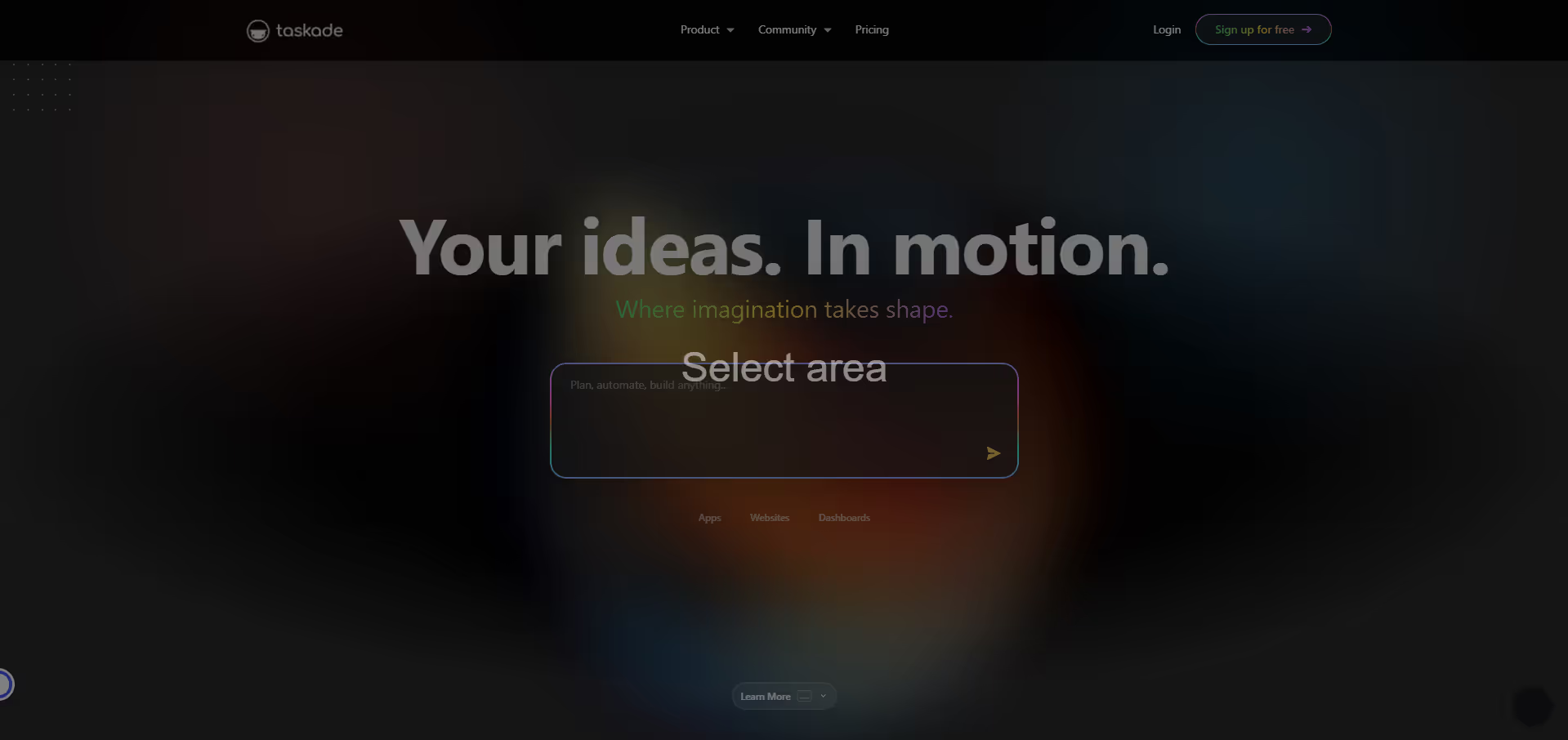
Taskade offers an all-in-one solution for team collaboration, allowing users to create dynamic project workspaces where tasks, notes, and communication coexist. It leverages AI to assist with content generation, task automation, and summarization, enhancing productivity. With a variety of customizable templates and multiple project views, teams can adapt the platform to their specific needs, from daily task management to complex project planning and brainstorming sessions. Its real-time co-editing and integrated communication tools foster seamless teamwork.
Pros & Cons:
Pros
Cons
✔️ All-in-one platform for tasks, notes, chat, and video conferencing.
✖️ Can be overwhelming for new users due to the breadth of features.
✔️ Multiple flexible project views (mindmap, board, list) to suit different work styles.
✖️ AI features, while useful, may not always match the depth of dedicated AI writing tools.
✔️ Real-time collaboration and integrated AI assistant significantly boost productivity.
✖️ Mobile app experience can sometimes lag slightly behind desktop versions in performance.
Taskade is an AI-powered productivity and collaboration platform designed to help teams and individuals manage tasks, take notes, chat, and video conference in a unified workspace. It combines flexible project views (list, board, mindmap, org chart) with real-time collaboration to streamline workflows.
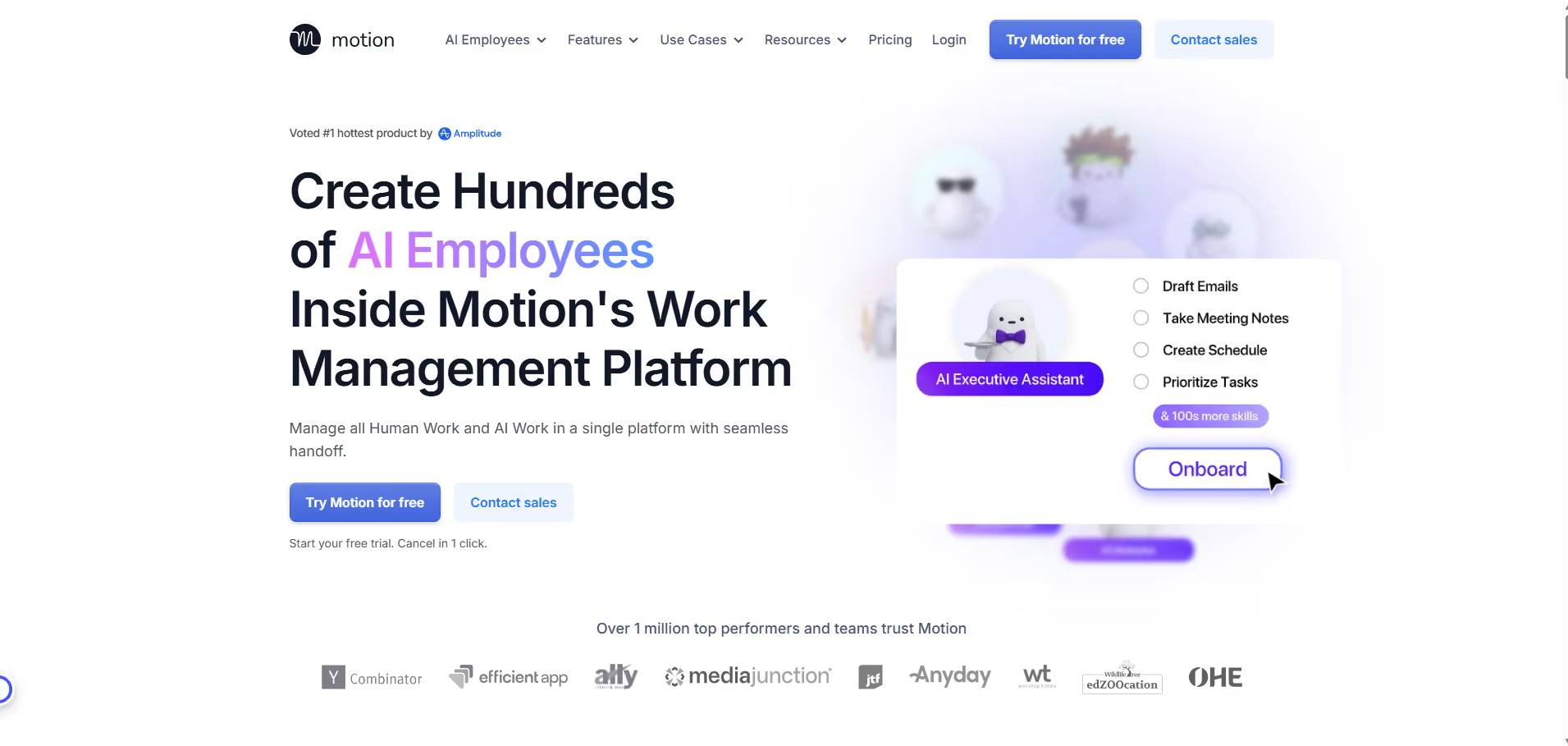
Motion leverages artificial intelligence to transform how you manage your day. By analyzing your commitments, deadlines, and preferences, it dynamically schedules your tasks, meetings, and projects, ensuring you always know what to work on and when. It integrates seamlessly with your existing calendars and communication tools, offering a unified hub for all your productivity needs and minimizing distractions.
Pros & Cons:
Pros
Cons
✔️ Proactive AI scheduling significantly reduces manual planning time.
✖️ Initial setup can require time to integrate all existing workflows and preferences.
✔️ Seamless integration with existing calendars and communication tools.
✖️ Advanced AI features may have a learning curve for new users.
✔️ Dynamic task prioritization adapts to changing deadlines and priorities.
✖️ Premium features essential for full team collaboration are behind a paywall.
Motion is an AI-powered productivity platform designed to automate planning, optimize schedules, and manage tasks for individuals and teams. It intelligently organizes your calendar, prioritizes tasks, and blocks out focus time, reducing manual planning efforts.
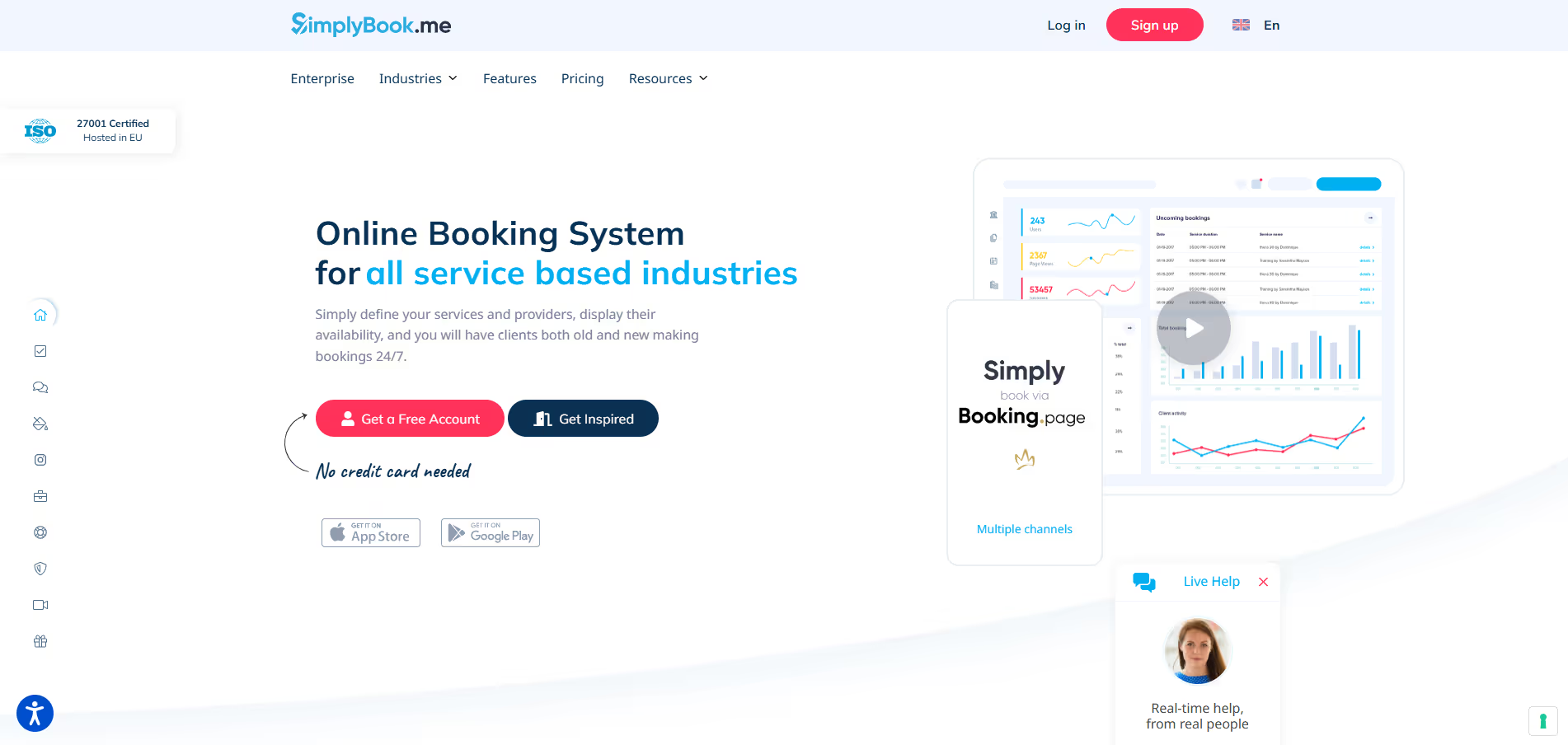
SimplyBook.me offers a robust platform for businesses across various industries to accept online bookings, manage staff schedules, process payments, and engage with clients. It provides a customizable booking website, automated reminders, and a suite of powerful add-ons to extend functionality, catering to salons, clinics, consultants, educational institutions, and more.
Pros & Cons:
Pros
Cons
✔️ Robust free plan with essential booking features.
✖️ Advanced features are often add-ons, increasing costs for comprehensive functionality.
✔️ Extensive customization options for booking pages and services.
✖️ User interface can feel somewhat dated compared to newer competitors without heavy customization.
✔️ Wide range of industry-specific features and powerful integrations.
✖️ Initial setup and configuration can have a steeper learning curve due to feature depth.
Bottom Line : SimplyBook.me is a comprehensive online scheduling software designed to help service-based businesses manage appointments, bookings, and client interactions efficiently. Ideal for small to medium-sized service businesses, freelancers, consultants, health practitioners, beauty salons, fitness studios, and educators seeking an all-in-one solution for online appointment booking and business management. SimplyBook.me stands out as a highly adaptable and feature-rich online scheduling platform, offering a strong free entry point and powerful add-ons that cater to the diverse operational needs of almost any service-based business looking to streamline its booking process.
This all-in-one solution enables users to create professional booking pages, integrate payment processing, sync with various calendars, and offer upsells or packages. It simplifies the client booking experience by providing a streamlined process from scheduling to payment, reducing administrative overhead and enhancing client management. Beyond simple scheduling, it empowers users to build a complete online presence for their services.
Pros & Cons:
Pros
Cons
✔️ Deep control over scripts/styles to remove bloat.
✖️ No built-in caching; needs to pair with a caching plugin.
✖️ Some features require careful testing, may break theme/plugins if misconfigured.
✔️ Lightweight, minimal overhead, good UI with one-click toggles.
✖️ Premium plugin; no free version to try all features.
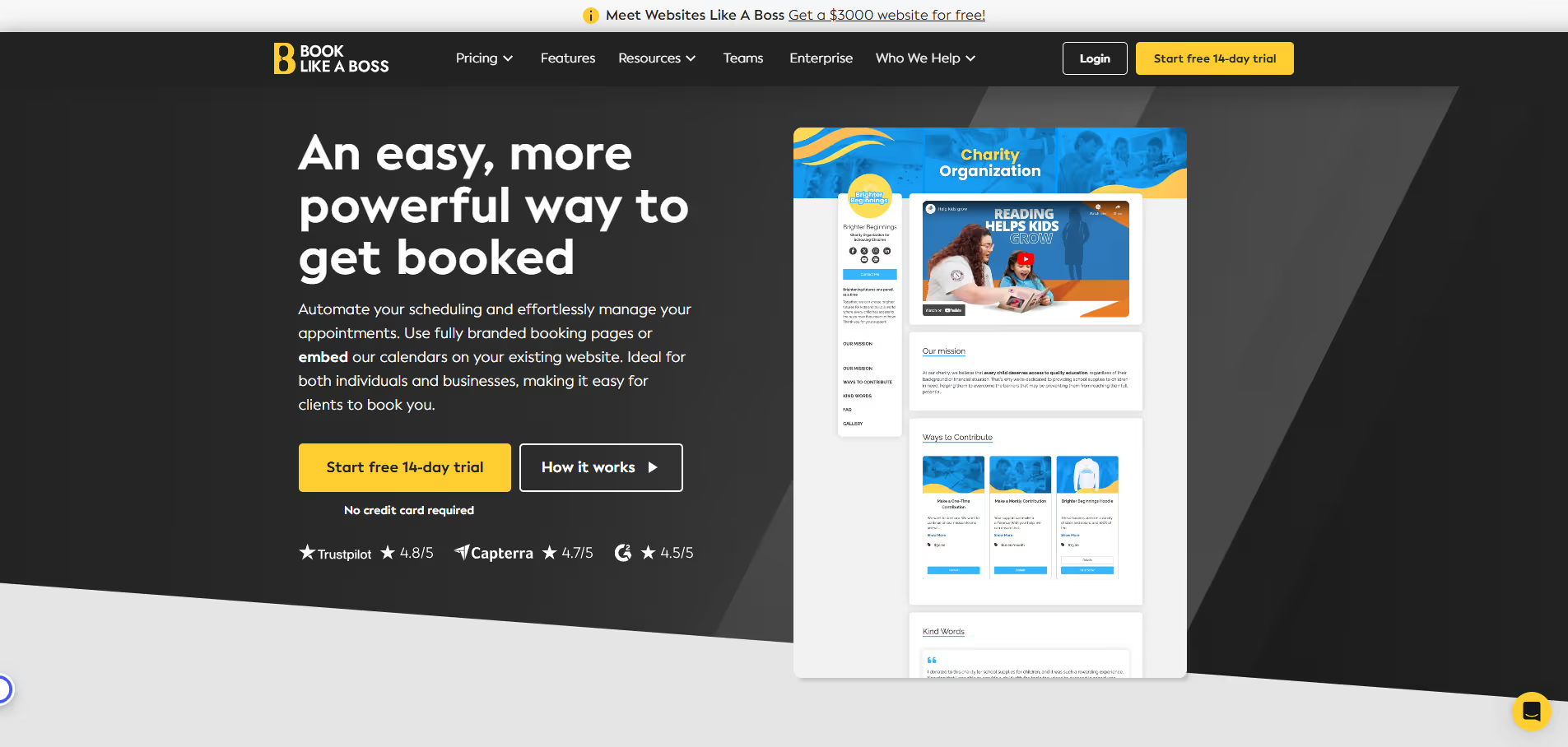
Book Like A Boss is a comprehensive online booking and scheduling platform designed for service providers, coaches, consultants, and businesses to manage appointments, classes, and events directly from a customizable landing page. Freelancers, consultants, coaches, small business owners.
Calendly empowers individuals and teams to define their availability and share personalized scheduling links. It integrates seamlessly with popular calendar services like Google Calendar, Outlook Calendar, and iCloud Calendar. Users can set up various event types, utilize team scheduling functionalities, and leverage workflow automation to enhance productivity. The platform offers customizable booking pages, automated reminders, and options to collect necessary information from invitees prior to meetings, making the scheduling process efficient and professional.
Pros & Cons:
Pros
Cons
✔️ Eliminates back-and-forth emails for scheduling.
✖️ Advanced features (e.g., payment collection) are often behind higher-tier paywalls.
✔️ Seamless integration with major calendar services.
✖️ Can be less robust for complex service-based businesses compared to dedicated booking systems.
✔️ Customizable booking pages and various event types.
✔️ Robust team scheduling and collective event options.
✖️ Does not include an integrated video conferencing solution; relies on third-party integrations.
Calendly is an automated scheduling platform designed to simplify the process of booking meetings, appointments, and events, effectively eliminating the traditional back-and-forth communication. Sales professionals, recruiters, consultants, educators, small business owners, customer success teams.
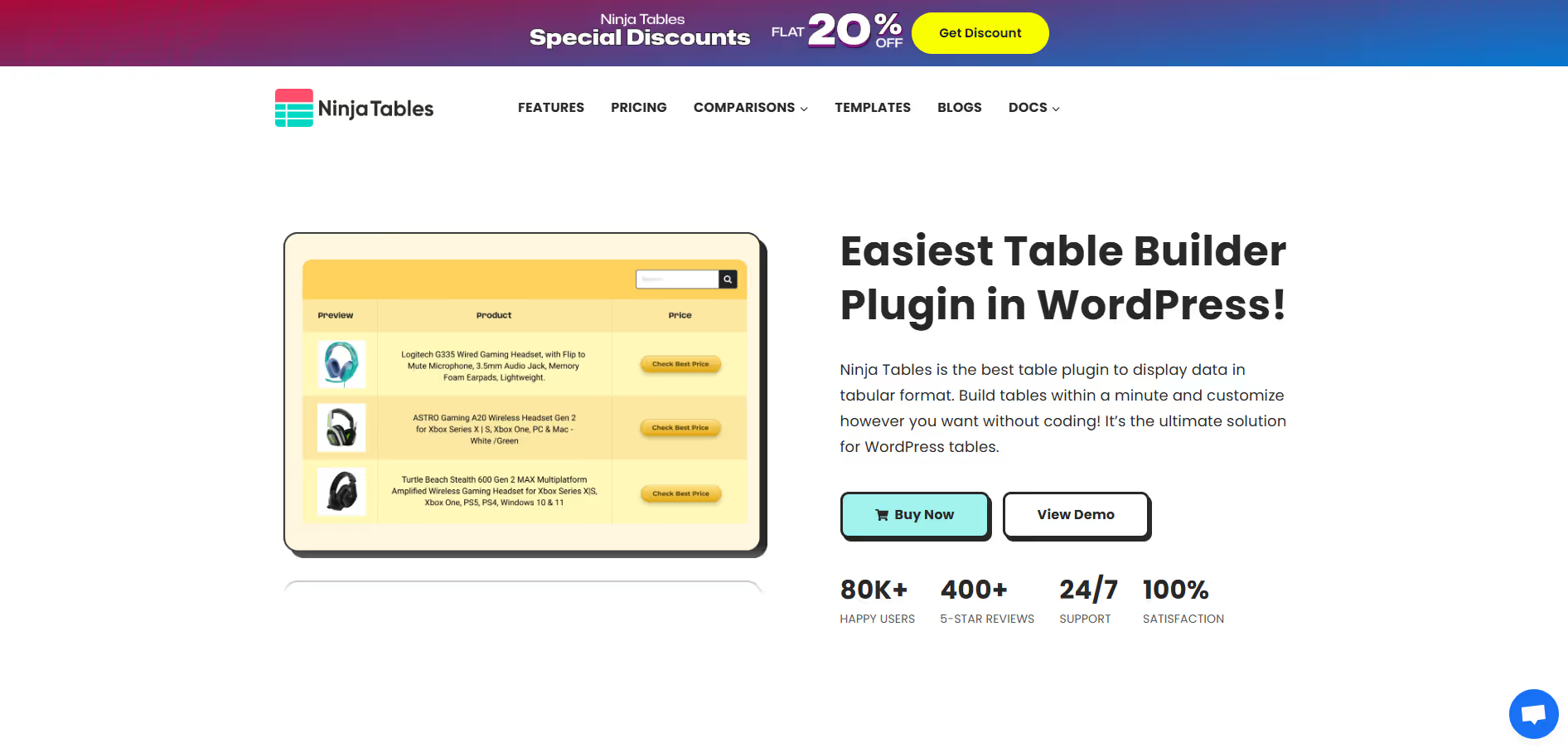
Ninja Tables offers an intuitive drag-and-drop interface, allowing users to build intricate tables without coding. It supports various data sources, including manual input, CSV, Google Sheets, and integration with popular plugins like WooCommerce. Key functionalities include advanced conditional formatting, custom CSS styling, sorting, filtering, and comprehensive responsiveness controls, ensuring tables look perfect on any device. Its robust feature set makes it suitable for both simple data presentations and complex, interactive data displays.
Pros & Cons:
Pros
Cons
✔️ Highly intuitive drag-and-drop interface for easy table creation.
✖️ Free version has limited features, pushing users towards the Pro version.
✔️ Extensive customization options including conditional formatting and custom CSS.
✖️ Can be resource-intensive with very large and complex tables, potentially affecting site performance if not optimized.
✔️ Robust integrations with WooCommerce, Google Sheets, and other popular plugins.
✖️ Advanced features might have a slight learning curve for absolute beginners.
Bottom Line :Ninja Tables is a highly versatile WordPress table builder plugin designed to create, manage, and customize responsive, feature-rich data tables effortlessly. It enables users to display complex data, product comparisons, and dynamic content in an organized and engaging format. WordPress website owners, bloggers, e-commerce stores, content creators, and developers seeking an advanced yet user-friendly solution for displaying structured, interactive, and responsive data tables on their sites. Ninja Tables stands out as a top-tier WordPress table builder, empowering users to create sophisticated, interactive, and mobile-friendly data tables without needing to code. Its blend of powerful features and user-friendly design makes it an excellent choice for diverse web content needs, from simple data displays to complex e-commerce comparisons.
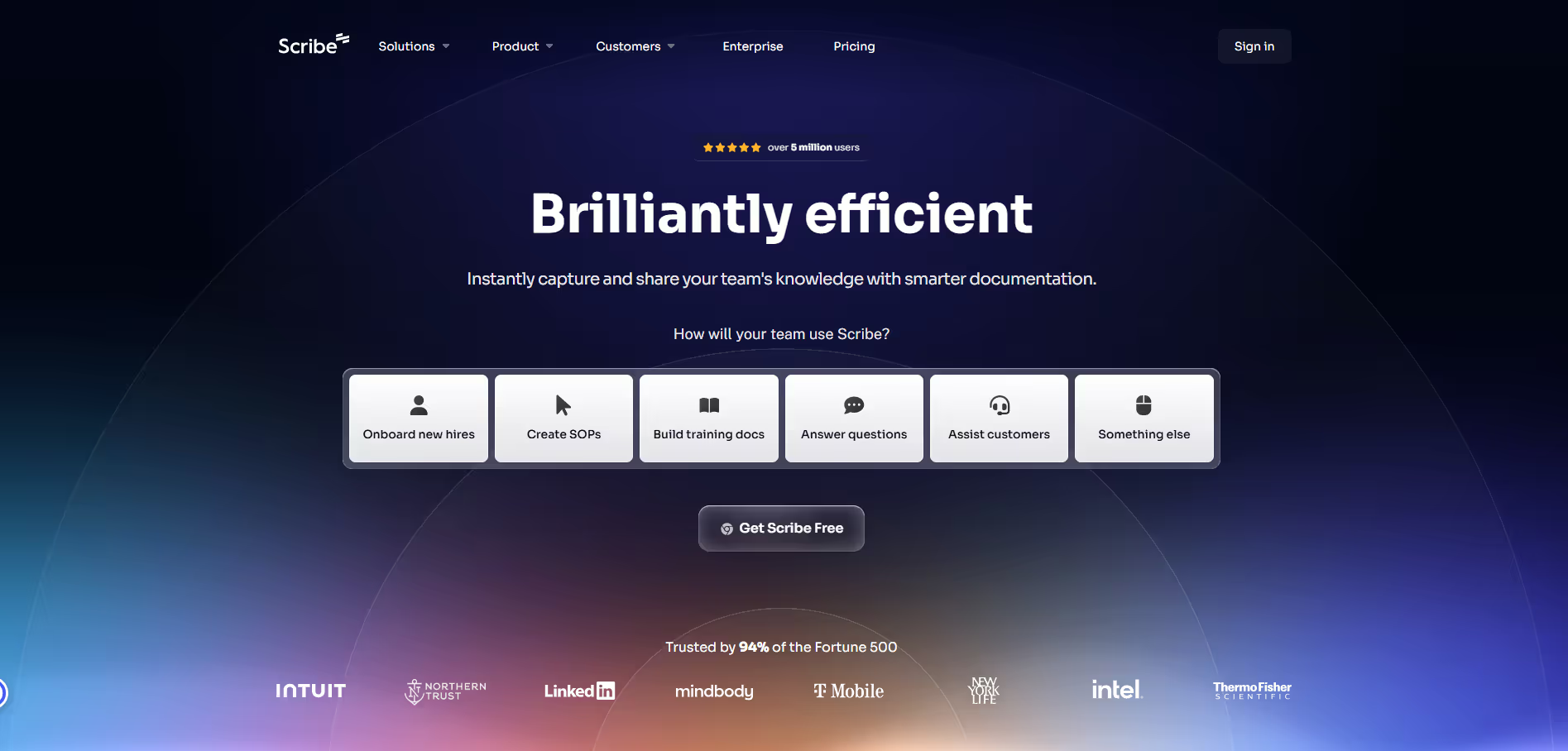
ScribeHow streamlines the creation of 'how-to' guides, standard operating procedures (SOPs), and training materials. Users simply record their screen as they perform a task, and ScribeHow instantly captures screenshots, identifies actions, and generates written instructions for each step. This eliminates the tedious manual effort of taking screenshots, adding annotations, and drafting text, making documentation creation efficient and accessible for teams across various departments.
Pros & Cons:
Pros
Cons
✔️ Significantly reduces time and effort in creating documentation.
✖️ Guide generation quality can vary with complex or fast-paced workflows.
✔️ Automatically generates visual step-by-step guides with text instructions.
✖️ Limited creative control compared to manually designed documentation.
✔️ Intuitive interface makes it easy for non-technical users to create guides.
✖️ Free plan has functional limitations, especially concerning exports and advanced features.
✔️ Offers redaction tools to protect sensitive information in screenshots.
✖️ Best suited for on-screen processes; less effective for physical or conceptual instructions.
ScribeHow is an indispensable tool for anyone needing to efficiently create clear, visual, step-by-step instructions. By automating the documentation process, it saves considerable time and ensures consistency across guides, making complex processes easily digestible for diverse audiences.
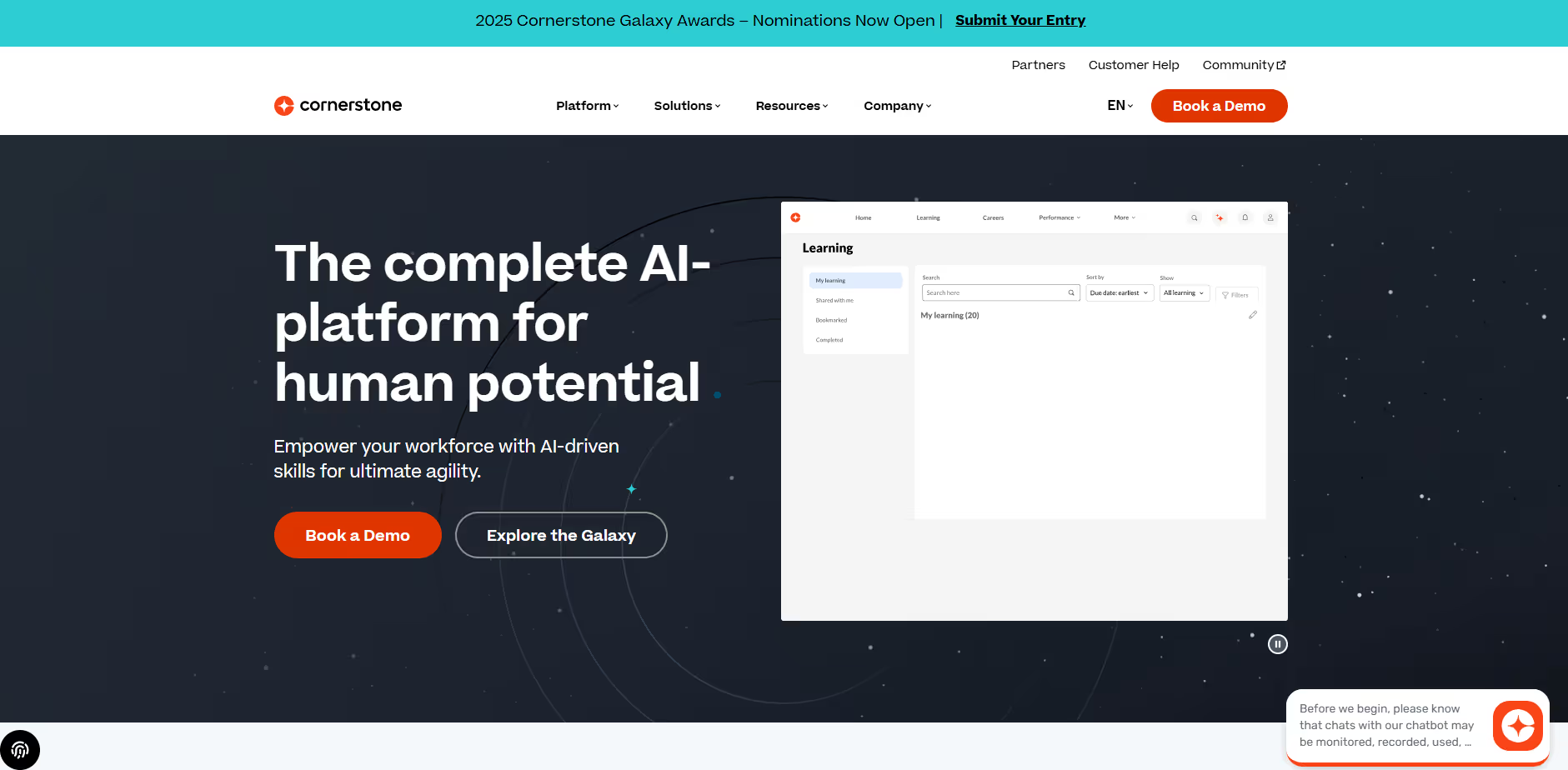
Cornerstone OnDemand provides enterprise-level solutions for learning management, employee training, performance reviews, and talent development. It offers customizable training paths, AI-driven content recommendations, compliance training tools, and analytics to measure learning impact. The platform is widely used by corporations, universities, and government organizations to manage employee growth and streamline HR development strategies in one central system.
Pros & Cons:
Pros
Cons
✔️ Powerful LMS with customizable learning paths
✖️ Pricing not transparent and can be expensive
✔️ Great for enterprise learning & compliance training
✖️ Interface feels complex for new users
✔️ Strong reporting and analytics features
✖️ Setup and onboarding take time
Employee training portals, compliance learning modules, onboarding programs, workforce skill development dashboards.








.svg)
.svg)
.svg)


.png)


.png)


.svg)



.png)
.png)
.png)

.png)