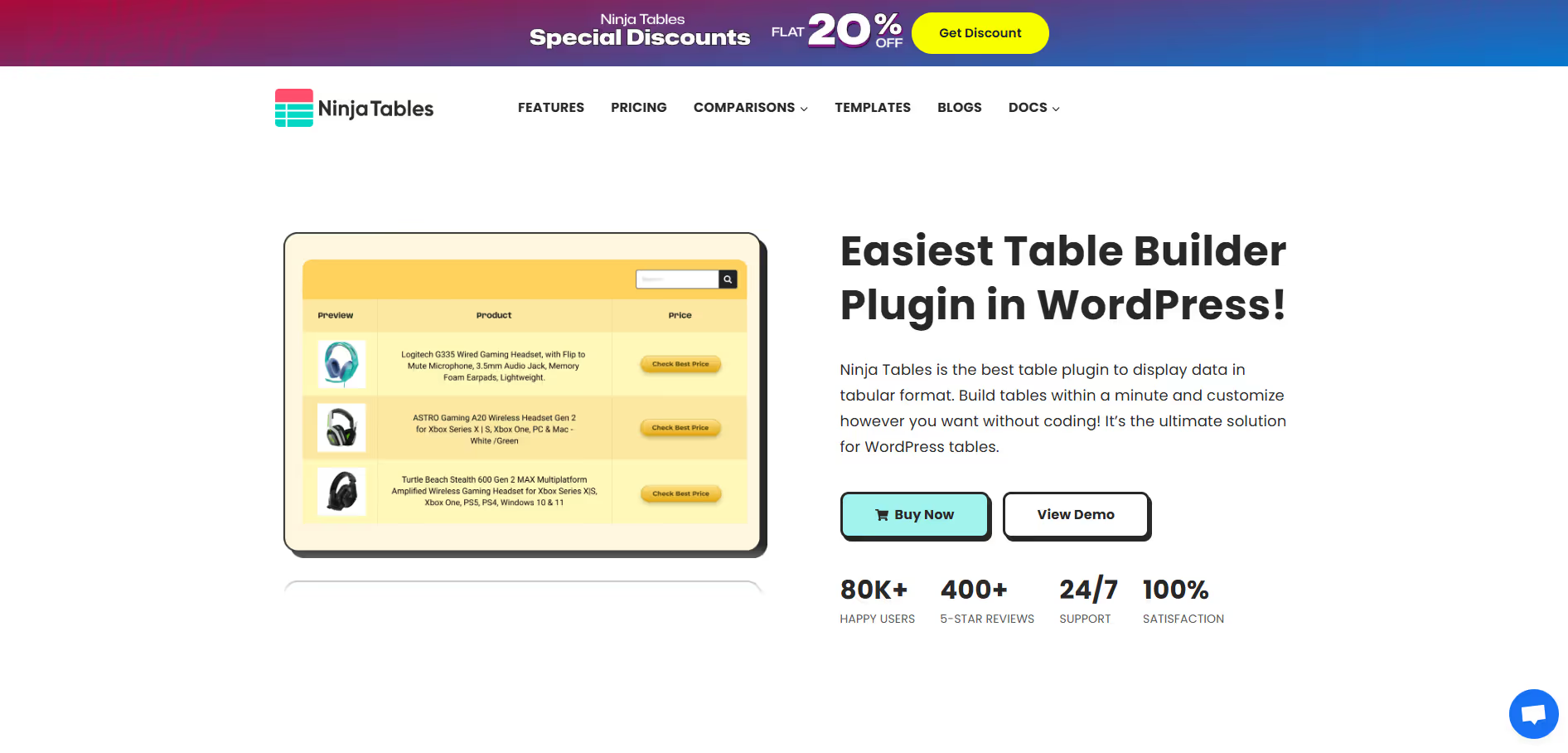
Ninja Tables
Key Applications
- Data Presentation: Displaying complex datasets in an organized, readable, and searchable format on WordPress websites.
- Product Comparisons: Creating detailed comparison tables for e-commerce products, highlighting features and pricing.
- Dynamic Content Display: Integrating and presenting data from external sources like Google Sheets or custom post types.
- Data Management: Importing and exporting table data efficiently, facilitating easier content updates and backups.
Who It’s For
WordPress website owners, bloggers, e-commerce stores, content creators, and developers seeking an advanced yet user-friendly solution for displaying structured, interactive, and responsive data tables on their sites.
Pros & Cons
| Pros |
Cons |
| ✔️ Highly intuitive drag-and-drop interface for easy table creation. |
✖️ Free version has limited features, pushing users towards the Pro version. |
| ✔️ Extensive customization options including conditional formatting and custom CSS. |
✖️ Can be resource-intensive with very large and complex tables, potentially affecting site performance if not optimized. |
| ✔️ Robust integrations with WooCommerce, Google Sheets, and other popular plugins. |
✖️ Advanced features might have a slight learning curve for absolute beginners. |
| Pros |
Cons |
| ✔ Very beginner-friendly |
✖ Limited features compared to Others |
| ✔ Clean interface |
✖ Less feature depth than others |
| ✔ Helpful community and resources |
✖ Can feel slower at scale |
How It Compares
- Versus TablePress: Ninja Tables provides a significantly more comprehensive feature set, including drag-and-drop editing, conditional formatting, and deep integrations, while TablePress focuses on a minimalist approach for basic, static tables.
- Versus WPDataTables: While both are powerful, Ninja Tables often offers a more user-friendly interface for many advanced features and better front-end editing capabilities, whereas WPDataTables might excel in handling extremely large datasets and complex charting functionalities.
- Versus Ultimate Blocks: Ninja Tables is a dedicated table builder with far more advanced features and customization options, whereas Ultimate Blocks includes a simple table block among many other general-purpose Gutenberg blocks.
Bullet Point Features
- Intuitive Drag-and-Drop Table Builder Advanced Conditional Formatting Options
- WooCommerce Product Table Integration Google Sheets & CSV Data Integration
- Customizable Responsive Breakpoints Advanced Filtering, Sorting, and Search Custom CSS & JavaScript
Frequently Asked Questions
Find quick answers about this tool’s features, usage ,Compares, and support to get started with confidence.
What is Ninja Tables and what is it used for?

Ninja Tables is a WordPress table builder plugin that allows users to create responsive, data-rich tables without coding. It is commonly used to display pricing tables, comparison charts, product lists, and structured data in a clean and organized way.
How does Ninja Tables help present data more effectively?

Ninja Tables helps present data by offering customizable columns, sorting, filtering, and responsive layouts. This makes large or complex datasets easier for visitors to read, compare, and interact with across all devices.
Is Ninja Tables easy to use for non-technical users?

Yes, Ninja Tables is beginner-friendly and designed for non-technical users. Its intuitive interface allows users to build and manage tables through a visual editor, while still offering advanced customization options for power users.
Can Ninja Tables handle large datasets and integrations?

Ninja Tables can manage large datasets efficiently and supports integrations with external sources like CSV files and Google Sheets. This makes it suitable for dynamic content and frequently updated data without manual rebuilding.
Who should use Ninja Tables and what are the benefits?

Ninja Tables is ideal for bloggers, businesses, affiliate marketers, and data-driven websites. It helps improve content clarity, enhance user experience, and increase engagement by presenting information in a structured, professional, and visually appealing format.