Best for web hosting, app deployment, scalable droplets, Kubernetes hosting, managed databases, developer cloud tools.
FlyingPress
FlyingPress is a high-performance WordPress speed optimization plugin designed to help site owners improve Core Web Vitals and benchmark scores with minimal fuss. It combines page caching, asset optimization (minify, defer, CSS/JS control), lazy loading, database cleanup, and font optimization into a unified interface. The plugin emphasizes simplicity with efficient defaults, while still offering advanced options like link preloading, “lazy render” for DOM elements, and unused CSS removal. Because it handles many performance tasks itself, it often replaces the need for multiple plugins. The developers promote it as “all-in-one” WordPress optimization, focusing on real-user metrics rather than synthetic benchmarks.
Pros & Cons:
Pros
Cons
✔️ All-in-one solution: caching, render optimization, asset control in one plugin.
✖️ No free version; entirely paid only. :contentReference[oaicite:19]{index=19}
✔️ Strong control over CSS/JS (unused CSS removal, lazy render) beyond typical caching. :contentReference[oaicite:20]{index=20}
✖️ Learning curve for advanced optimizations on complex, dynamic sites. :contentReference[oaicite:21]{index=21}
✔️ Good default settings for beginners, with safety in mind. :contentReference[oaicite:22]{index=22}
✖️ FlyingCDN (optional CDN) incurs extra cost / complexity. :contentReference[oaicite:23]{index=23}
Bottom Line: FlyingPress is a robust and modern WordPress optimization plugin that bridges the gap between caching and full front-end performance control. Its blend of simplicity and advanced features makes it a strong choice for users aiming to optimize real-world performance metrics like Core Web Vitals. The paid model and optional CDN costs are trade-offs, but for performance-focused sites and developers, it delivers powerful value.
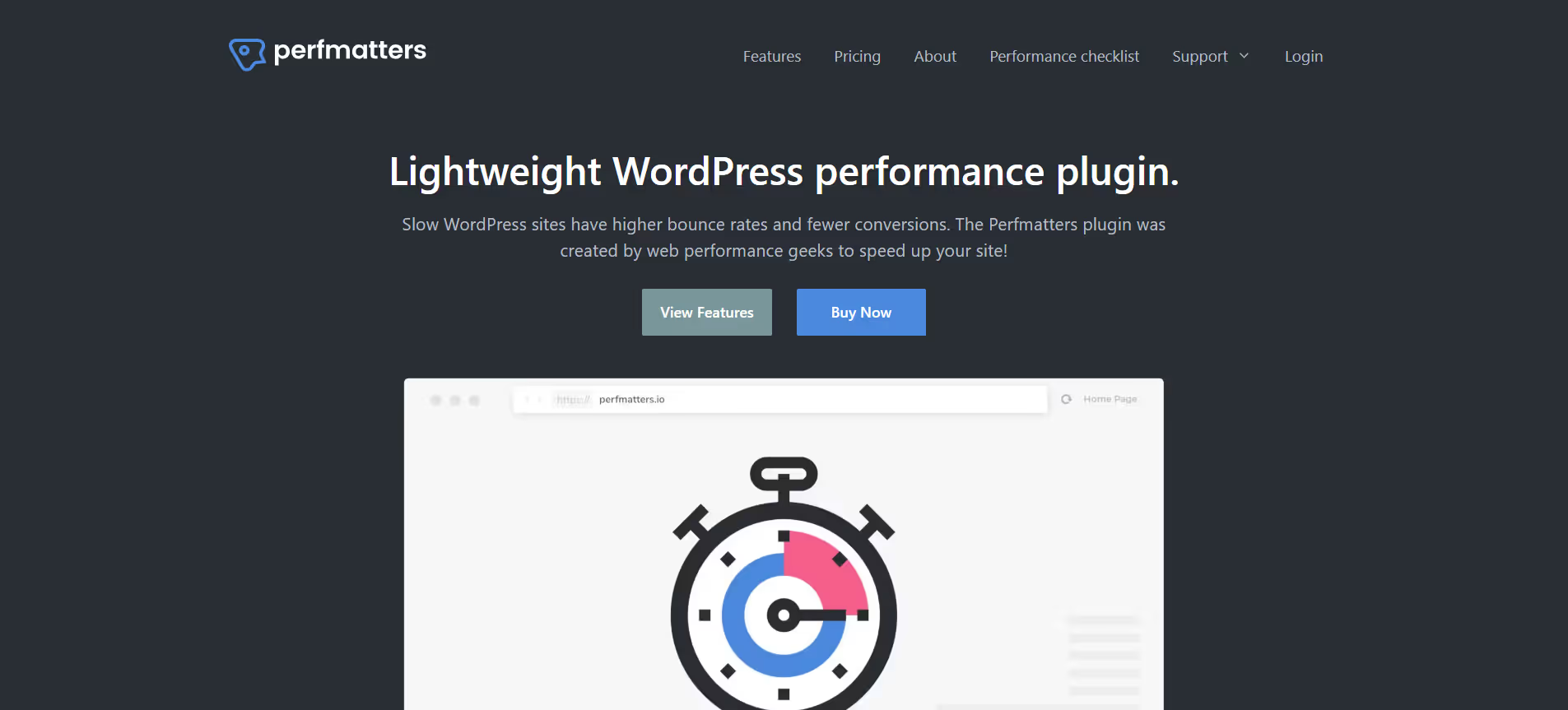
Perfmatters is a premium WordPress performance plugin focused on optimizing front-end speed by removing unnecessary code, reducing HTTP requests, and giving granular control over CSS, JavaScript, and default WordPress features. It has a clean dashboard with one-click toggles, allowing users to disable things like emojis, embeds, REST API links, Google Fonts, and more. A key feature is its Script Manager, which lets you disable scripts/styles globally or per page/post/device, reducing load and improving metrics like First Contentful Paint and Largest Contentful Paint. Additional optimizations include lazy loading images/videos, deferring or delaying JavaScript, preloading resources, database cleanup, and hosting fonts or Google Analytics locally. Perfmatters is built for people who want deeper control over website speed without needing to write much (if any) code.
Pros & Cons:
Pros
Cons
✔️ Deep control over scripts/styles to remove bloat.
✖️ No built-in caching; needs to pair with a caching plugin.
✖️ Some features require careful testing, may break theme/plugins if misconfigured.
✔️ Lightweight, minimal overhead, good UI with one-click toggles.
✖️ Premium plugin; no free version to try all features.
Bottom Line: Perfmatters is a powerful plugin for users who want to go beyond standard caching and truly optimize their WordPress site’s performance. If you're serious about speed, Core Web Vitals, and clean front-end output, this gives you tools to reduce unnecessary load, manage scripts finely, and make your site lean. For many sites, combining Perfmatters with a caching plugin or CDN yields excellent results at a relatively low cost.
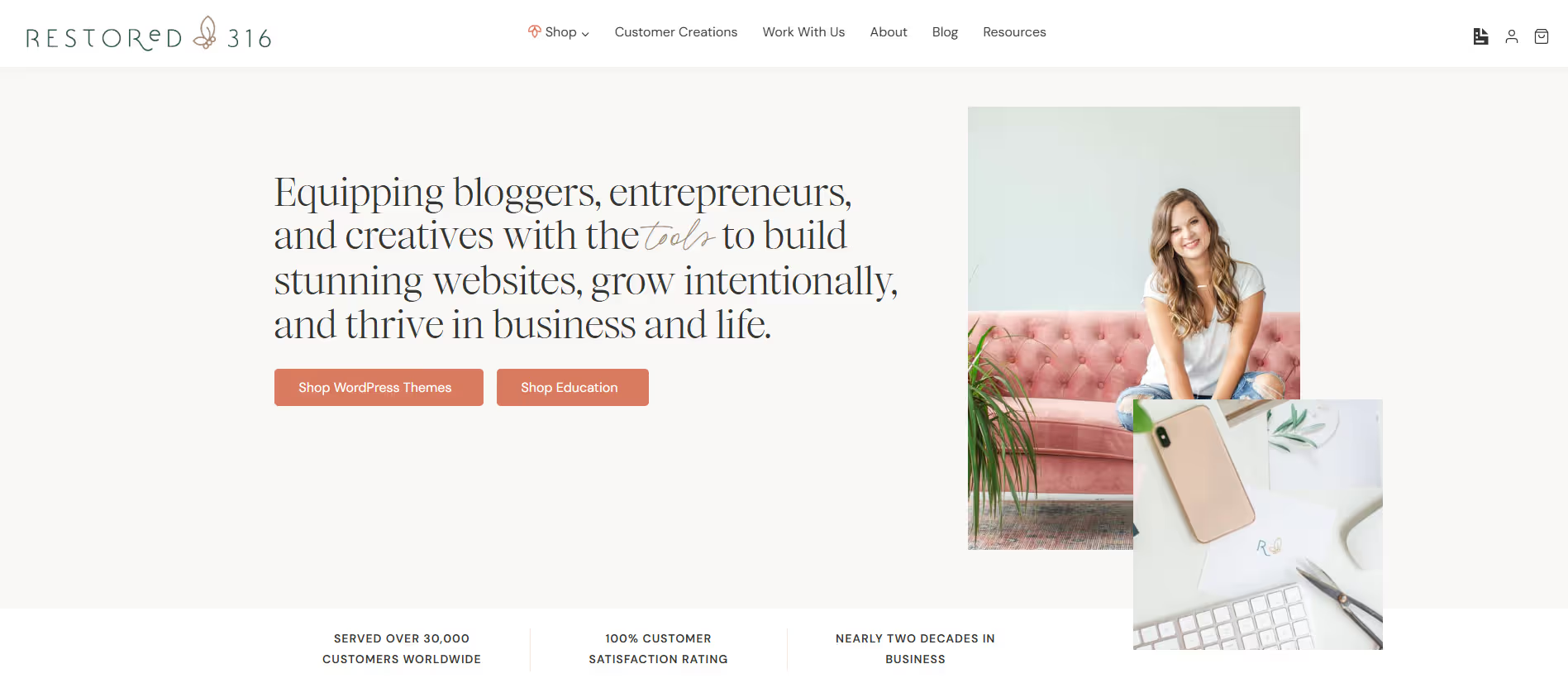
Restored 316 Designs specializes in premium WordPress themes built on the Kadence framework, offering a blend of style and functionality. Their themes are designed to be visually appealing, user-friendly, and optimized for performance, making them ideal for individuals seeking a professional online presence without extensive technical expertise. The themes come with pre-designed layouts, customizable options, and are mobile-responsive, ensuring a seamless experience across devices.
Pros & Cons:
Pros
Cons
✔️ Beautiful, feminine designs tailored for bloggers and creatives.
✖️ Higher price point compared to some other theme providers.
✔️ Built on the Kadence framework, ensuring performance and flexibility.
✖️ Limited to Kadence and Genesis frameworks; not compatible with all page builders.
✔️ Mobile-responsive and optimized for speed.
✖️ Some advanced customization may require additional CSS knowledge.
Bottom Line : Restored 316 Designs offers a curated selection of feminine WordPress themes ideal for bloggers, creatives, and small business owners seeking stylish and functional websites. Built on the Kadence framework, their themes provide a balance of aesthetics and performance, making it easier for users to establish a professional online presence without extensive technical expertise.
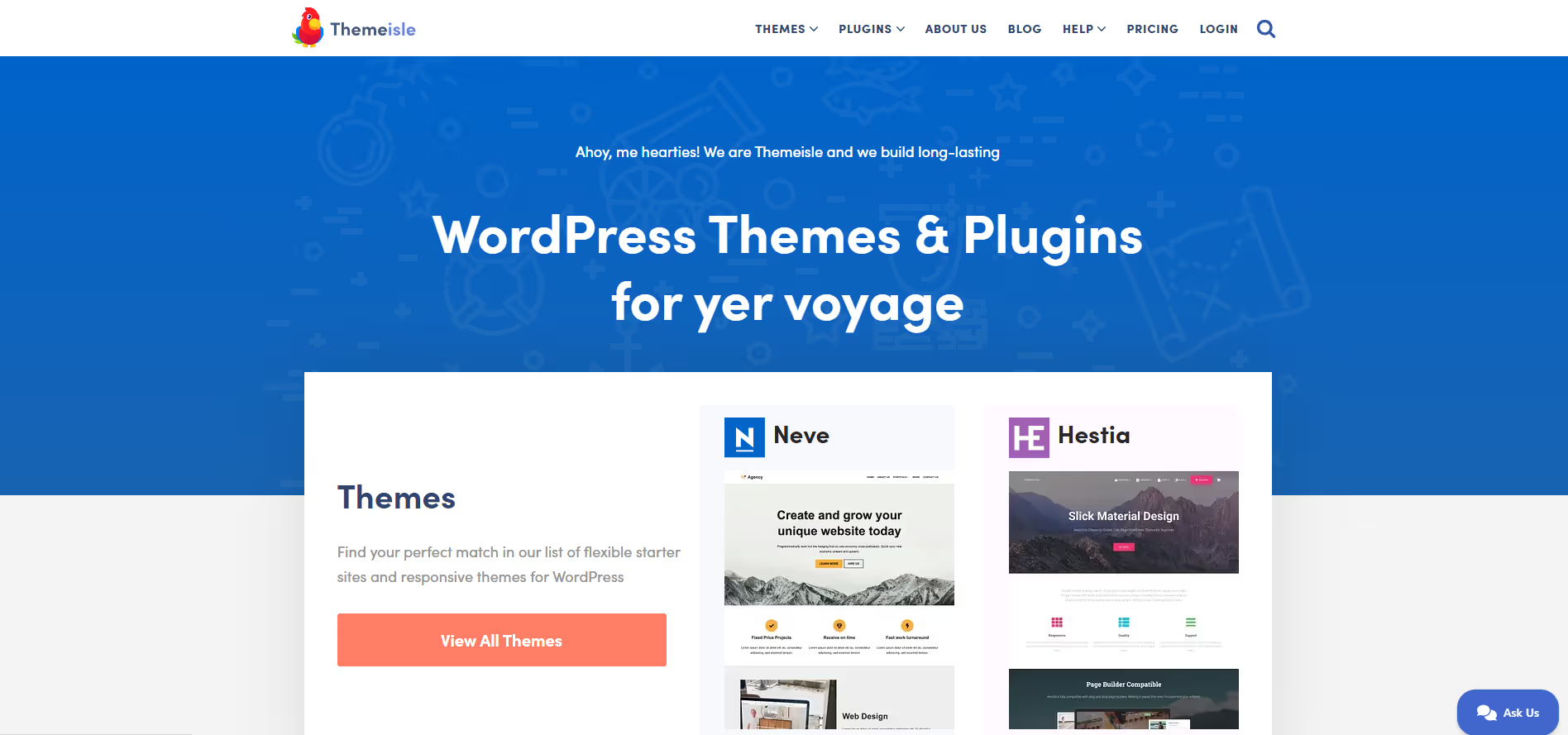
ThemeIsle offers a range of high-quality, user-friendly WordPress themes and plugins tailored for various website needs. Their products are known for being responsive, easy to customize, and optimized for performance. Themes like Neve and Hestia are particularly popular for their versatility and compatibility with page builders like Elementor
Pros & Cons:
Pros
Cons
✔️ Lightweight, fast, and SEO-friendly themes.
✖️ Advanced features require Pro version purchase.
✔️ Free versions allow beginners to start easily.
✖️ Limited starter sites compared to larger theme marketplaces.
✔️ Good integration with page builders like Elementor.
✖️ Some compatibility issues reported with certain plugins.
Bottom Line: ThemeIsle provides high-quality, responsive WordPress themes and plugins ideal for freelancers, agencies, and small businesses. With both free and Pro options, it balances ease-of-use, performance, and customization for creating professional websites quickly.
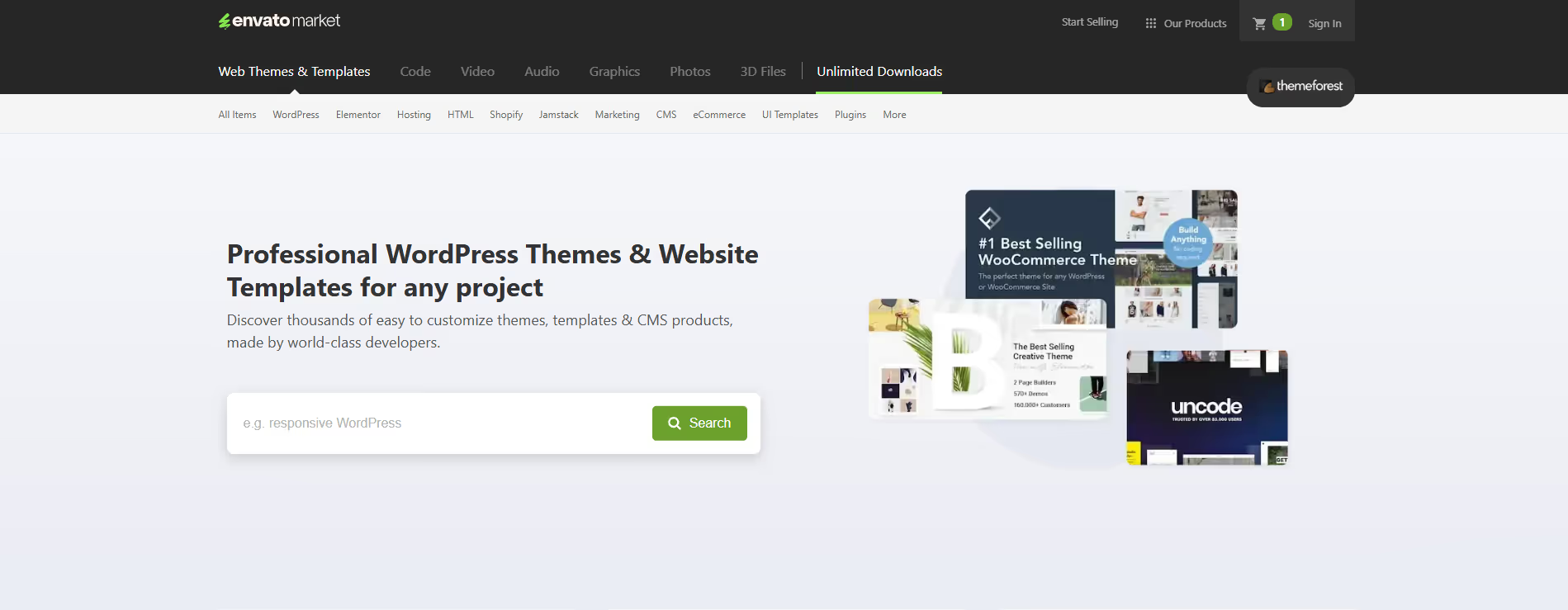
ThemeForest is a leading online marketplace for premium website templates and themes, part of the Envato Market. It provides themes for WordPress, Joomla, Magento, and more, catering to blogs, business sites, e-commerce stores, portfolios, and creative websites. Users can browse thousands of professionally designed themes with demos, responsive layouts, and customizable features. Each theme comes with documentation and support from its developer for a limited period. ThemeForest allows entrepreneurs, agencies, and developers to quickly find and implement ready-made designs, saving time compared to building sites from scratch. While quality varies across themes, careful selection based on ratings, reviews, and developer reputation can result in high-quality, fully functional websites.
Pros & Cons:
Pros
Cons
✔️ Huge variety of themes for multiple niches and platforms.
✖️ Quality and updates vary depending on developer.
✔️ Affordable pricing with frequent discounts.
✖️ Support depends on the theme developer and may be limited.
✔️ Preview demos and ratings to choose high-quality themes.
✖️ Some themes require additional purchases or plugins for full functionality.
Bottom Line: ThemeForest is a go-to marketplace for anyone needing a vast selection of premium website themes quickly. While quality varies, careful theme selection ensures you get professional designs that save time and development costs.
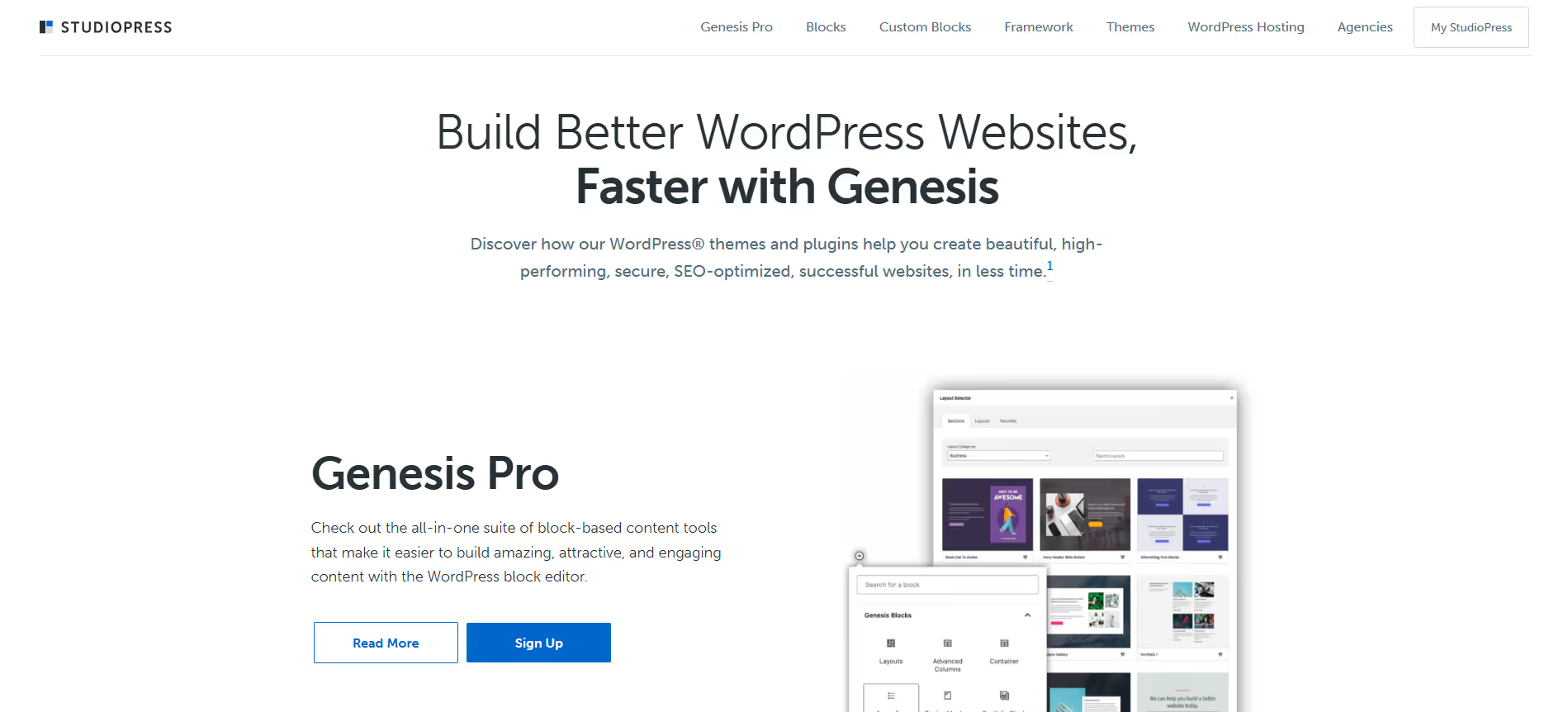
StudioPress is known primarily for its Genesis Framework and beautifully designed child themes. The framework serves as an underlying foundation providing strong performance, enhanced security, and SEO-optimized architecture. StudioPress themes are lightweight, responsive, and built to work well with modern WordPress features. Over time, the company has moved to offer access to its full theme library via subscription bundles like Genesis Pro. Users get access to block-based editing tools, custom blocks, starter themes, and a robust ecosystem. Themes are designed to be developer-friendly, yet usable by site owners who want solid foundations without excessive bloat. If you host with Flywheel or WP Engine, you often get StudioPress themes included.
Pros & Cons:
Pros
Cons
✔️ Clean, optimized code with strong SEO foundation via Genesis.
✖️ Higher initial cost vs simpler/freemium themes.
✔️ Lifetime access option and bundled theme library saves long-term.
✖️ Less visual builder features out of box; needs customization.
✔️ Included with WP Engine/Flywheel hosting makes value better.
✖️ Learning curve for those unfamiliar with child themes and block-based editing.
Bottom Line: StudioPress (with Genesis) is a premium theme ecosystem designed for those who want speed, SEO, and architectural reliability. If you're building sites where stability, security, and clean code matter more than flashy drag-and-drop, StudioPress delivers. The investment is higher, but long-term value and performance often make up for it.
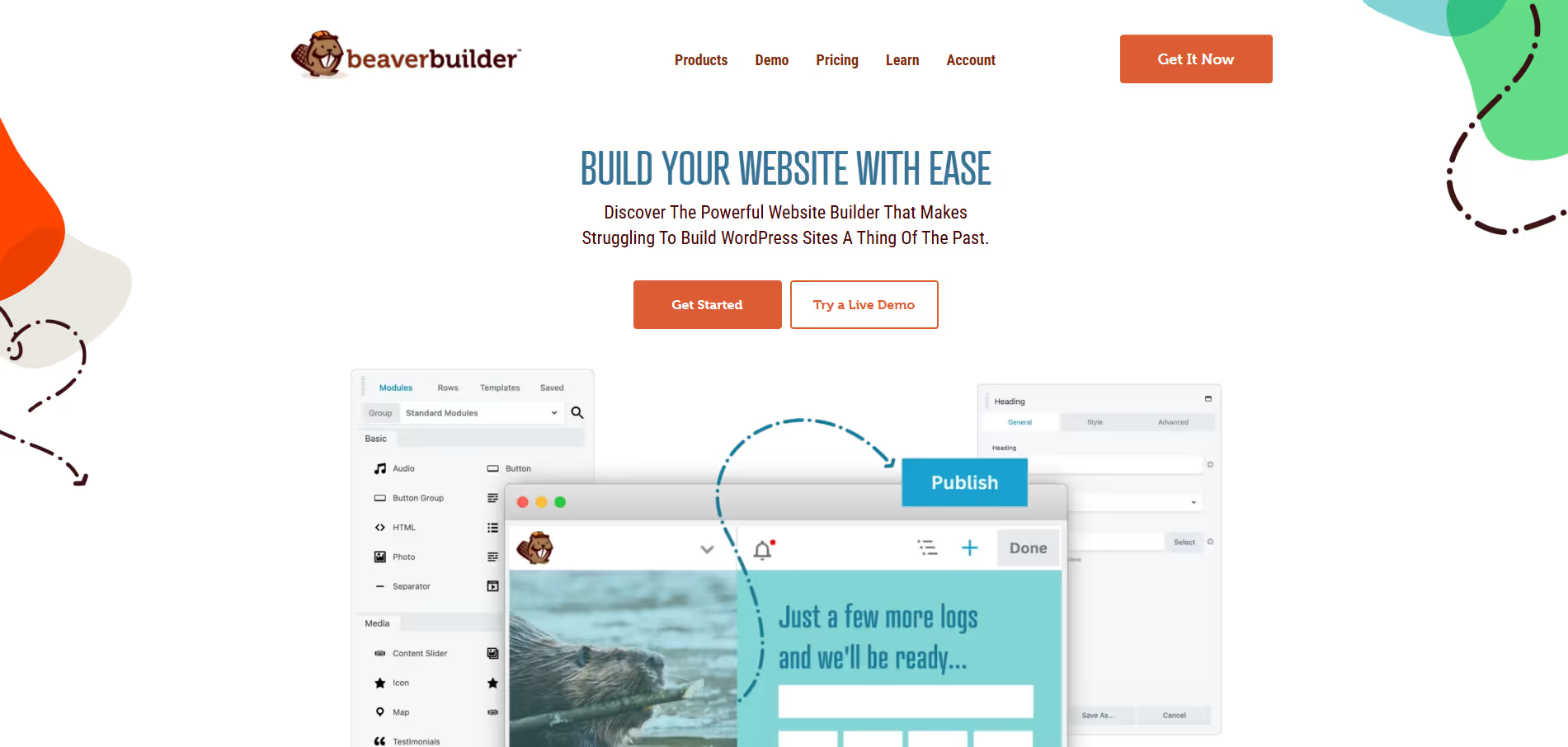
Beaver Builder is a popular WordPress page builder plugin designed for visual layout design without coding. It offers live, front-end editing, responsive design, a variety of content modules (text, image, video, sidebar, buttons, etc.), and many templates to speed up development. The free “Lite” version allows users to try basics: simple modules, basic layouts, and limited templates. Upgrading to a premium plan unlocks advanced modules, theme building via Beaver Builder Theme and Beaver Themer, multisite support, white-labeling, premium templates, and priority support. Beaver Builder is well known for clean code output, stability, and its developer-friendly features. It’s a solid choice for websites needing reliable, stable design tools with good customization.
Pros & Cons:
Pros
Cons
✔️ Very stable and clean code; less bloat.
✖️ Fewer pre-built templates/modules compared to some competitors.
✔️ Unlimited site usage on most plans.
✖️ Premium plans are expensive for single-site users.
✔️ Strong header/footer/archive layout control via Themer.
✖️ No lifetime license option; must renew annually.
Bottom Line: Beaver Builder is a great choice when you need a reliable, well-coded, and scalable WordPress page builder. If you manage many sites, or want solid theme/building layout control (headers, archives, etc.), its premium features deliver value. For very simple or single-site needs, check if the extra cost is justified.
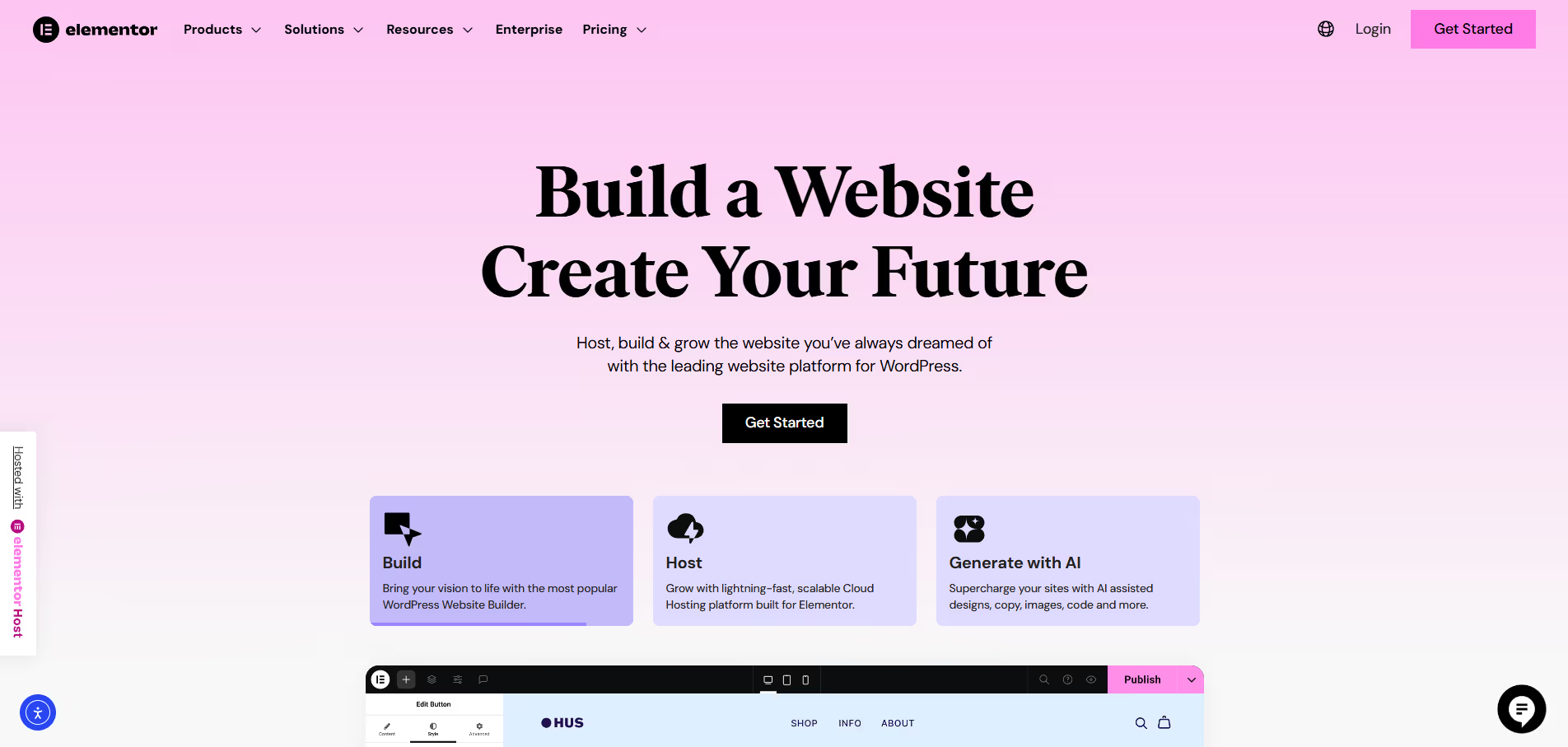
Elementor is a leading WordPress page builder plugin that lets users design visually using drag-and-drop editing, without coding. The free version offers basic widgets, templates, and responsive editing. Upgrading to Elementor Pro unlocks advanced tools like the Theme Builder, Popup Builder, WooCommerce Builder, more templates and website kits, and priority support. Elementor emphasizes design flexibility, offering many widgets, layout options, and styling controls so users can create custom headers, footers, landing pages, and more. It’s popular among designers, developers, and site owners who want capable design control, regularly updated features, and strong ecosystem of integrations and templates. Performance can depend on hosting & optimization, but the tool provides many features to help (lazy loading, responsive controls, etc.).
Pros & Cons:
Pros
Cons
✔️ Very strong design flexibility and template-library support.
✖️ Performance can suffer if many widgets, effects, or heavy styles are used.
✔️ Free version includes many features; great value.
✖️ Most advanced tools (theme builder, popups, etc.) are Pro-only.
✔️ Large ecosystem and lots of third-party add ons.
✖️ Annual renewals required to keep updates/support. No lifetime plan.
Bottom Line: Elementor is one of the most powerful and user friendly WordPress page builders, offering both a robust free version and a full Pro tier. If you want advanced design control, lots of templates, and features such as popups and WooCommerce builders, Pro is worth the investment. But if you only need a simple site, the free version already gives you a strong foundation.
Kadence is a powerful WordPress theme and block-plugin ecosystem designed to give users both flexibility and performance. With Kadence, you get a lightweight base theme, a header/footer builder, starter templates, and global typography/color controls. The free version already includes many essential features, while the Pro and bundle versions unlock advanced tools like premium starter templates, WooCommerce optimization (Shop Kit), conditional headers/footers, custom fonts, pattern hub, AI credits, and extended integrations. Kadence is built for speed and responsive design, with clean code, compatibility with Gutenberg and other page builders, and modular feature loading. It’s ideal for anyone who wants to build beautiful websites without sacrificing performance.
Pros & Cons:
Pros
Cons
✔️ Generous free version with header/footer builders and starter templates.
✖️ Some premium features only unlock in higher-cost bundles.
✔️ Excellent WooCommerce support and built-in extras reduce need for plugins.
✖️ Pricing for full bundles is relatively high for small sites.
✔️ Fast performance, responsive design, and Gutenberg compatibility.
✖️ Lifetime deal price is steep for many budgets.
Bottom Line: Kadence is a top-tier WordPress theme choice for those who want excellent performance, flexible design control, and strong WooCommerce integration. The free version covers many basics well, and if you need more power—header/footer control, shop features, or full bundles—it’s worth upgrading.







.svg)
.svg)
.svg)








.avif)
.avif)

.avif)

.avif)

.jpeg)