

Spikes Studio
Provides tools for video production, editing, and visual content creation.
The fastest path from raw stream or podcast to polished social clips — best value on annual PRO+.
Community ratings
Third-party ratings shown verbatim; aggregate weighted by review volume.
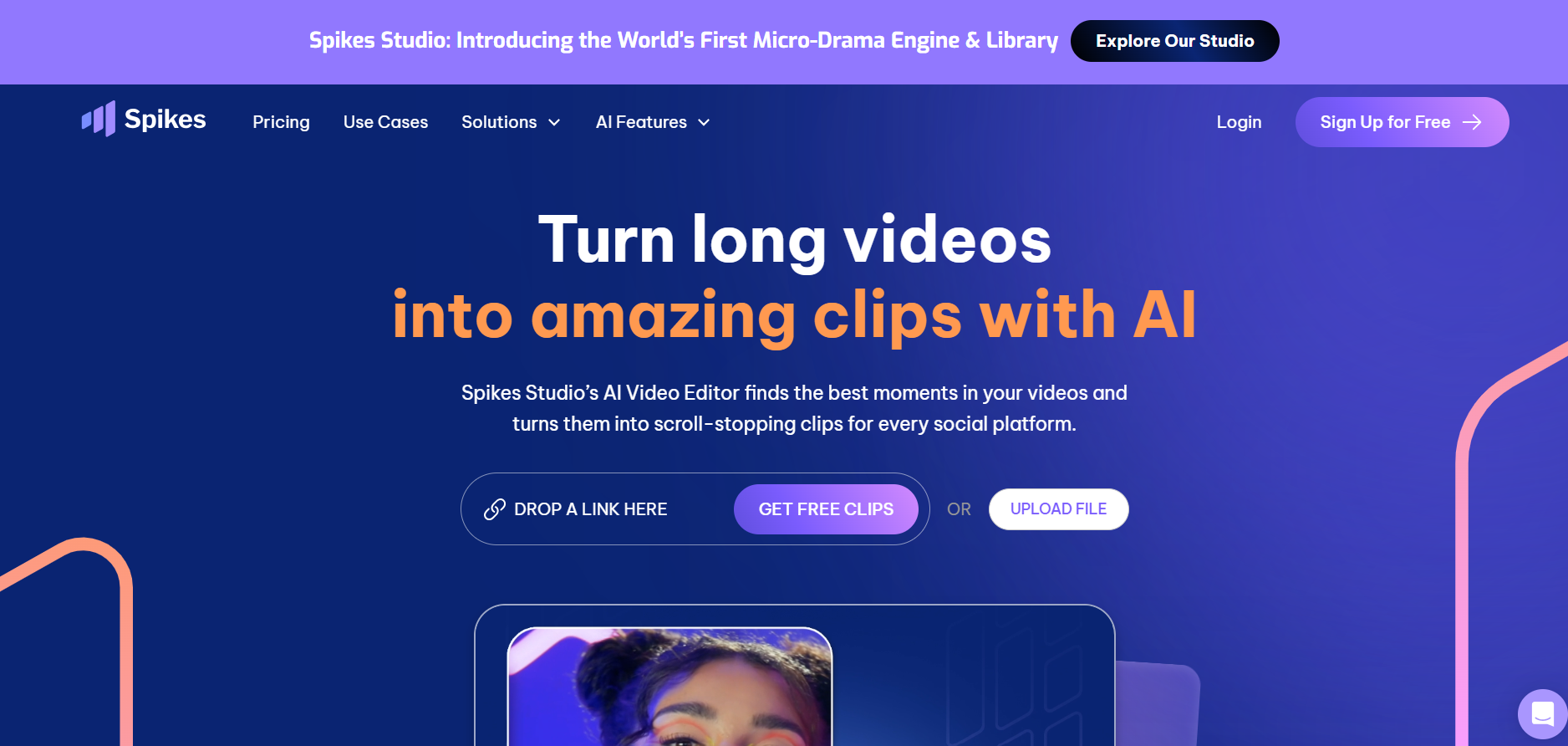
Spikes Studio — AI-powered long-form video to short-clip converter for social media.
Spikes Studio is an AI clip generator, not a general collaborative post-production suite as the DB describes. It ingests long videos (streams, podcasts, webinars) and automatically surfaces the best moments, resizes them for TikTok/Reels/Shorts, adds animated captions, and schedules publishing. The DB also mislabels the pricing model as 'Free Trial' — it is freemium with a permanent free tier. Entry paid tier is ~$14/mo on annual billing.
Genuinely reduces editing time for creators who publish across multiple short-form platforms. The AI moment-detection quality and caption tooling are strong; the free tier lets you validate output quality before committing.
Free tier is tightly capped (30 min/mo, watermark, 720p, 7-day storage) — barely enough for testing. Minute-credit model can be confusing, and per-minute rates swing wildly between monthly and annual billing.
A look inside
Frequently Asked Questions
Alternatives
Opus Clip for more granular AI clip scoring and deeper analytics on larger teams.
CapCut auto-highlight for casual creators already in the CapCut ecosystem.
Tags
Explore related categories
Conversion Gems independently reviews every tool. We may earn a commission if you sign up through our links — it never affects our verdict or ranking.


