

Remove.bg
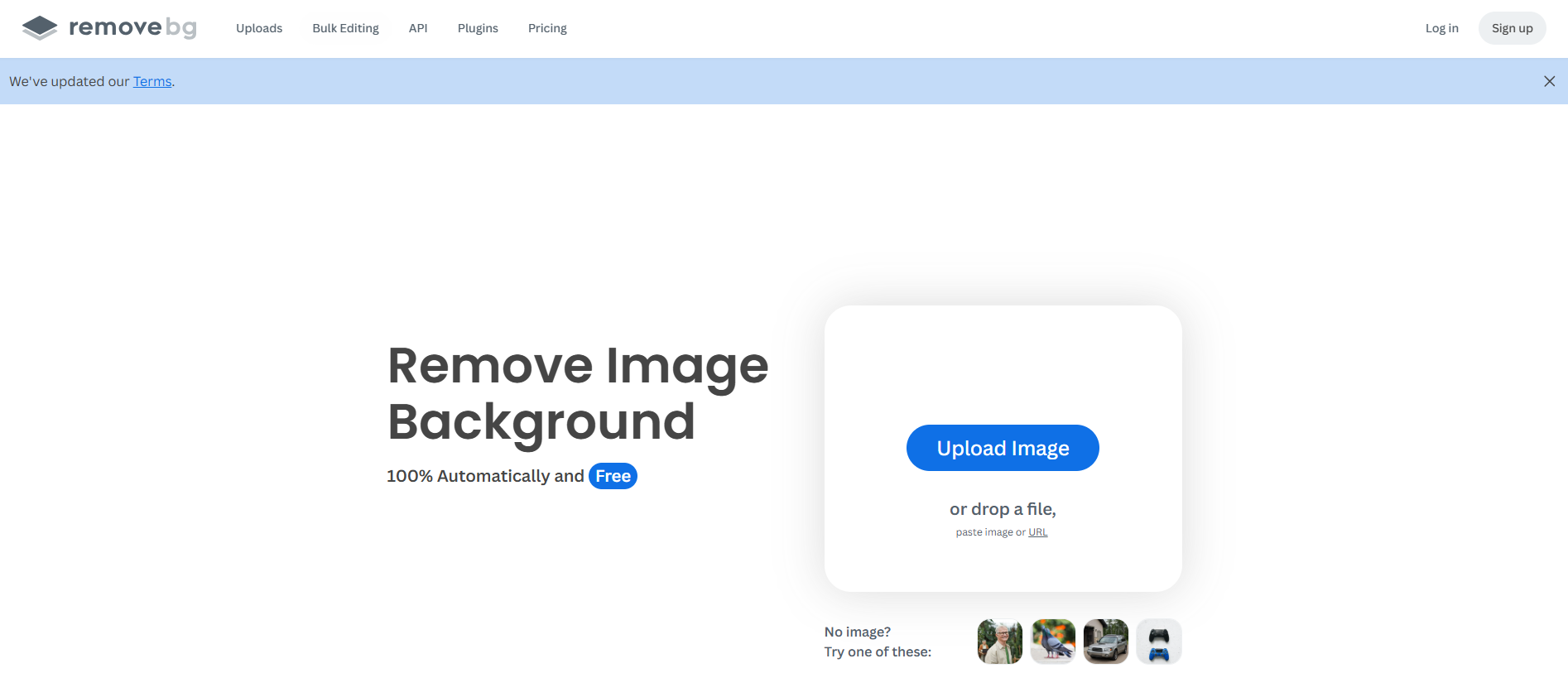
AI tool that automatically removes image backgrounds for clean and professional visuals.
Our take: Still the benchmark for fast cutouts on products and portraits.
Reliable background removal; credit model suits moderate volume, gets pricey at scale.
Our score
Reviewed by the Conversion Gems editorial team. Hover a facet to focus it; click to pin.Tap a facet to focus it.
Community ratings
Shown for context only. Our score is independent.
 G2
G2 Trustpilot
3.2 / 5 aggregate · across 2 sources
Third-party ratings shown verbatim; aggregate weighted by review volume.
What it is, and why we rate it
One line each. Open a row for detail.
Our takeStill the benchmark for fast cutouts on products and portraits.
Best / not good for
- E-commerce product photo background removal
- Developers integrating cutout API into pipelines
- Marketers needing Photoshop/desktop batch tools
- Complex hair/fur without manual touch-up
- Unlimited high-volume at low cost (credits add up)
- Full creative suite beyond background removal
Friction report
Trade-offs to know before signing up.
- Time to valueInstant: upload and download in seconds.
- Scale breakpointCredit costs rise quickly above Lite tier volume.
- Walled gardenLow: standard PNG output; Canva ownership but open API.
A look inside
Frequently Asked Questions
What capabilities does Remove.bg provide for AI image background removal?
What is Remove.bg used for in AI image processing?
What benefits does Remove.bg offer for AI image background removal?
What benefits does Remove.bg provide for AI background removal?
What benefits does Remove.bg provide for AI background removal in images?
Alternatives
Conversion Gems independently reviews every tool.