Best for iPhone users, music lovers, data managers
seo meta in 1 click
:
Best for SEO professionals, webmasters, digital marketers
rosebud browser
:
Best for browser users, developers, productivity seekers
ppspy chrome extension
:
Best for SEO specialists, market researchers, data analysts
equati0
:
Best for educators, students, math professionals
clearplay extension
:
Best for families, streamers, entertainment lovers
Sider.ai
:
Toby
:
Workona
:
Momentum
:
Bardeen.ai
:
AIPRM
:
Merlin
:
HyperWrite
:
Wordtune
:
Grammarly
:
QuillBot
:
Rakuten
:
Honey
:
BuiltWith
:
Raindrop.io
:
Pocket
:
Evernote Web Clipper
:
Notion Web Clipper
:
Glasp
:
Glarity
:
ChatGPT for Chrome
:
Compose AI
:
Momentum
Momentum provides a comprehensive suite of tools for content creators, marketers, and writers aiming to accelerate their workflow. It leverages sophisticated AI models to generate ideas, draft outlines, and produce complete content pieces across various formats. Beyond generation, Momentum integrates productivity features like distraction-free writing modes, progress tracking, and scheduled prompts, ensuring users stay on track and meet deadlines efficiently. Its intuitive interface makes it accessible for both novices and experienced professionals seeking to optimize their writing productivity.
Pros & Cons:
Pros
Cons
✔️ Significantly accelerates content creation across various formats.
✖️ May require human fact-checking for complex or highly specialized topics.
✔️ Enhances SEO performance through integrated keyword optimization features.
✖️ Output quality can vary depending on the specificity and detail of user prompts.
✔️ Offers robust collaboration tools, ideal for team-based content projects.
✖️ Full access to premium features requires a paid subscription, which might be a barrier for individuals or small teams.
Momentum is an AI-powered writing assistant designed to enhance productivity and streamline the content creation process. It combines advanced AI generation capabilities with focus-oriented features to help users overcome writer's block and maintain consistent output. Momentum is ideal for content marketers, bloggers, copywriters, academics, and business professionals who frequently produce written content and seek to improve their efficiency, overcome creative hurdles, and maintain high-quality output consistently. Momentum stands out as a productivity-focused AI writing tool that empowers users to generate content efficiently while providing the necessary features to maintain focus and overcome common writing challenges, making it a strong asset for consistent content production.
Bardeen.ai is designed to streamline digital workflows by enabling users to automate browser-based actions, integrate with various web applications, and leverage artificial intelligence for advanced tasks. It empowers individuals and teams to save time by automating data entry, lead generation, content aggregation, and other repetitive processes through a no-code interface, combining pre-built automations with custom playbook creation.
Pros & Cons:
Pros
Cons
✔️ Browser-first automation for real-time, context-aware task execution.
✖️ Can have a learning curve for complex Playbook creation.
✔️ Extensive integrations with popular productivity and business tools.
✖️ Reliability can sometimes be affected by changes in website structures during scraping.
✔️ No-code interface makes powerful automations accessible to non-developers.
✖️ Free plan has limited Playbook usage, pushing users to paid tiers for extensive use.
Bardeen.ai is an AI-powered automation platform that allows users to create custom workflows, automate repetitive tasks, and extract data directly from their browser. It integrates with hundreds of web apps and utilizes AI to enhance automation capabilities. Bardeen.ai is ideal for sales professionals, marketers, researchers, product managers, and anyone looking to automate repetitive digital tasks and enhance productivity. It serves individuals and small to medium-sized businesses seeking to optimize their workflows without requiring coding knowledge. Bardeen.ai stands out as a robust AI-powered automation tool for anyone seeking to streamline repetitive browser-based tasks and integrate intelligent actions into their daily workflows, offering a significant boost in productivity through its intuitive no-code platform.
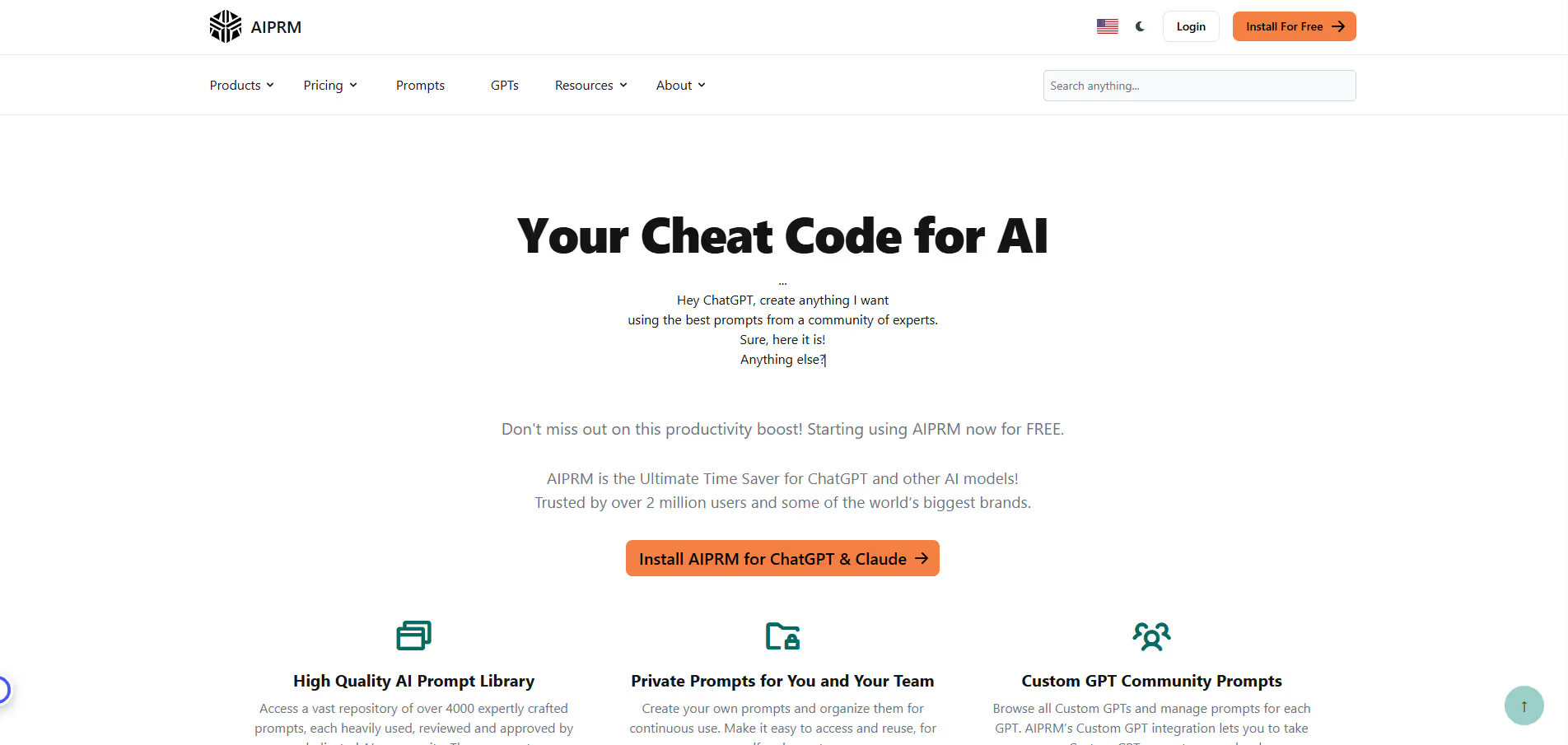
AIPRM (AI Prompt Management) is a leading browser extension designed to enhance the utility of ChatGPT by offering a vast library of meticulously crafted prompt templates. It simplifies the process of interacting with AI models, allowing users to achieve specific, high-quality outputs across various domains such as SEO content generation, marketing strategies, coding assistance, and comprehensive content creation. By leveraging community-contributed and expert-validated prompts, AIPRM eliminates the need for extensive prompt engineering knowledge, making advanced AI capabilities accessible to a broader audience, from individual creators to large enterprises.
Pros & Cons:
Pros
Cons
✔️ Provides instant access to a vast library of professionally crafted prompts.
✖️ Relies entirely on ChatGPT's underlying AI model; performance is tied to ChatGPT's capabilities.
✔️ Significantly reduces the time and effort needed for effective prompt engineering.
✖️ Free tier has limitations; advanced features and higher usage require paid subscriptions.
✔️ Seamlessly integrates with the ChatGPT interface for an enhanced user experience.
✖️ Primarily a browser extension; limited functionality outside of a web browser environment.
Bottom Line : AIPRM is a powerful browser extension that provides a curated collection of prompt templates for ChatGPT, enabling users to generate high-quality content for SEO, marketing, copywriting, and more with professional, pre-engineered prompts. SEO specialists, digital marketers, content creators, copywriters, entrepreneurs, developers, and anyone seeking to maximize their productivity and output quality when using ChatGPT for various professional and creative tasks. AIPRM is an indispensable tool for anyone looking to unlock the full potential of ChatGPT, transforming it into a highly efficient content generation and task automation powerhouse through expertly crafted prompts.
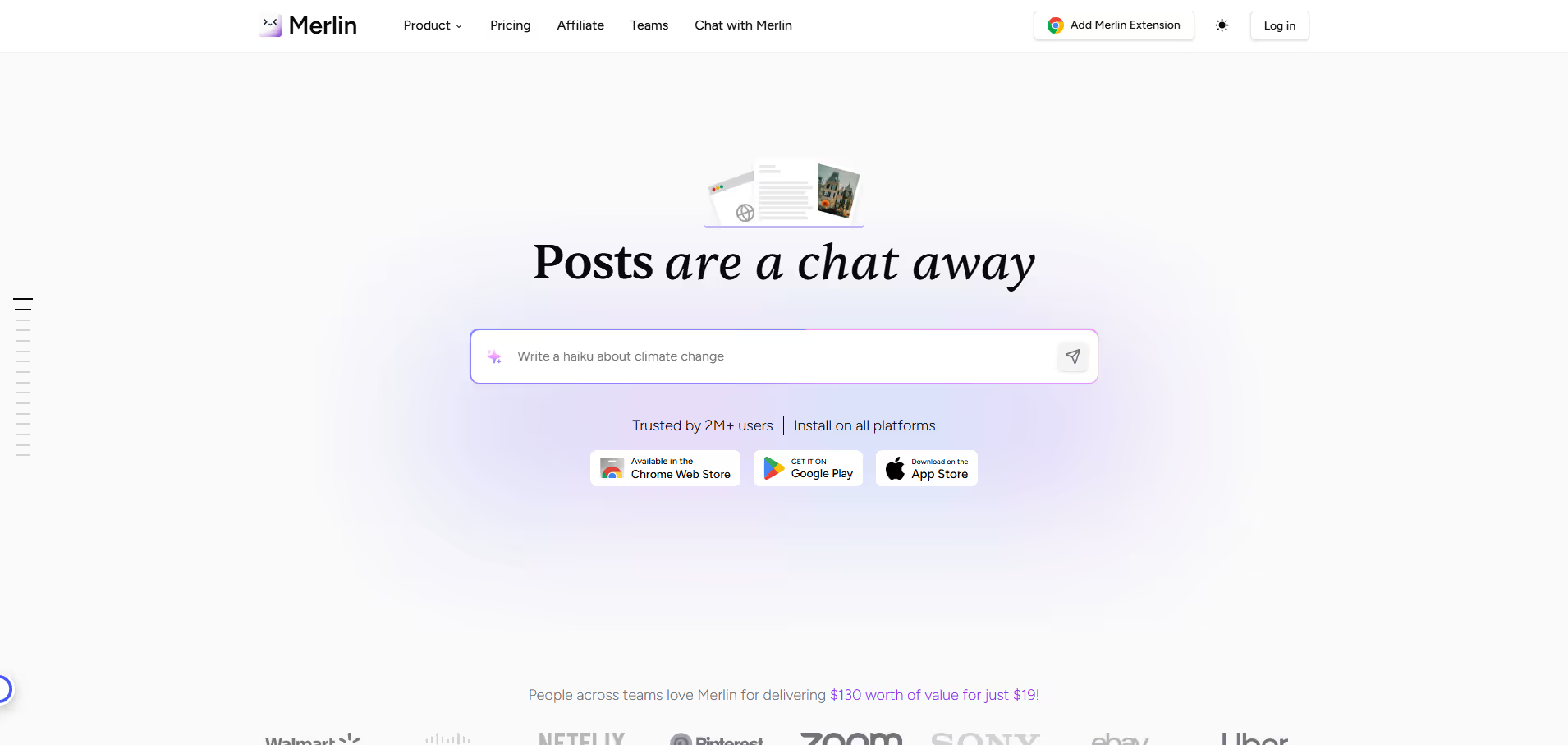
Merlin functions as a comprehensive AI assistant, empowering users to leverage cutting-edge AI models directly within their web browsing experience. It facilitates the drafting of emails, summarization of lengthy articles, rewriting of text for clarity, answering questions, and performing complex tasks across websites, social media, and productivity applications, thereby significantly boosting efficiency for professionals, writers, and content creators.
Pros & Cons:
Pros
Cons
✔️ Deep control over scripts/styles to remove bloat.
✖️ No built-in caching; needs to pair with a caching plugin.
✖️ Some features require careful testing, may break theme/plugins if misconfigured.
✔️ Lightweight, minimal overhead, good UI with one-click toggles.
✖️ Premium plugin; no free version to try all features.
Bottom Line : Merlin is an AI-powered browser extension designed to integrate advanced AI capabilities, including content generation, summarization, and task automation, directly into your web browser across various online platforms. Content creators, marketers, writers, students, researchers, and professionals seeking to enhance productivity and streamline web-based tasks by seamlessly integrating AI assistance into their daily workflows. Merlin stands out as a powerful and highly convenient AI browser extension, effectively bringing advanced AI capabilities directly to your fingertips for enhanced productivity across all your web-based workflows and content creation needs.
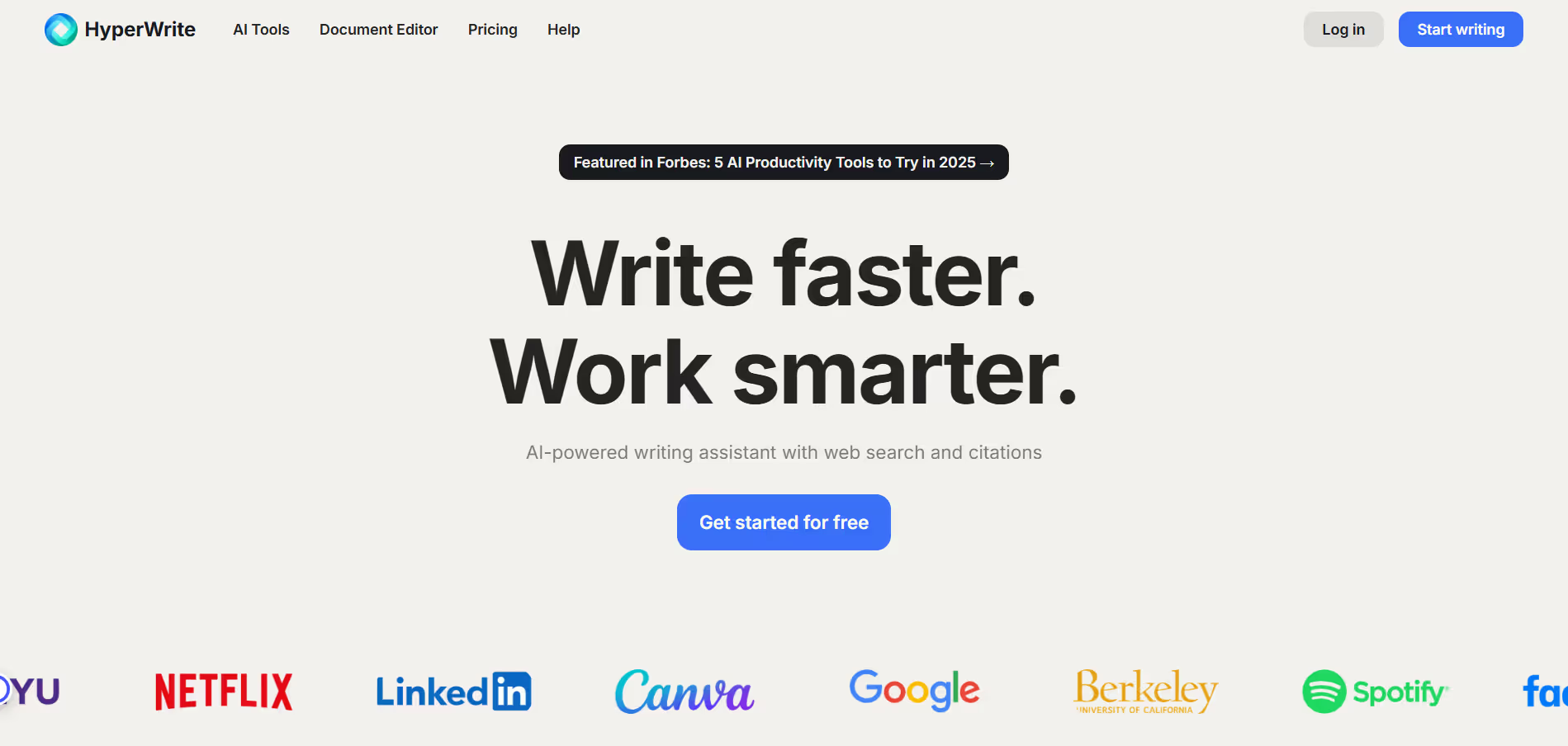
HyperWrite leverages sophisticated AI models to assist users in generating high-quality text, from crafting engaging marketing copy and comprehensive articles to personal emails and creative stories. It integrates seamlessly into workflows through a web application and browser extension, providing real-time assistance, brainstorming tools, and stylistic refinements to produce polished and effective content efficiently.
Pros & Cons:
Pros
Cons
✔️ Deep control over scripts/styles to remove bloat.
✖️ No built-in caching; needs to pair with a caching plugin.
✖️ Some features require careful testing, may break theme/plugins if misconfigured.
✔️ Lightweight, minimal overhead, good UI with one-click toggles.
✖️ Premium plugin; no free version to try all features.
HyperWrite is an advanced AI writing assistant designed to streamline content creation, offering intelligent suggestions, automated generation, and editing capabilities across various writing formats to boost productivity and quality. Content creators, marketers, students, business professionals, developers, and anyone seeking to enhance their writing efficiency and quality across a diverse range of text-based tasks. HyperWrite stands out as a highly adaptable AI writing assistant, perfect for users who value personalization and require comprehensive support across various writing needs, making it a powerful tool for enhancing writing productivity and quality.
Wordtune leverages advanced natural language processing (NLP) to offer real-time suggestions for rephrasing, simplifying, or expanding sentences. It goes beyond basic grammar correction, providing options to adjust the tone of writing (e.g., formal, casual, concise, elaborate) and ensuring messages are conveyed effectively and precisely. It integrates seamlessly into various platforms, making it a versatile assistant for diverse writing needs.
Pros & Cons:
Pros
Cons
✔️ Exceptional rephrasing capabilities and tone adjustments.
✖️ Free version has significant usage limitations.
✔️ Intuitive user interface and seamless browser extension integration.
✖️ Less focused on deep grammar and punctuation correction compared to Grammarly.
✔️ Helps overcome writer's block by suggesting fresh ways to articulate ideas.
✖️ Occasional suggestions may not perfectly align with specific contexts, requiring manual review.
Bottom Line : Wordtune is an AI-powered writing tool designed to help users rephrase sentences, improve clarity, and enhance the overall quality of their text with a focus on tone and style adjustments. Wordtune is ideal for professionals, students, marketers, and anyone who needs to write clearly, concisely, and effectively. It particularly benefits those looking to improve their writing style, adapt their tone for different audiences, or overcome writer's block by generating alternative phrasings. Wordtune is an indispensable AI writing companion for anyone seeking to elevate their writing beyond basic grammar correction, offering powerful rephrasing and tone adjustment features to communicate more effectively and impactfully across various contexts.
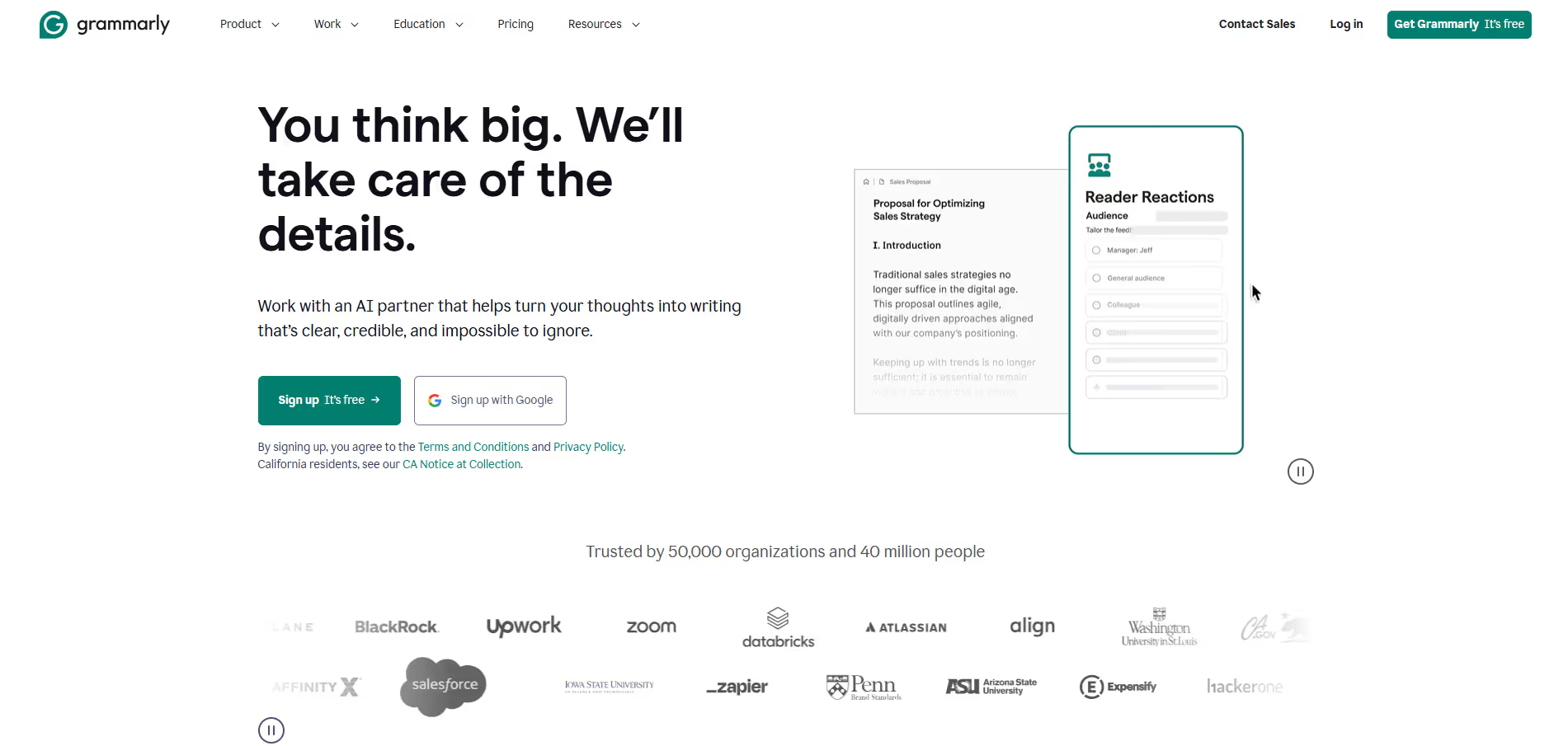
Grammarly is a comprehensive digital writing assistant designed to enhance communication by identifying and correcting grammatical errors, spelling mistakes, punctuation issues, and stylistic problems. Beyond basic corrections, it offers intelligent suggestions for improving clarity, engagement, and delivery, as well as detecting and adjusting tone. It integrates seamlessly into web browsers, desktop applications, and mobile devices, providing real-time feedback across a wide range of writing scenarios, from emails and documents to social media posts and academic papers.
Pros & Cons:
Pros
Cons
✔️ Highly accurate grammar, spelling, and punctuation correction.
✖️ Free version has limited features compared to Premium/Business plans.
✔️ Excellent real-time feedback and extensive cross-platform integration.
✖️ Can sometimes flag culturally specific or nuanced phrasing as incorrect.
✔️ User-friendly interface with advanced suggestions for clarity, tone, and engagement.
✖️ Premium subscription can be relatively expensive for individual users compared to some alternatives.
Bottom Line : Grammarly is an AI-powered writing assistant that helps users compose clear, effective, and error-free text across various digital platforms and applications. Students, professionals, content creators, marketers, educators, and anyone looking to improve their written communication skills, ensure accuracy, and enhance the overall impact of their text. Grammarly stands out as an indispensable AI writing assistant that significantly elevates the quality, clarity, and effectiveness of written communication for a broad spectrum of users, making it a top choice for anyone aiming to produce polished and professional text across digital environments.
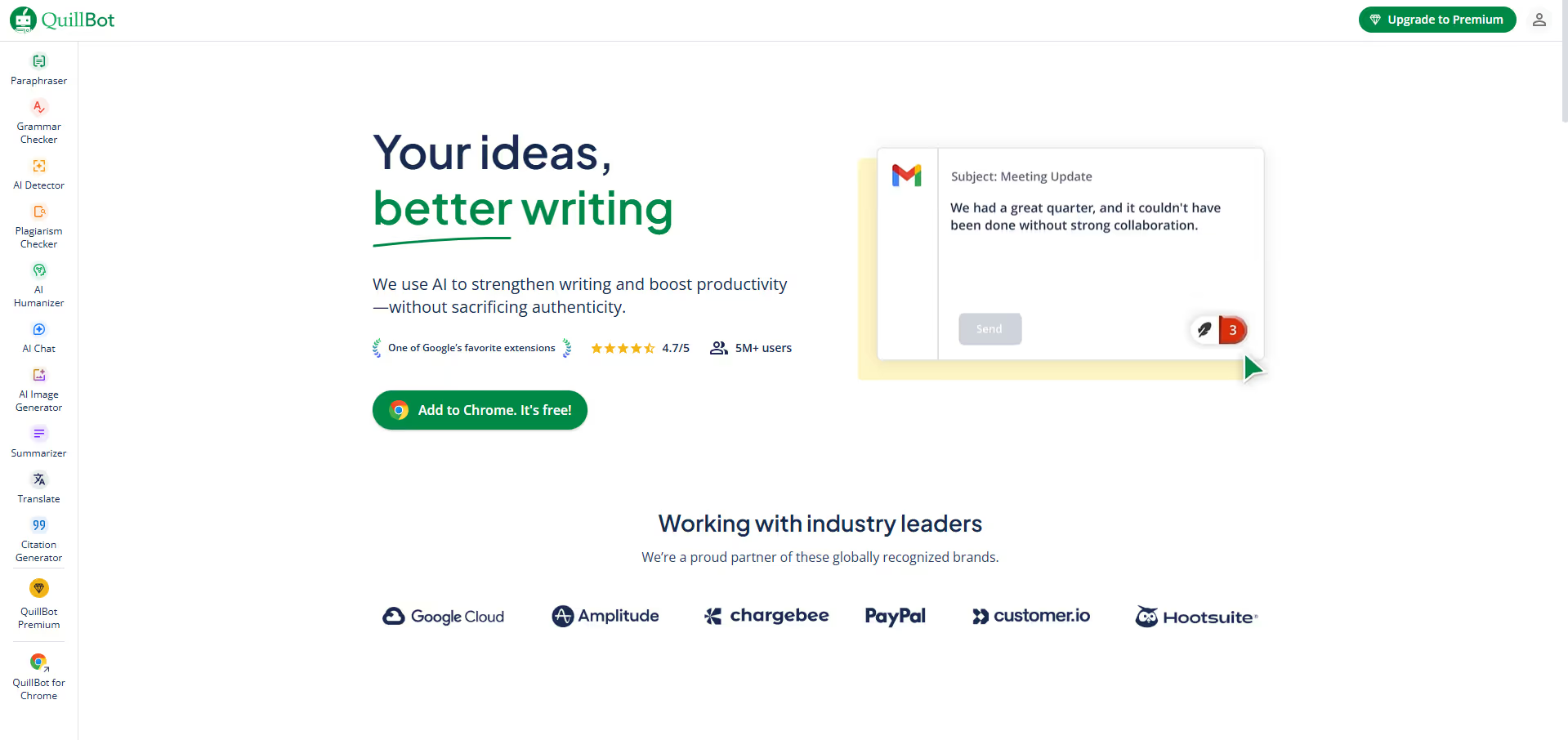
QuillBot is an artificial intelligence writing tool designed to assist users in rephrasing, summarizing, and refining written content. It utilizes sophisticated natural language processing to offer multiple paraphrasing modes, allowing users to modify text for improved readability, conciseness, creativity, or to expand on ideas. Beyond its core paraphrasing function, QuillBot includes a summarizer, grammar checker, plagiarism checker, co-writer, and citation generator, making it a comprehensive suite for students, content creators, and professionals aiming to elevate their writing.
Pros & Cons:
Pros
Cons
✔️ Highly effective paraphrasing with multiple modes to suit different writing needs.
✖️ Free version has limitations on word count and available modes.
✔️ Integrated summarizer, grammar checker, and citation generator for an all-in-one solution.
✖️ Plagiarism checker and some advanced features are restricted to premium plans.
✔️ User-friendly interface with intuitive design and browser extensions for easy access.
✖️ AI-generated paraphrases may occasionally require minor manual adjustments for perfect nuance.
Bottom Line : QuillBot is an AI-powered writing assistant renowned for its advanced paraphrasing capabilities, summarization, and grammar checking, helping users enhance their text clarity and fluency. Students, academics, content writers, marketers, researchers, and anyone who needs to refine their writing, avoid plagiarism, improve text flow, or quickly summarize information. QuillBot stands out as an exceptionally versatile AI writing tool, particularly for its robust paraphrasing and summarization capabilities. It’s an invaluable asset for anyone looking to quickly refine text, enhance clarity, ensure originality, and streamline their writing process.
Rakuten operates as an affiliate marketing platform, partnering with over 3,500 stores to offer cashback to its members. When a user shops through Rakuten's website, mobile app, or browser extension, Rakuten earns a commission from the retailer, a portion of which is then shared with the user as cashback. This system enables users to save on a wide range of products and services, from clothing and electronics to travel and home goods. Payments are issued quarterly via PayPal or physical check, making it a straightforward way to accumulate savings from routine online shopping.
Pros & Cons:
Pros
Cons
✔️ Extensive network of popular online and in-store retailers.
✖️ Cashback payments are only issued quarterly, not on demand.
✔️ Generous cashback rates, often boosted during special promotions.
✖️ Minimum payout threshold ($5.01) must be met to receive payment.
✔️ User-friendly browser extension makes earning cashback effortless.
✖️ Some cashback exclusions or varying rates depending on product categories.
✔️ Strong referral program provides significant bonus earnings.
✖️ Requires active engagement (clicking links, using extension) to ensure cashback tracking.
Rakuten stands out as a reliable and user-friendly platform for earning cashback on online purchases, making it an excellent tool for savvy shoppers looking to maximize their savings with minimal effort across a vast array of retailers.











.svg)
.svg)



.jpeg)
.png)
.svg)

.svg)


.svg)

.avif)
.svg)



.svg)