Best for iPhone users, music lovers, data managers
seo meta in 1 click
:
Best for SEO professionals, webmasters, digital marketers
rosebud browser
:
Best for browser users, developers, productivity seekers
ppspy chrome extension
:
Best for SEO specialists, market researchers, data analysts
equati0
:
Best for educators, students, math professionals
clearplay extension
:
Best for families, streamers, entertainment lovers
Sider.ai
:
Toby
:
Workona
:
Momentum
:
Bardeen.ai
:
AIPRM
:
Merlin
:
HyperWrite
:
Wordtune
:
Grammarly
:
QuillBot
:
Rakuten
:
Honey
:
BuiltWith
:
Raindrop.io
:
Pocket
:
Evernote Web Clipper
:
Notion Web Clipper
:
Glasp
:
Glarity
:
ChatGPT for Chrome
:
Compose AI
:
Honey
Honey, developed by PayPal, streamlines the process of finding discounts and earning rewards while shopping online. Once installed, it automatically scans for available coupon codes and applies the best working one to a user's cart at thousands of e-commerce sites. Beyond automated coupon application, Honey also features 'Honey Gold' rewards, offering a percentage of purchases back in points redeemable for gift cards, and a robust price tracking tool for popular platforms like Amazon.
Pros & Cons:
Pros
Cons
✔️ Automatically finds and applies the best available coupon codes.
✖️ Coupon success rates can vary, and not all codes always work.
✔️ Earns 'Honey Gold' cash back rewards on purchases at many retailers.
✖️ Cash back rates might be lower compared to dedicated cash back platforms for some stores.
✔️ Includes useful price tracking and history features, especially for Amazon.
✖️ Collects browsing data, which may be a privacy concern for some users.
✔️ Easy to install and use browser extension with minimal setup.
✖️ Notifications can sometimes be frequent or intrusive for certain users.
Honey is an indispensable and convenient tool for online shoppers seeking to effortlessly find discounts and earn rewards, offering a seamless way to save money directly at the point of purchase.
BuiltWith provides in-depth insights into the technology stack of virtually any website, from identifying content management systems and advertising networks to payment gateways and hosting providers. It empowers users to uncover technology adoption trends, generate highly targeted sales leads based on specific technology usage, and gain a strategic understanding of competitor's digital infrastructure. The platform offers tools for creating custom technology lists, analyzing market share, and tracking the evolution of technology usage across diverse industries.
Pros & Cons:
Pros
Cons
✔️ Extensive database of technologies, including historical usage data.
✖️ Can be a significant investment for small businesses or individual users.
✔️ Powerful lead generation and list-building capabilities based on technology stack.
✖️ Data for very niche or rapidly changing technologies can occasionally be slightly outdated.
✔️ Detailed market share analysis and trend tracking across various technology categories.
✖️ Maximizing advanced features may require a learning curve for new users.
✔️ Broad coverage of technology categories, from CMS to analytics and advertising.
✖️ The free version is highly limited, primarily offering single website lookups.
BuiltWith is an indispensable tool for deciphering the web's technology landscape, providing unparalleled intelligence for strategic planning, targeted sales outreach, and comprehensive competitive benchmarking for organizations focused on digital strategy and market expansion.
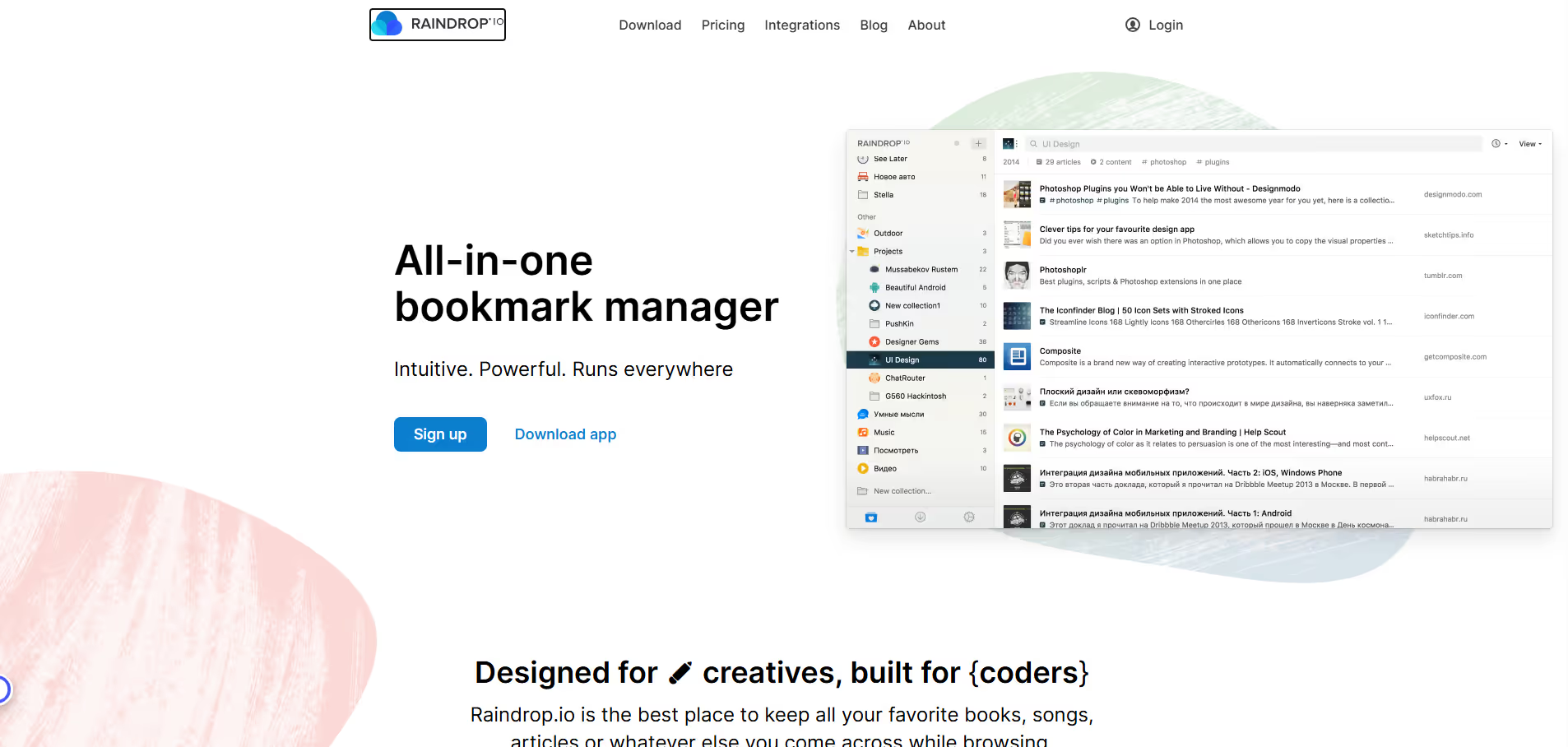
Raindrop.io transforms traditional bookmarking into a powerful content curation system. It offers a rich, visual interface where saved items appear as intuitive cards, complete with screenshots and relevant information. Users can create unlimited collections, apply nested tags, and leverage a robust full-text search to quickly retrieve any saved item. With support for various content types—from articles and videos to images, PDFs, and even files—Raindrop.io serves as a central hub for personal and professional digital libraries.
Pros & Cons:
Pros
Cons
✔️ Highly visual and intuitive interface for organizing bookmarks.
✖️ Free tier has limitations on storage and features compared to Pro.
✔️ Robust full-text search capability makes finding saved content effortless.
✖️ Some advanced features like broken link checking are exclusive to the Pro plan.
✔️ Supports saving various content types including images, videos, PDFs, and files.
✖️ Can have a slightly steeper learning curve for new users compared to simpler bookmarking tools.
✔️ Excellent cross-platform availability with browser extensions and mobile apps.
✖️ Offline access for full content is limited; primarily an online service.
Raindrop.io stands out as a sophisticated and visually appealing bookmark manager, moving beyond simple links to offer a comprehensive system for curating and retrieving diverse digital content. Its powerful organization and search capabilities make it an invaluable tool for anyone looking to build a structured digital library.
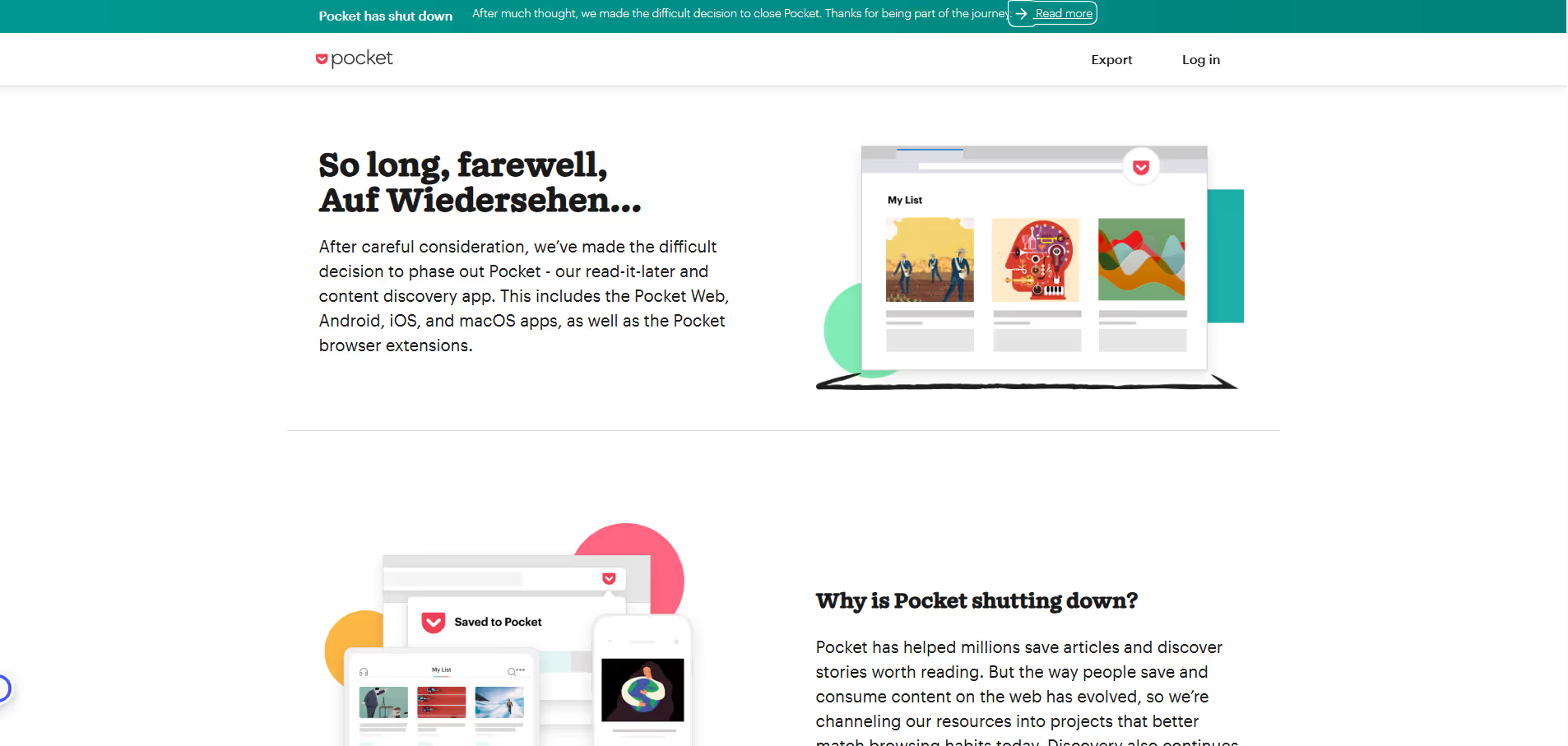
Pocket allows users to quickly save any web page, article, or video from their browser or various apps with a single click. Once saved, content is synchronized across all user devices, providing the flexibility to access it offline. The service excels by stripping away advertisements and extraneous page elements, presenting saved articles in a clean, customizable reading view. Beyond its core saving functionality, Pocket facilitates content discovery through personalized recommendations and offers robust tagging for effective organization, making it an invaluable tool for research, learning, and personal content curation.
Pros & Cons:
Pros
Cons
✔️ Excellent cross-platform availability and seamless synchronization across devices.
✖️ Many advanced features, like permanent library and full-text search, are locked behind a premium subscription.
✔️ Provides a clean, distraction-free reading experience for saved articles by stripping away clutter.
✖️ Formatting of saved pages can occasionally be imperfect or inconsistent, especially for complex layouts.
✔️ Easy one-click saving of various content types (articles, videos, web pages) from multiple sources.
✖️ Can easily become a 'read-it-later' graveyard if users don't actively manage their saved content.
✔️ Offers offline access to saved content, making it ideal for commutes and travel.
✖️ Content discovery features, while useful, can sometimes lead to an overload of recommendations.
Pocket remains a premier choice for anyone looking to declutter their browsing experience, organize valuable web content, and ensure they can access their reading list anywhere, anytime. Its intuitive saving mechanisms and clean reading interface make it an indispensable tool for focused consumption and digital content curation.
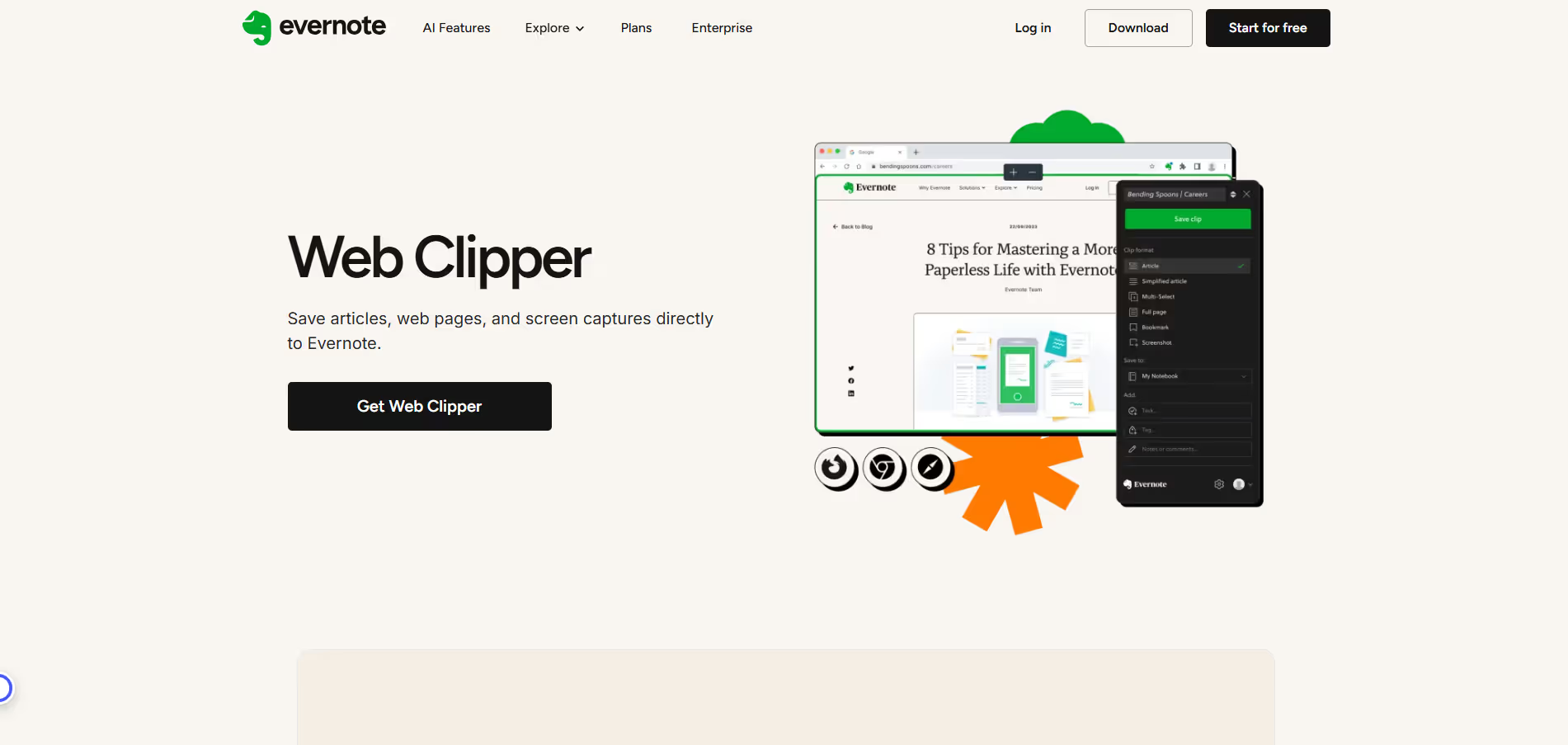
The Evernote Web Clipper provides a seamless way to capture valuable information from the web without leaving your browser. It enables users to save full web pages, simplified articles, specific selections, or screenshots with a single click. Captured content is automatically synced to your Evernote notebooks, where it can be tagged, annotated, and searched, transforming the web into a personal, organized knowledge base.
Pros & Cons:
Pros
Cons
✔️ Seamless integration with the Evernote ecosystem for unified note-taking.
✖️ Requires an Evernote account, limiting its utility for non-Evernote users.
✔️ Diverse capture options, including full page, article, selection, and screenshot.
✖️ Some advanced features and storage limits are tied to paid Evernote plans.
✔️ Powerful organization features (tags, notebooks, annotations) at the point of capture.
✖️ Clipping can occasionally be imperfect on highly dynamic or complex web pages.
Evernote Web Clipper is an indispensable tool for Evernote users seeking to extend their note-taking capabilities to the web, transforming casual browsing into an efficient information-gathering process.
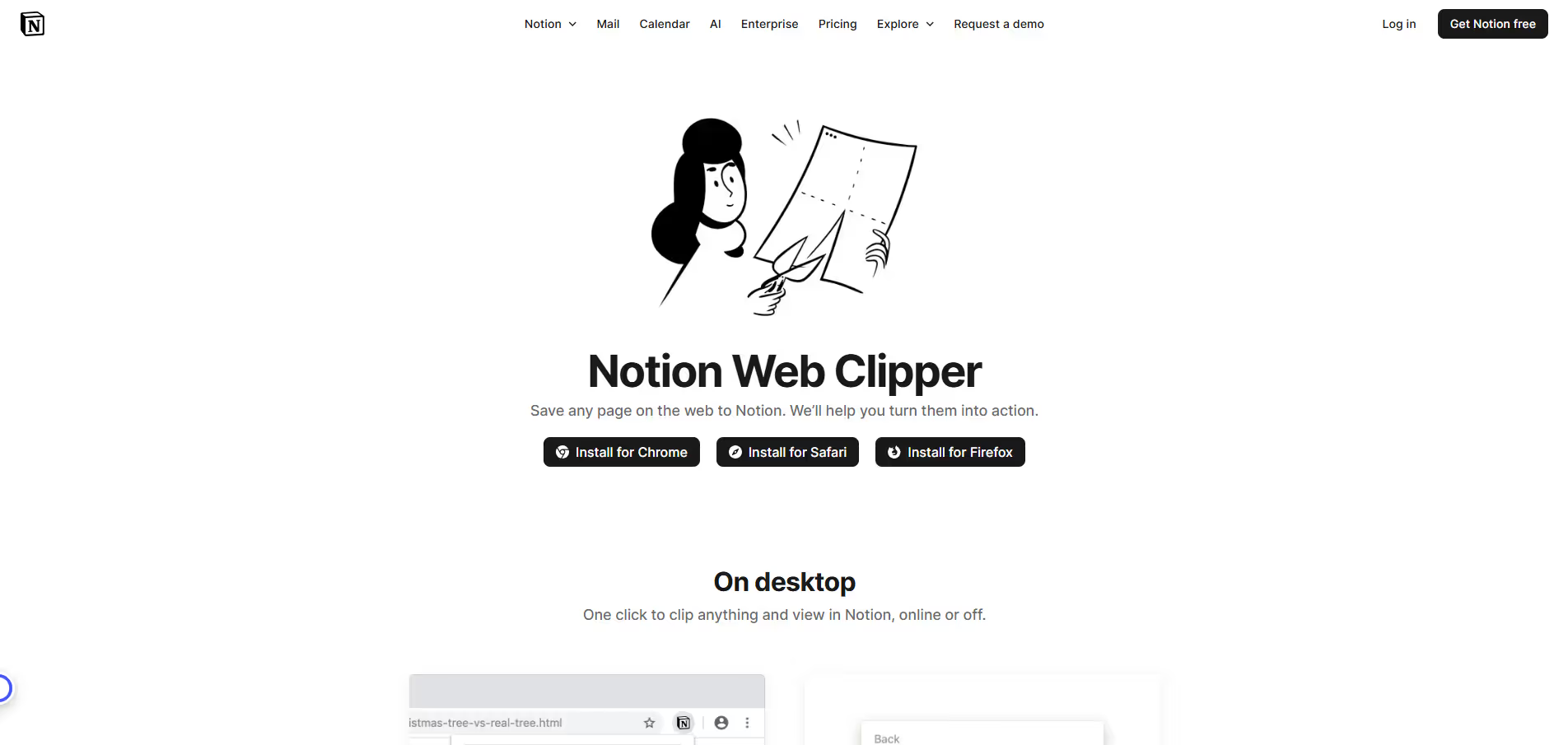
Notion Web Clipper acts as a bridge between the vastness of the internet and the structured environment of your Notion workspace. By installing the browser extension, users can effortlessly capture full web pages, simplified articles, or just links with a single click. Upon clipping, content can be assigned to specific Notion pages or database items, allowing for immediate categorization, tagging, and property assignment. This integration transforms casual browsing into a systematic method for building research libraries, reading lists, project resources, and personal knowledge bases, making external content a native part of your Notion ecosystem.
Pros & Cons:
Pros
Cons
✔️ Deep integration with Notion workspaces and databases.
✖️ Requires a Notion account to function.
✔️ Saves content directly, allowing immediate categorization and property assignment.
✖️ Occasional issues with complex web page layouts and formatting.
✔️ Option to save simplified, ad-free article views for cleaner content.
✖️ Functionality is limited to the Notion ecosystem; not a standalone web clipper.
✔️ Enhances research, content curation, and knowledge management workflows.
✖️ Dependent on browser extension stability, which can vary.
The Notion Web Clipper is an indispensable tool for Notion users, seamlessly extending the power of their workspace to the entire internet. It transforms web browsing into an organized content capture process, making it effortless to build comprehensive resources directly within Notion.
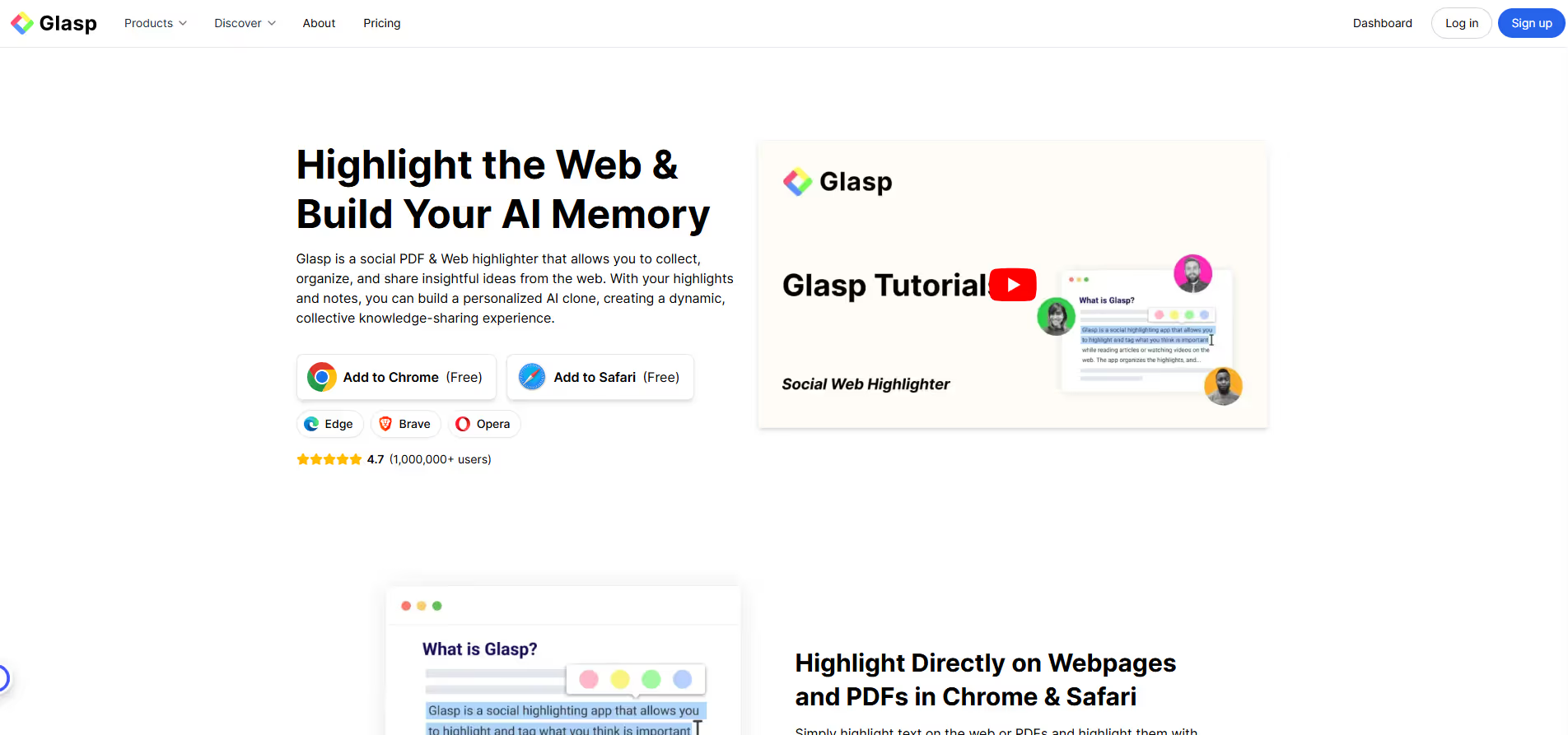
Glasp serves as a digital knowledge capture and sharing platform, primarily through its browser extension. Users can highlight specific text passages on any webpage or timestamped segments in YouTube videos. These highlights are then automatically saved to a personal profile, complete with original source links, tags, and personal notes. A core feature is its social dimension, enabling users to discover and follow others' highlights, thereby cultivating a collaborative learning environment. It integrates seamlessly with popular knowledge management tools like Notion, Obsidian, and Readwise for extended utility.
Pros & Cons:
Pros
Cons
✔️ Deep control over scripts/styles to remove bloat.
✖️ No built-in caching; needs to pair with a caching plugin.
✖️ Some features require careful testing, may break theme/plugins if misconfigured.
✔️ Lightweight, minimal overhead, good UI with one-click toggles.
✖️ Premium plugin; no free version to try all features.
Glasp transforms passive content consumption into an active, social learning experience, making it easier to capture, connect, and share valuable insights from the internet's vast knowledge base.
Glarity is an artificial intelligence-driven browser extension that integrates directly into your web browsing experience to provide concise summaries of various digital content. By leveraging advanced AI models, it enables users to quickly extract the main points from lengthy articles, video transcripts, and documents, significantly enhancing productivity and information processing efficiency.
Pros & Cons:
Pros
Cons
✔️ Seamless browser integration for instant summaries of various content types.
✖️ Summary quality can vary significantly based on content complexity and AI model chosen.
✔️ Supports multiple AI models (e.g., GPT, Claude) providing flexibility and choice.
✖️ Optimal performance often requires users to provide their own API keys for advanced AI models, incurring potential costs.
✔️ Significantly boosts productivity by reducing time spent on consuming long articles, videos, and documents.
✖️ Relies on third-party AI services, which may raise privacy concerns for users handling sensitive information.
✔️ Free to use for its core functionality, making advanced summarization accessible.
✖️ May not capture nuanced context or subtle implications that a full, careful reading would provide.
Glarity is an indispensable browser extension for anyone overwhelmed by digital content, offering rapid AI-powered summarization of web pages, videos, and PDFs to significantly boost productivity and information absorption.
ChatGPT for Chrome is a productivity extension designed to embed OpenAI's powerful ChatGPT model directly into your web browsing experience. It enables users to interact with the AI assistant through a convenient sidebar or context menu, facilitating tasks like content generation, text summarization, coding assistance, and rapid information lookup. By eliminating the need to navigate to the ChatGPT website, it streamlines workflows and enhances efficiency for a wide range of browser-based activities.
Pros & Cons:
Pros
Cons
✔️ Seamless, always-on integration of ChatGPT into your browser.
✖️ Relies on OpenAI API, which may have usage limits or associated costs.
✔️ Significant productivity boost by reducing tab switching and copy-pasting.
✖️ Potential privacy concerns depending on how content is handled and sent to the API.
✔️ Context-aware interactions, allowing AI prompts based on current page content.
✖️ Can consume browser resources, potentially impacting performance on older systems.
✔️ User-friendly interface with quick access shortcuts and templates.
✖️ Over-reliance on AI may diminish critical thinking skills over time.
ChatGPT for Chrome transforms your browsing experience by deeply integrating powerful AI capabilities, making it an indispensable tool for anyone seeking to enhance productivity, accelerate content creation, and streamline information processing directly within their web browser.











.svg)
.svg)



.jpeg)
.png)
.svg)

.svg)


.svg)

.avif)
.svg)



.svg)